
A small US-dollar crypto card with a clear Brazil-US angle, but a lot of its detail is still left for you to find out
 Available in US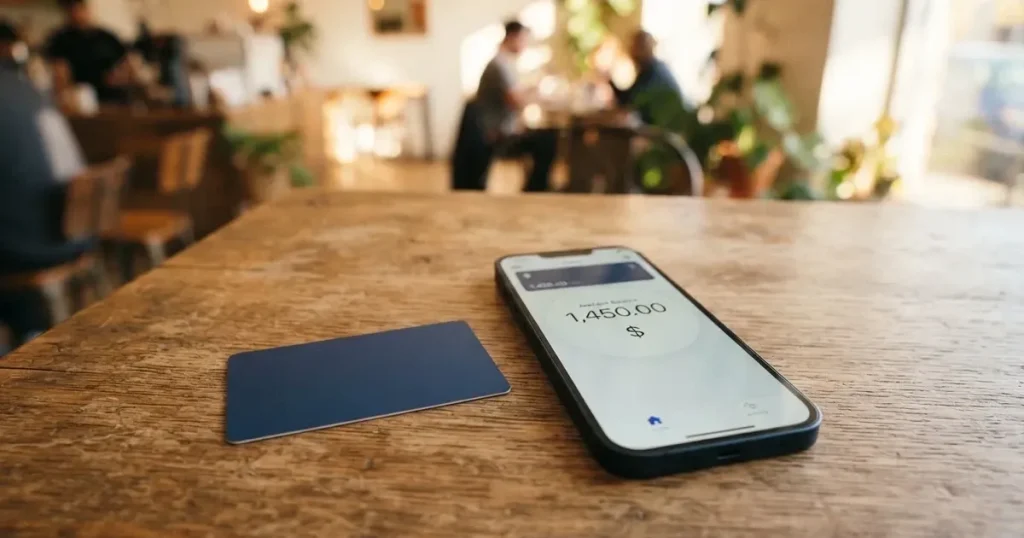
I went through Ruvo’s public pages, the app store listing and what little press coverage exists, and came away with a card that does one thing cleanly — a US-dollar balance spent like a normal payment card — while leaving a lot of supporting detail unstated. If you are a Brazilian or US user moving dollars between a self-custody wallet and everyday spending, the shape fits. If you are outside that lane, you are reading between the lines more than I would like.
Conditions are current as of October 28, 2026.
Verdict
Ruvo scores 6.1 out of 10 in my weighing. The cost story is the bright spot: purchases in US dollars carry no fee, and non-USD spending adds only a 1% foreign-transaction fee on top of the exchange rate, with IOF at 0% on the Pix example I checked. The card leans on Pix in Brazil and a US-dollar balance elsewhere, and the company itself says it is “NOT A BANK” and works through regulated partners. That is also where the marks come off: the card-issuing bank is not named, the licence picture is described in general terms, and a meaningful slice of the day-to-day detail — physical card, ATM, blocked categories, monthly fee, tiers — is simply not published.
| Criterion | Mark | Why I gave it that mark |
|---|---|---|
| Who can get it | 5 / 10 | Marketed as “accepted worldwide”, but Brazil (Pix) and the US (USD balance) are the highlighted lanes; availability “varies by jurisdiction, user type, provider, and product” |
| Cost | 8 / 10 | USD purchases free, non-USD +1% FX, IOF 0% on the Pix example, 0.5% fee in the worked conversion; issuance and monthly fees not disclosed |
| Top-up options | 5 / 10 | BRL via Pix and USD both arrive in under a minute; earlier versions mentioned USDT from a self-custody wallet and ACH/wire; supported coins and networks not listed |
| Reliability and complaints | 6 / 10 | Operated by Ruvo Financial Inc. under Delaware law, partners in the US and Brazil are described as licensed, no user complaints found in my search, App Store rating 4.9 from 31 ratings |
| Everyday use | 6 / 10 | Virtual card in USD with Apple Pay and Google Pay; physical card and ATM behaviour not disclosed |
| Total | 6.1 / 10 |
The audience I had in mind while reading: someone in Brazil or the US moving dollars out of a self-custody wallet into a payment card, who is comfortable with a fee-light but lightly documented product.
Who Ruvo will give the card to
The marketing line on Ruvo’s page is that the card is “accepted worldwide”, and the two corridors it actually highlights are Brazil (with Pix funding) and the United States (with a US-dollar balance). That is a narrower promise than it sounds: the same page sets the caveat that availability “varies by jurisdiction, user type, provider, and product”, and the terms reserve the right to restrict access by jurisdiction and by sanctions. The sign-up declaration includes a representation that you are not on US, UN, EU, UK or Brazilian sanctions lists. Citizenship and country of birth are screened separately from where you live, which is the same pattern most regulated card programmes follow, and it is the reason a person resident in a supported country but holding an ID from a restricted region can still be turned away.
If you sit inside that Brazil-or-US lane the experience is designed around you. If you sit outside it, you can read the public pages, but you cannot assume the on-ramp is open.
How to get it
Ruvo’s terms give the partner stack a wide berth: the regulated partners may require legal name, date of birth, address, government ID, taxpayer ID and biometric verification, and the minimum age is 18. If those checks cannot be completed, the stated consequences are limits, suspension or termination of the account. Ruvo’s own pages do not walk through a step-by-step sign-up flow, and the KYC levels (basic vs enhanced, with their respective limits) are not published.
The card you end up with is a virtual card denominated in US dollars. Inside the app you can view card details, freeze the card, set a PIN, request a replacement, manage spending limits, and add it to Apple Wallet. The card network is not stated on Ruvo’s own page; one Brazilian press report from January 2026 describes it as a Visa Platinum card for USD spending, which I am flagging as unofficial and not confirmed by Ruvo. Physical delivery and any plastic form factor are not stated — the public material shows only the digital card and wallet setup.
In practice the gap is that you will only know whether the plastic and the network exist once you are inside the app, and only then can you decide if the experience matches what you came for.
Fees and what a Ruvo payment really costs
This is the strongest part of the offering. Purchases in US dollars carry no fee. A purchase in any other currency adds a 1% foreign-transaction fee on top of the applicable exchange rate, and the worked example on Ruvo’s page converts R$1,000 to roughly 196.41 USDC at a 5.0915 BRL/USDC rate, described as “after a 0.5% fee”. IOF on that Pix route is 0%. The unofficial January 2026 figure from the Brazilian press is more granular: individuals 0.9% on USDT-to-USD/BRL and 1.8% on USD-to-BRL, businesses 0.2% and 0.4% respectively, and crypto-to-crypto conversion free. Treat those numbers as third-party and unconfirmed by Ruvo.
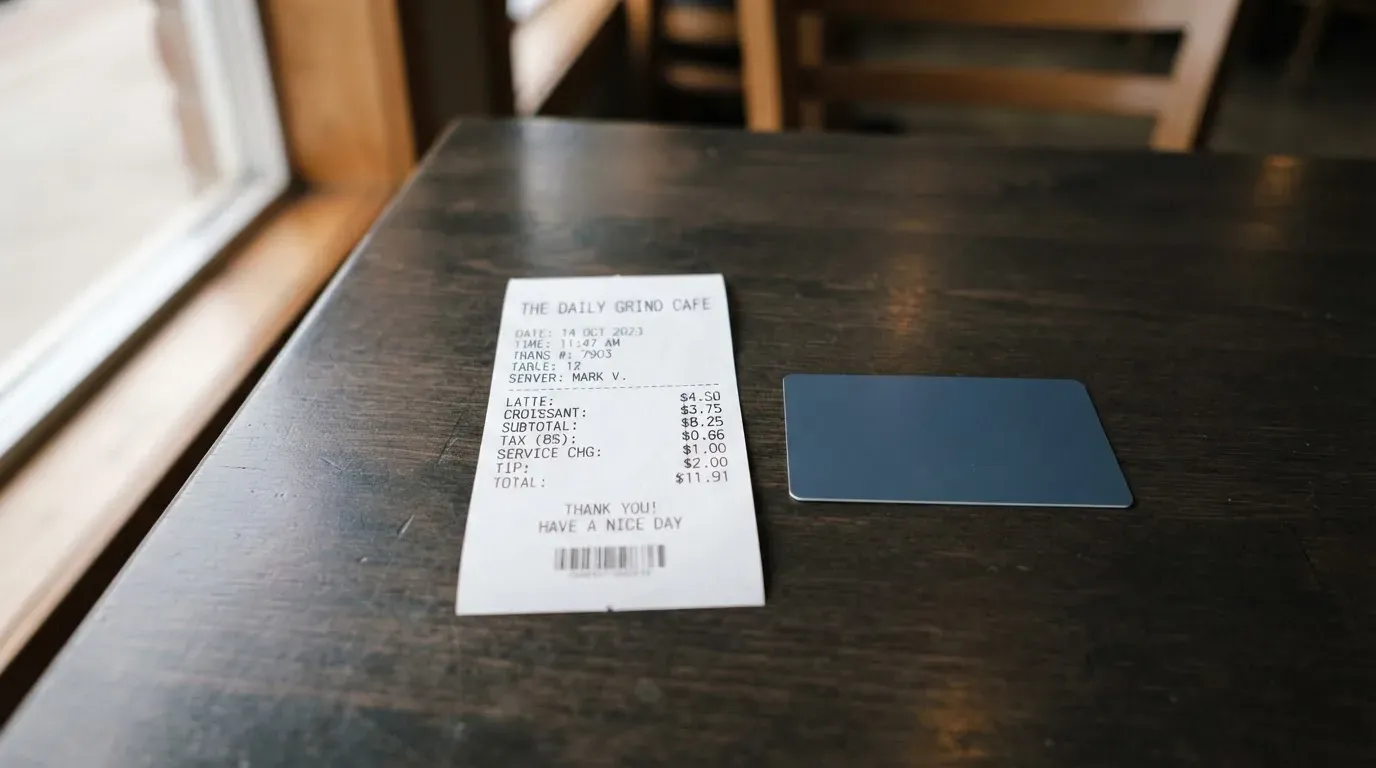
What is not disclosed is just as important as what is. The card’s own pages do not give an issuance fee, do not give a monthly or annual fee, do not give an ATM fee, and do not publish any tier. So you cannot budget for “is this card free to hold” before you start, and you cannot compare it cleanly against a card that does publish those numbers.
| Fee or limit | What Ruvo’s pages say |
|---|---|
| Issuance fee | Not stated |
| Monthly / annual fee | Not stated |
| USD purchase | No fee |
| Non-USD purchase | 1% foreign-transaction fee + applicable exchange rate |
| IOF (Brazil) | 0% on the Pix example shown |
| Pix conversion example | R$1,000 → about 196.41 USDC at 5.0915 BRL/USDC, described as “after a 0.5% fee” |
| ATM withdrawal | Not stated |
| Daily / monthly limits | Spending capped by your Ruvo balance; you choose how much balance is exposed on the card; no published figures |
| Card currency | US dollars; funding in BRL or USD |
To make those numbers tangible, three everyday payments and the fees that would apply:
- Coffee in São Paulo paid in reais. You top up in BRL via Pix; if the on-ramp is the 0.5% figure from Ruvo’s example, that 0.5% is the conversion cost. The coffee itself, settled in BRL, attracts no extra fee from Ruvo beyond the 1% FX line, which here is the BRL-to-USD side of the conversion rather than a separate charge.
- Subscription in euros on a US-hosted streaming service. Your USD balance converts to EUR; Ruvo’s 1% foreign-transaction fee applies on top of the exchange rate, and the network or card-rail FX margin is whatever the rate line shows.
- In-app purchase in US dollars. USD purchase, no Ruvo fee; you only “pay” the spread if you funded the balance from BRL or from a non-USD stablecoin, and that spread is on the funding step rather than the purchase.
Spending is governed by the balance you choose to expose on the card, not by a credit line, so the card cannot overdraw and you cannot run up a bill.
Top up
The funding story is the one that is most clearly built for a Brazil-US reader. You can add money in reais through Pix or in US dollars, and Ruvo’s page says the funds arrive in under a minute. An earlier version of the documentation also mentioned USDT coming from a self-custodial wallet, and ACH or wire for USD funding. The card’s current public page does not list which coins or which networks are supported for on-chain deposits — that is a real gap, because sending USDT on the wrong network is the most common way to lose money in this category, and the provider normally spells it out.
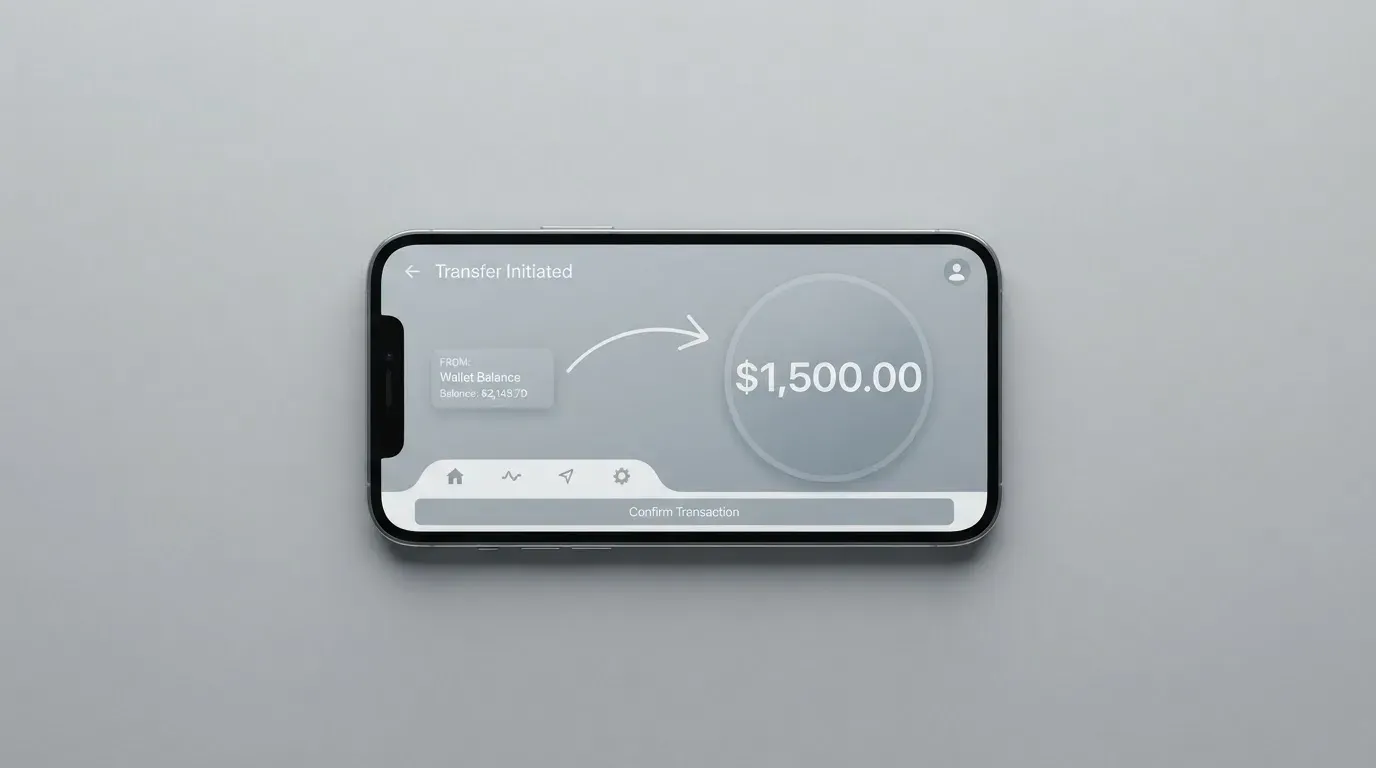
IOF on Pix is 0%, and the worked conversion I described above includes the 0.5% fee line. Blockchain network fees (gas, bandwidth, energy on Tron) are charged by the network itself and are separate from Ruvo’s fees; they fluctuate, and the terms flag that explicitly. Minimum top-up amounts are not stated. Card-side withdrawal to cash is also not stated; account closure goes by email to [email protected] or [email protected] and is processed within a “reasonable time”, and the self-custodial wallet component is unaffected because Ruvo never held the keys in the first place.
What I would check first before sending any on-chain deposit: which tokens and which networks the app currently accepts, the minimum amount, and the receiving address. Do not infer those from older blog posts or press articles.
Paying with it every day
The card lives on your phone. Apple Pay and Google Pay are supported, both for contactless tap-to-pay and for online checkout, which is the main use case for a card that is shipped as virtual. Ruvo does not publish a list of blocked merchant categories; the usual suspects in this category (gambling MCC 7995, some crypto-on-ramp merchants, certain adult content categories) may or may not be restricted, and you only find out by trying. There is no cashback or rewards line in the public material.
The iOS app “Ruvo – Global Dollar Account” sits at a 4.9 rating from 31 reviews as I read it, on version 2.1.9. Google Play is also linked from the site. The app is where you freeze the card, set a PIN, manage limits, replace the card and add it to your mobile wallet. The two main card-payment protections — 3-D Secure and AVS — are run by the network and the issuer, not by Ruvo, so whether you are challenged with a one-time code on an online purchase depends on the issuer’s risk engine rather than on Ruvo’s policy.
For disputes, the terms draw a careful line: fiat and card transactions can be returned, reversed or charged back and the user stays liable for the amount; fiat-rail disputes follow the provider’s own rules; informal resolution comes first, and Ruvo has up to 30 days to respond. Ruvo’s help-centre FAQ is reachable at ruvo.com/help, with WhatsApp and [email protected] as additional channels in Portuguese and English, but operating hours are not stated.
What can go wrong
The cleanest way to read the risk picture is in three layers.
The company layer. Ruvo Financial Inc. is the operator, governed by Delaware law, and the site is explicit that Ruvo is “NOT A BANK”. It works through regulated partners in the US and Brazil, the card-issuing bank is not named, and the company says it does not custody funds or perform regulated activities in Brazil. Its own licences are not listed; the partners’ VASP and payment-licence status is the line you have to take on trust. The company raised a US$4.6 million seed round led by 1confirmation in 2026 according to two press write-ups, and YC’s directory lists the company under its earlier name, Cacao. Ruvo is HQ’d in Brazil with Alec Howard as CEO.
The custody layer. Ruvo links to a self-custodial wallet: Ruvo does not hold the private keys and does not custody your fiat. The flip side is that the funds sit in your own wallet until the moment of payment, which means key loss, phishing, and clipboard-hijacking malware that swaps a copied address are all on you, and on-chain transactions are generally irreversible. The card balance and the wallet balance are not FDIC- or SIPC-insured.
The operational layer. I did not find a Trustpilot page for ruvo.com and did not surface recurring complaint themes in my search. The app store rating is high but on a small sample. Standard app-level safeguards — instant card freeze and a PIN — are there, but two-factor authentication is not explicitly mentioned in the public material. If the card is declined at checkout, an authorisation hold can sit on the balance for up to several days, which is normal for the category but worth knowing if you are topping up in small amounts.
The single biggest tail risk is the same as for any card programme in this corner of the market: the underlying issuer can change the programme’s terms, and the user typically has a notice period before spending and loading stop.
What to take instead
Ruvo sits in a small set of crypto cards aimed at users who do not have, or do not want to use, an ordinary bank card, so the comparison set is narrow. The three below are not direct substitutes — they cover different countries and different cost models — but they are the ones a reader weighing Ruvo is most likely to be weighing at the same time.
| Card | Score | Where it works | Card form | Cost shape | Funding |
|---|---|---|---|---|---|
| Ruvo | 6.1 / 10 | Marketed worldwide; highlighted for Brazil (Pix) and the US (USD balance) | Virtual only on public material | USD purchases free; non-USD +1% FX; IOF 0% on Pix example | BRL via Pix, USD, USDT from self-custody (earlier) |
| MetaMask Card | 7.1 / 10 | Sign-up open in 45 listed countries (Andorra, Argentina, Brazil, Canada, Mexico, Germany, France, Spain, Uruguay and others); other regions on a waitlist; US/UK sign-ups temporarily closed per FAQ | Virtual (instant); Metal can be pre-ordered | Virtual free; Metal US$199/year; “minimal fee per transaction”, no FX fee, Mastercard rate | Spends directly from the connected wallet on Linea, Base, Monad, Solana; named tokens include mUSD, wETH, EURe, GBPe, USDC, USDT |
| KAST | 6.1 / 10 | Residence-based list shown at KYC; country list not published, restricted-locations list referenced but not named | Virtual and physical, up to 10 cards; Visa Platinum / Infinite metal / Infinite gold-plated | Standard US$0/yr; Premium US$1,000/yr; Private US$10,000/yr; non-USD FX 0.5%–1.75%; sub-US$25 non-USD transactions US$0.10; declined US$0.50 | Stablecoins USDT, USDC, PYUSD, RLUSD on Ethereum, Solana, Polygon, Arbitrum, TRON (app list); no bank account needed |
| TokenPocket (TP Card) | 5.8 / 10 | Visa debit for a list of European countries/territories (Germany, France, Spain, Switzerland and others); Mastercard debit for Australia, Canada, Hong Kong, Japan, Taiwan, New Zealand, Singapore, South Korea, UK and others; Americas “planned for Q2 2025” | Fiat24 virtual cards, no physical mentioned; balances in EUR24 and USD24 | “Apart from these, TP Card does not charge any additional fees”; 1% fee on crypto deposit (later refunded via rewards) | Crypto deposits from the TokenPocket wallet on Arbitrum; specific coins not in the FAQ |
The pattern I see: MetaMask Card is the most generous on cost and the broadest on sign-up geography, but it requires you to be in one of the listed countries and to fund from a self-custody wallet on a supported network. KAST is the most feature-rich — physical card, tiers, cashback — at a price that scales from US$0 to US$10,000 a year. TokenPocket’s TP Card is the smallest of the three and leans on its own wallet and the Fiat24 rails, with the Americas still on the roadmap. Ruvo is the most focused on the Brazil-US dollar corridor and the most economical on the FX line, but it asks you to accept the most “not stated” answers on the basics.
Who I would recommend it to
I would recommend Ruvo to a Brazil-based or US-based user who already holds dollars in a self-custody wallet, has a clear use case for spending those dollars through a US-dollar-denominated card, and is happy to confirm a handful of details inside the app rather than on the public website. The 1% non-USD fee is competitive, Pix funding is fast, and the IOF treatment is favourable on the example shown. If you are inside that lane, Ruvo is a sensible card to evaluate.
I would not recommend it as a first stop if you are outside the Brazil-US corridor, if you need a physical card or ATM access and want that confirmed in writing before you sign up, if you want a published monthly fee and a published issuance fee so you can compare cleanly, or if you want a rewards programme. For any of those, the alternatives above will give you a more complete answer on the public page.
And before I send you off: check the app for the current list of supported tokens and networks before you fund on-chain, read the issuer disclosure in the cardholder agreement once you are inside, and do not treat this page — or any review — as a substitute for the terms you actually sign.
Frequently asked questions
What is the Ruvo card?
The Ruvo card is a US-dollar-denominated virtual payment card issued through Ruvo Financial Inc. and its regulated partners. It is sold as a way to spend from a crypto balance, with Pix funding in Brazil and a US-dollar balance highlighted for US users.
How does the Ruvo card work?
You hold a balance inside Ruvo — denominated in US dollars — and the card spends that balance at merchants. Ruvo converts your funding (BRL via Pix, USD, or stablecoins from your own wallet) into USDC or USD inside the app, and the card settles purchases against that balance.
Is Ruvo a bank?
No. Ruvo’s own site says “NOT A BANK”. It operates as a programme manager and works through licensed partners in the US and Brazil; the issuing bank is not named on the public pages.
Who owns Ruvo?
Ruvo Financial Inc. is the operating company, incorporated in Delaware, with HQ in Brazil and Alec Howard as CEO. Ruvo raised a US$4.6 million seed round led by 1confirmation in 2026, and YC’s directory lists the company under its earlier name, Cacao.
Is the Ruvo card available in my country?
Ruvo’s page says the card is “accepted worldwide”, but the same page sets the caveat that availability “varies by jurisdiction, user type, provider, and product”. The two corridors Ruvo actively highlights are Brazil (Pix funding) and the US (USD balance); the only way to know for your country is to attempt sign-up.
How do I get the Ruvo card?
Sign-up is through the iOS or Android app. Ruvo’s terms say the partners may require legal name, date of birth, address, government ID, taxpayer ID and biometric verification, and the minimum age is 18. The public pages do not walk through the steps in detail.
Does the Ruvo card require KYC?
Yes. The terms describe a standard partner-led KYC process, and the consequences of failing or not completing it are limits, suspension or termination of the account. Ruvo does not publish KYC tiers or limits.
How do I top up the Ruvo card?
You can add money in reais via Pix or in US dollars, and the funds arrive in under a minute. An earlier version of the documentation also listed USDT from a self-custodial wallet and ACH/wire for USD. The current page does not list which tokens or networks are supported for on-chain deposits, so check the app before sending.
Is the Ruvo card free?
Ruvo’s pages do not publish an issuance fee or a monthly fee. USD purchases carry no fee, non-USD purchases add a 1% foreign-transaction fee on top of the exchange rate, and the Pix example I checked included a 0.5% conversion line. Treat any “free” claim as about the spending side until you confirm the holding costs inside the app.
How do I add the Ruvo card to Apple Wallet?
Inside the iOS app, the card detail screen offers an “Add to Apple Wallet” action. The card is tokenised, so the actual card number is replaced with a device-specific account number stored in the Secure Element; that tokenised number is what Apple Pay presents to the terminal. Ruvo lists both Apple Pay and Google Pay as supported.
Is the Ruvo card safe?
The card balance is held by regulated partners, and the self-custody wallet component means Ruvo does not hold your private keys. The balance is not FDIC- or SIPC-insured, the issuing bank is not named, and 3-D Secure, AVS and merchant-category rules are run by the network and the issuer rather than by Ruvo. As with any card in this category, the main risks are programme-level — issuer changes, sanctions, key loss on the self-custody side.
How do I delete my Ruvo account?
Account closure is handled by email to [email protected] or [email protected], and the terms say it is processed within a “reasonable time”. Closing the Ruvo account does not affect the self-custodial wallet, because Ruvo never held the keys to it in the first place.
Wallet card reviews – cryptocardcheck
Content created by the «cryptocardcheck» team