
The Tap crypto card, in plain language: what it costs, where it works, and who should consider it
 Available in US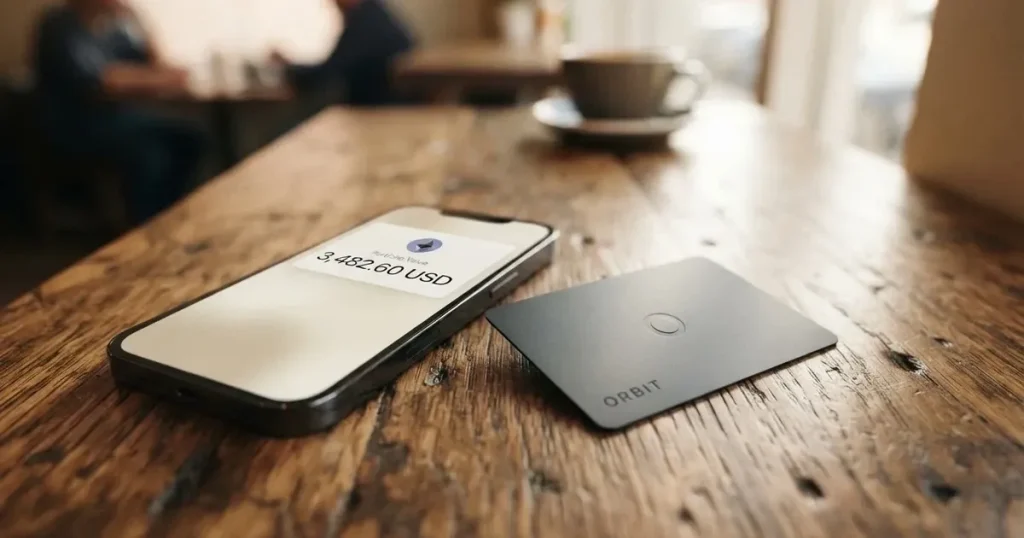
The Tap card sits in an odd spot in the crypto card market. It promises a lot, on paper: a physical and virtual Mastercard, multi-currency accounts, cashback, and stablecoin access. But when you try to pin down the details, fees, supported countries, and exact top-up options, the official pages stay remarkably quiet. This review works through what Tap publishes, what third-party sources say, and what real users have reported, so you can decide whether it fits your situation.
Conditions are current as of October 28, 2026.
Verdict: who should consider Tap, and who should look elsewhere
Tap earns 5.6 out of 10 in this assessment. The score reflects a real split: the day-to-day card experience is solid (a 7 out of 10), but the gap between what the marketing suggests and what the company documents is wide, and that gap shows up in user complaints about frozen accounts, surprise fees and slow support. Reliability lands at 4 out of 10 once you read the user reports; the cost picture at 6; top-up at 5; eligibility at 6.
This makes Tap best suited to people who already know the crypto card world, are comfortable waiting on support, and want a card that just works once funded. If you’ve never used a crypto card before, want clear published fees, or need to know upfront whether your country is supported, you’ll be frustrated.
Score breakdown
| Criterion | Mark | Why it scores here |
|---|---|---|
| Who can get it | 6 / 10 | Tap doesn’t publish a country list; eligibility is decided during sign-up. |
| Cost | 6 / 10 | Official fees are not disclosed; third-party sources say most fees are zero but FX is 1.5%, and users report a $35 withdrawal fee and inactivity charges. |
| Top-up options | 5 / 10 | The site mentions stablecoins, USDT, BTC and SOL but doesn’t list supported coins or networks. |
| Reliability and complaints | 4 / 10 | Trustpilot 3.4/5; repeated reports of accounts frozen for days or weeks, withdrawal delays and inconsistent communication. |
| Everyday use | 7 / 10 | Physical and virtual Mastercard; mobile wallet support is claimed but user reports are mixed. |
| Total | 5.6 / 10 |
The audience the card appears aimed at: people who want a crypto-linked payment card, multi-currency accounts, and cashback, and who are comfortable navigating a product that doesn’t spell everything out.
Will they give you the card: eligibility and where Tap operates
Here’s the honest answer: the site doesn’t tell you. Tap’s terms say “Services May Not Be Available In All Jurisdictions” and ask you to “verify eligibility in your region.” There’s no published list of supported or unsupported countries, and no upfront country selector. The only way to know is to create an account and try.
That matters more than it might sound. With most card providers, you can check a country list before signing up and handing over documents. With Tap, the check happens after you start. If you’re turned down, you’ve spent time on KYC for nothing.
A third-party source (cryptocards.so, 2026) suggests the card’s network is listed as Visa, which conflicts with Tap’s own materials showing a Mastercard. The official product page shows a dark-finish Tap Mastercard, so the official line is Mastercard; the discrepancy is worth noting if your use case depends on a specific network.
One more thing: Tap Global Limited is registered in Gibraltar, and the card is issued through an authorised partner. The current issuer for new cards is Moorwand Ltd, which took over from the previous partner on 5 October 2026. The legacy euro-denominated card still exists; a new multi-currency Mastercard is being rolled out, with a launch date Tap hasn’t published yet.
How to get the card: sign-up and KYC
Tap offers both a physical and a virtual Mastercard. The physical card is the dark-finish Tap Mastercard shown in their product imagery. Card currency is not stated for the new card; Tap says the existing one is euro-denominated, with other currencies converted at the point of sale.
The sign-up flow itself is straightforward: download the app, create an account, complete verification. What verification actually requires is not spelled out on Tap’s site. A third-party source (cryptocards.so, 2026) says you need an email, a phone number, and an identity document, with no proof of address or selfie required. Take that as unofficial and not confirmed by Tap: it may be out of date or simplified.
The KYC level, the delivery time for the physical card, and whether the virtual card is instant, are not stated by Tap. In practice, this means you won’t know the timeline until you’re in the process.
What it really costs: Fees, the fine print, and what users actually pay
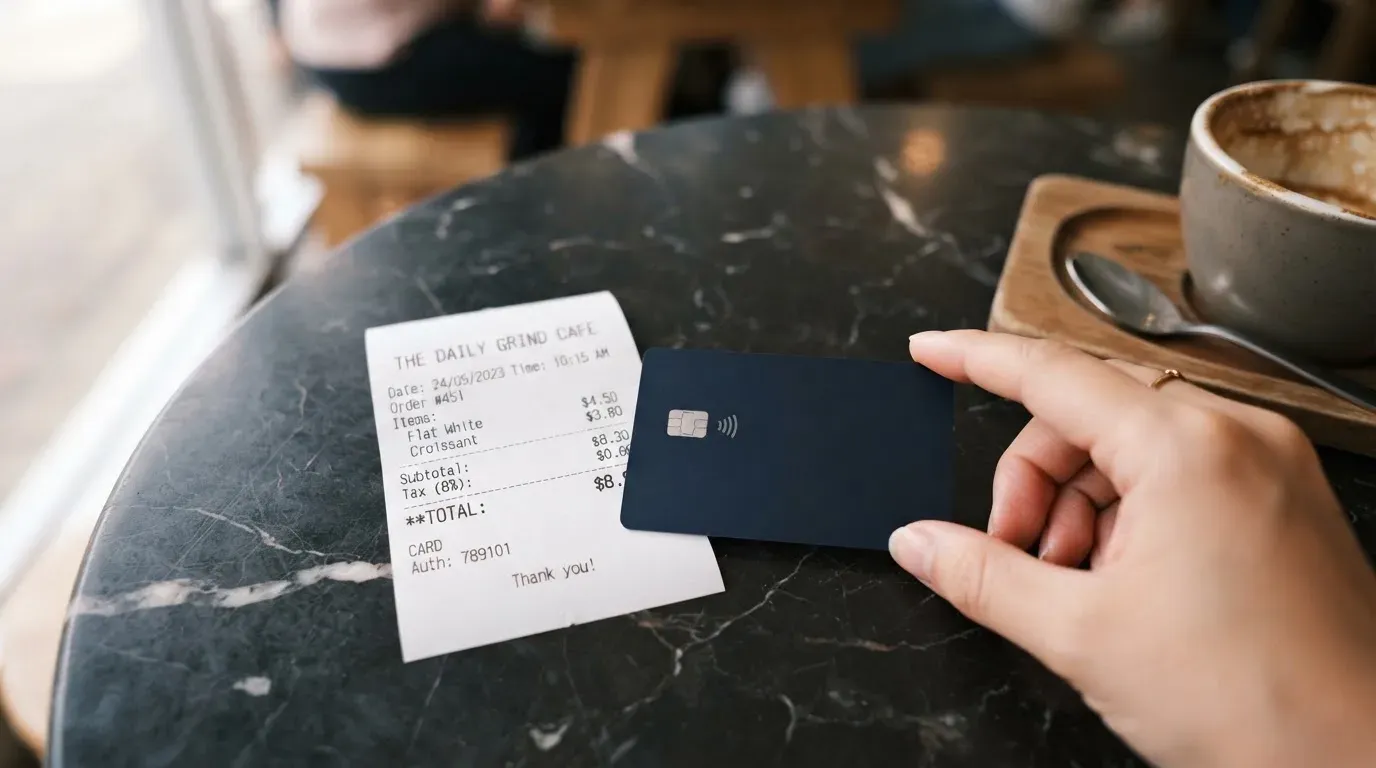
This is where the picture gets murky, because Tap’s official pages don’t publish a fee schedule. The only concrete cost claim on the site is “up to 8%” cashback. Everything else, monthly fees, conversion, FX, ATM, top-up, has to be pieced together from third-party sources and user reports.
Costs at a glance
| Fee or limit | Official | Unofficial (third-party / user reports) |
|---|---|---|
| Card issuance | Not stated | Free (cryptocards.so, 2026) |
| Monthly fee | Not stated | Free (cryptocards.so, 2026) |
| Top-up fee | Not stated | Free (cryptocards.so, 2026) |
| Foreign exchange (FX) | Not stated | 1.5% (cryptocards.so, 2026) |
| ATM withdrawal | Not stated | Free and unlimited (cryptocards.so, 2026) |
| Crypto withdrawal | Not stated | $35 reported by users (Trustpilot) |
| Inactivity / monthly fees | Not stated | Reported as draining balances (Trustpilot, 2026) |
| Cashback | “Up to 8%” | “Up to 8%” with VIP tiers; entry level reportedly 0.5% (cryptocards.so, 2026) |
The unofficial line, that issuance, monthly fees, top-up and ATM are all free, with a 1.5% FX fee, would be reasonable if confirmed. The user reports of a $35 crypto withdrawal fee and inactivity charges are the parts that sting, because they’re exactly the kind of thing that should be in the fee schedule but isn’t.
The daily spending limit is also inconsistent across sources: cryptocards.so lists it as “Unlimited” in one place and 15,000 EUR in another. Treat both as unofficial.
Three everyday scenarios
Coffee abroad: You buy a €4 coffee in Berlin with a card loaded in euros. If Tap’s 1.5% FX applies, you’re looking at 6 cents, small enough to ignore. If you paid in a non-euro currency and the conversion went through FX, the 1.5% is still modest by card-industry standards.
Online subscription: You pay a $9.99 monthly subscription in dollars. No physical swipe, no ATM, just a recurring online charge. If the merchant uses 3-D Secure (Mastercard’s Identity Check), you may get a push notification to approve the payment. If the merchant blocks foreign-issued BINs, you may get a decline instead, a known risk for cards issued outside the cardholder’s billing country.
Crypto-to-card flow: You hold USDT in an external wallet, want to spend it, and transfer it into your Tap balance. Third-party sources say crypto must be converted to fiat before loading the card, so you’d face the conversion cost (potentially the FX 1.5% if it’s not already in your card’s currency) plus any on-chain network fee for the initial transfer. Once on the card, the spend itself is just a card transaction.
A quick note on cashback: “up to 8%” is a ceiling, not a default. Third-party sources suggest a 0.5% entry-level rate and higher tiers for VIP users. If cashback matters to you, ask in-app what your current rate is before assuming the headline figure applies.
How to top up the card: Top up, funding, and the conversion step
Tap doesn’t publish a list of supported coins or networks. The site mentions stablecoins generally, plus USDT, BTC and SOL in the context of yields, and a Bitcoin on/off ramp between bank and crypto. The new card (announced October 2026) is described as multi-currency, with spending from app balances in multiple currencies, but the launch date hasn’t been given.
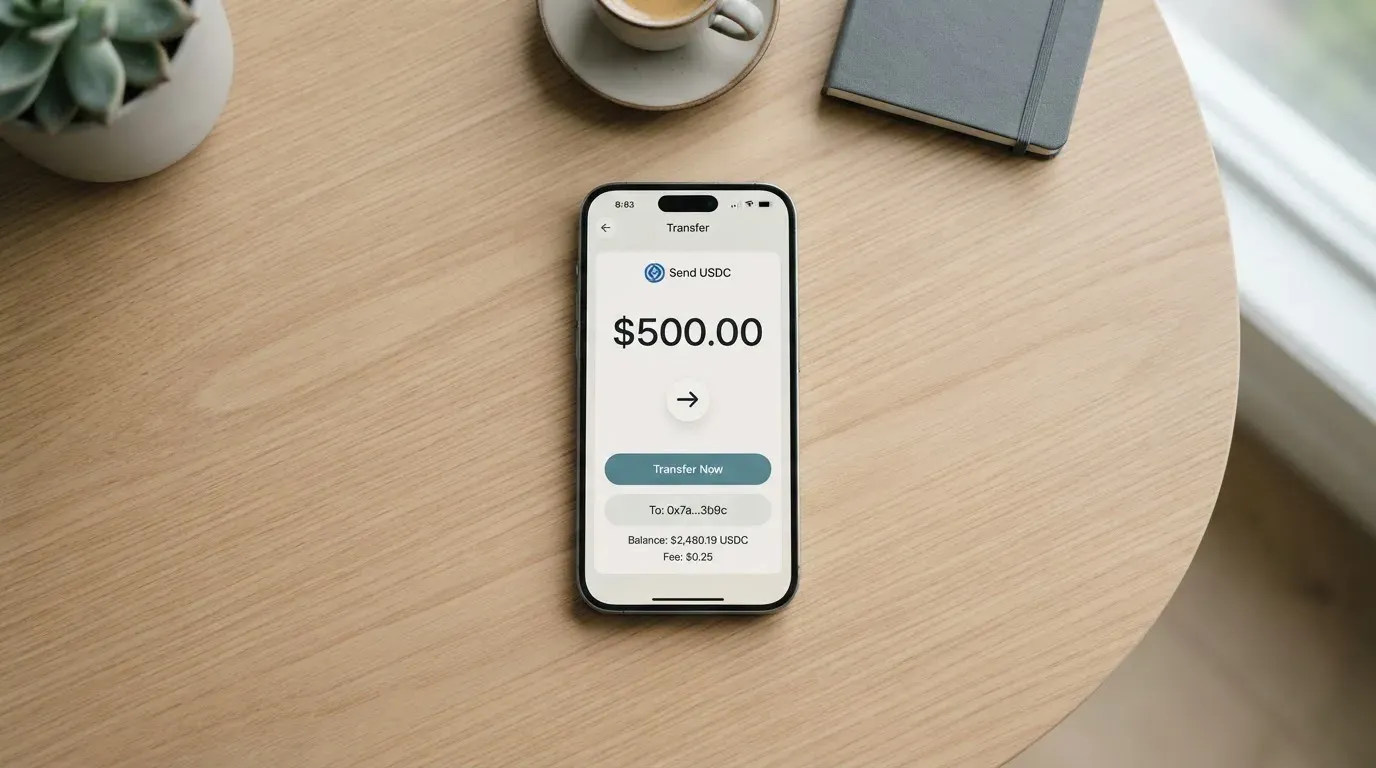
The practical flow, based on what the site does say, looks like this: you fund a balance in the app, then spend from it. The “balance” can be a national-currency account (Tap mentions dedicated IBANs to hold seven national currencies) or a crypto balance that you convert before loading. A third-party source (cryptocards.so, 2026) frames it as “crypto must be converted before loading the card,” which means there’s no seamless crypto-to-POS flow; the conversion happens on Tap’s side, and you pay whatever spread or fee that involves.
The same source lists 48 supported cryptocurrencies in one place and 0 in another, which is a good illustration of how thin the documentation is. If your use case depends on a specific coin, you’ll need to test it in the app or ask support.
Networks are not stated. This is a real risk: if you send USDT on the wrong network, the deposit can be lost or stuck. Blockchain transfers are irreversible, and a recovery process with support is manual and uncertain.
Withdrawal: Tap describes the on/off ramp as available “anytime” between a bank account or wallet and crypto. Fees and the treatment of remaining balances on closure are not stated. Users have reported a $35 crypto withdrawal fee and slow processing on weekends.
Paying with it every day: the card experience
The card is a Mastercard, accepted anywhere Mastercard is taken. The third-party listing marks Apple Pay and Google Pay as supported, but lists “No Apple Pay support” as a con, a direct contradiction. The app exists on both iOS and Android: the iOS version (App Store, read 2026-10-20) shows 4.5 out of 5 from 25 ratings, version 3.8.8, requiring iOS 15.6 or later. The Google Play listing (com.tapngo.tap) was not read for rating.
Blocked merchant categories (MCCs) are not stated, so you won’t know whether gambling, crypto purchases, or other categories are restricted until you try. Disputes and chargeback rights are not stated either, which is unusual for a regulated card product.
App languages: English, French, Greek, Italian, Spanish, Swedish. Support is advertised as “available 24/7,” but the channels aren’t named. In practice, Trustpilot reviewers report slow responses, especially on weekends, and accounts frozen without explanation for 13 days in one case.
In-app controls: Tap says you can freeze your card or lock your account instantly, reveal the card number, and view the PIN. Two-factor authentication is not explicitly mentioned in the materials reviewed.
What can go wrong: risks, complaints, and the company’s structure
This is the section that pulled the score down.
Trustpilot: Tap’s Trustpilot rating is 3.4 out of 5 from 321 reviews, with 36 in the last 12 months (read 2026-10-20). That’s middling for a fintech, and the pattern in the negative reviews is consistent:
- Accounts frozen for days or weeks without explanation (reviews from December 2025 through February 2026).
- Deposits and withdrawals not arriving (January, June, September 2026).
- Inactivity or monthly fees draining balances (April through June 2026).
- Slow support, especially on weekends.
- A revoked referral bonus and a $35 crypto withdrawal fee.
- Repeated KYC checks and long onboarding.
Tap responds to some complaints by pointing to its terms, which isn’t unusual, but the volume and consistency of “frozen account” complaints is the kind of signal worth taking seriously.
The company: Tap Global Limited, registered in Gibraltar (company number 118724), Madison Building, Midtown, Line Wall Road, Gibraltar GX11 1AA. Licensed by the Gibraltar Financial Services Commission under the DLT Regulatory Framework, licence number 25532. Banking and e-money services are provided by “authorised issuing partners”; the specific partner varies by region, currency and account type and is shown in the app. The company is not a bank; the card programme is run through partners.
Recent news: On 5 October 2026, Tap Global Group PLC appointed Moorwand Ltd as the issuer and BIN sponsor for a new multi-currency Tap Mastercard, replacing the euro card. The CEO cited 400,000 customers in the announcement. A new product rollout during a transition is a time when things can go wrong, support load is high, and the old card’s terms may not perfectly match the new one’s.
Security: The published safeguards are card freeze, lock, in-app reveal, and PIN view. Two-factor authentication and insurance are not stated. Funds held by an electronic money institution are safeguarded but are not the same as bank deposits, and deposit guarantee schemes may not cover them. The card is a payment product, not a custody product; if you store significant crypto on Tap, you’re taking on counterparty risk.
What to take instead: three alternatives worth comparing
No single card is right for everyone. Here are three alternatives to Tap, each with a different profile. The scores are from a separate assessment using the same framework.
International Visa Card — 6.7 / 10
A U.S.-issued Platinum Visa, virtual for now (physical “coming soon”), paying in USD. Card use in USD is free on all plans; foreign currency uses the Visa exchange rate plus a 2% FX fee. Virtual card issuance is $5 one-time; no maintenance fee. Plans: Classic free, Pro $9/month, Max $19/month. Deposit USDC or USDT into the USD account at 1:1 with no fee; also supports USD, EUR, SEPA, SWIFT, FedNow. No cashback.
The country rules are explicit: the card isn’t available to residents of Belarus, mainland China, North Korea, Cuba, India, Iraq, Iran, Israel, Myanmar, Nepal, Nicaragua, Russia, Syria, Turkey, Ukraine, Venezuela or Vietnam. Purchases are blocked in North Korea, Cuba, Iran, Russia, Syria, Ukraine and Venezuela. FATF grey-list countries are reviewed case by case.
Strongest where Tap is weakest: clear country rules, published fees, explicit FX rate.
UNi Card — 6.1 / 10
A multicurrency Mastercard that spends from the UNi.Global account balance. “No annual fee, no foreign transaction fee.” Assets converted at “live OTC rates” with “no hidden exchange fees.” Spend-to-Earn rewards up to 3%. Country availability, top-up methods, and issuance fees are not stated.
A simpler, cheaper proposition on paper, but the missing details mean you have to test it.
Whop Cards — 5.2 / 10
Visa cards backed by a Whop balance, with 5% cashback at select merchants (Uber, more planned). Available to consumers in 31 US states and to businesses in 41 states. Unsupported consumer countries include Belarus, China, Cuba, Hong Kong, India, Iran, Iraq, Israel, Myanmar, Nepal, Nicaragua, North Korea, Russia, Syria, Turkey, Ukraine, Venezuela and Vietnam. Fees are described as “no extra fees” but no amounts are listed. Backed by stablecoin collateral from a linked wallet; coins and networks not stated.
A useful option if you’re in a supported US state and your spending overlaps with the cashback merchants.
Who I would recommend this card to
Tap makes sense for a specific profile: someone who has used a crypto card before, knows what to expect, and wants a Mastercard with multi-currency accounts and cashback. If you’re already comfortable with the category, you can probably navigate the gaps in Tap’s documentation, and the everyday card experience (7 out of 10) is genuinely good once you’re set up.
It does not make sense if:
- You need to know upfront whether your country is supported. Tap won’t tell you until you sign up.
- You want published fees. They’re not published.
- You need responsive support. The user reports say it’s slow, especially on weekends.
- You’re storing meaningful crypto balances on the platform. Custodial risk is real, and the complaints about frozen accounts and missing withdrawals are not isolated.
If any of those applies, the International Visa Card is a better fit. It publishes what Tap doesn’t, even if its FX is higher.
For absolute clarity on fees before you fund, look for a card that publishes its schedule. Tap is not that card.
Frequently asked questions
What is Tap card?
Tap is a crypto-linked payment card from Tap Global Limited, a Gibraltar-registered company. It offers a physical and virtual Mastercard, multi-currency accounts, and cashback of up to 8%. Crypto is converted to a fiat balance before spending. The card is not issued by Tap directly; Tap runs the programme and partners handle the banking and card issuance.
How does Tap card work?
You create an account in the Tap app, complete identity verification, fund a balance, and spend with the card at any merchant that accepts Mastercard. The card draws on a pre-loaded balance rather than a bank account, and crypto must be converted to fiat before loading. The new multi-currency Mastercard (announced October 2026) is designed to spend from app balances in multiple currencies.
Is Tap a bank?
No. Tap Global Limited is a fintech licensed by the Gibraltar Financial Services Commission under the DLT Regulatory Framework. The card and banking services are provided by authorised issuing partners (currently Moorwand Ltd for new cards). Funds are safeguarded as required for e-money institutions, but this is not the same as deposit insurance.
How to get Tap card?
Download the Tap app, create an account, and complete the sign-up process. Tap will ask for identity documents. The card itself is a physical and virtual Mastercard. Delivery time for the physical card is not stated; the virtual card is typically available in-app once verification is complete.
Does Tap card require KYC?
Yes. Tap is a regulated entity, so identity verification is required. The exact documents and KYC levels are not stated on Tap’s site. A third-party source (cryptocards.so, 2026) suggests email, phone and an identity document are needed, with no proof of address or selfie required, but this is unofficial and not confirmed by Tap.
How to top up Tap card?
The site mentions stablecoins, USDT, BTC and SOL, plus a Bitcoin on/off ramp and dedicated IBANs in seven national currencies. The specific coins and networks supported are not published. Third-party sources say crypto must be converted to fiat before loading the card. Sending funds on the wrong network can result in lost deposits, so check carefully before transferring.
How to withdraw money from Tap?
Tap describes an on/off ramp “anytime” between a bank account or wallet and crypto. Fees are not stated. Users have reported a $35 crypto withdrawal fee and slow processing on weekends. Withdrawal times and limits are not published.
Is Tap card free?
Officially, fees are not published. Third-party sources (cryptocards.so, 2026) say issuance, monthly fees, top-up and ATM withdrawals are free, with a 1.5% FX fee. Users have reported a $35 crypto withdrawal fee and inactivity charges. Treat the unofficial fees as guidance, not a guarantee, and check your in-app terms before relying on them.
How to add Tap card to Apple Wallet?
Apple Pay and Google Pay support is claimed in third-party listings but contradicted by user reports. Tap’s own materials don’t confirm mobile wallet support clearly. The safest approach is to try adding the card in Apple Wallet or Google Wallet once you have it; if it fails, the card may not be tokenised for mobile payments yet.
Is Tap card safe?
The card includes standard safeguards: in-app freeze, lock, card number reveal, and PIN view. Two-factor authentication and insurance are not stated. Like any custodial product, it carries counterparty risk. The Trustpilot rating is 3.4 out of 5, with repeated reports of frozen accounts, delayed withdrawals and slow support. Whether it’s “safe enough” depends on how much you load and how much downtime you can absorb.
App and neobank card reviews – cryptocardcheck
Content created by the «cryptocardcheck» team