
Bing Card Review: Cheap Virtual Card, Unclear Backer
 Available in US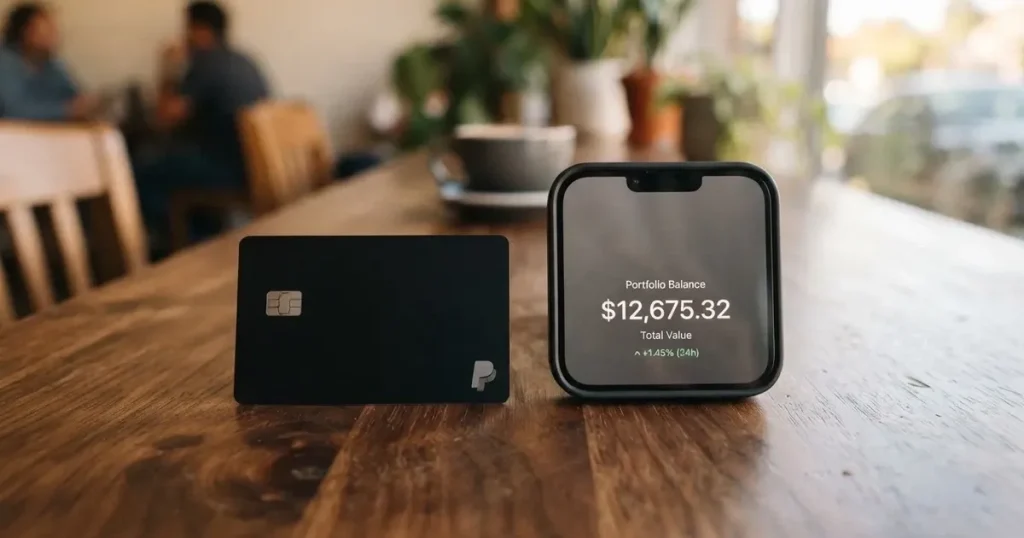
Bing is a crypto-linked payment card with three tiers — two virtual and one physical. The pitch is straightforward: a virtual card “in just 5 minutes without KYC”, crypto balances spent like ordinary money anywhere a card is accepted. The catch is that the card’s public pages contradict each other on fees, and a heavy wall of one-star reviews describes withdrawals and conversions that never finished. I read the card’s own pages and the user complaints side by side, and here is what I found.
The conditions described here are current as of October 28, 2026.
Verdict: 4.2 out of 10
I score Bing at 4.2 / 10. That is a low mark, and it is not because crypto cards are a bad idea in general — it is because this particular card leaves too many basic questions unanswered on its own public pages, and because the people who have used it report money that got stuck.
Here is where the score comes from, criterion by criterion, with the marks exactly as I assessed them.
| Criterion | Mark | Why |
|---|---|---|
| Who can get it | 5 / 10 | No country list published; closed to US citizens, US permanent residents and US-incorporated entities; physical cards ship from Hong Kong |
| Cost | 3 / 10 | Exclusive 25 USD, Star 40 USD, Platinum 168 USD to issue; 2% exchange, 1.5% cross-border, 3% declined transaction, 2% top-up on the pricing page — while the FAQ says 1% |
| Top-up options | 6 / 10 | BTC, ETH, USDT and USDC accepted, but networks are not named and it is unclear whether the physical card can be funded with crypto at all |
| Reliability and complaints | 2 / 10 | Bingcard, Inc. is named; the issuer and its licences are not. On Trustpilot, 89% of 58 reviews are one-star, with conversions and withdrawals stuck at “Processing” |
| Everyday use | 6 / 10 | Virtual Exclusive and Star, physical Platinum; Apple Pay and Google Pay support is not disclosed; unofficial sources say ATM access is on the physical card only |
Two audiences stand out. First, if you want a virtual card without identity checks and you only spend small amounts, the no-KYC virtual tier is genuinely the thing Bing offers that most rivals do not. Second, if you are a business or someone moving real sums, the unresolved fee contradictions and complaint themes make it a poor fit — there is no way for me to tell you what a payment will cost.
Will they give you the card?
Short answer: probably, if you are not American, but the card never tells you where.
Bing’s terms say accounts may not be opened for US citizens, US permanent residents, or US-incorporated entities. Beyond that, service is limited to residents of “countries and territories we support” — and the card does not publish that list. Minimum age is 18.
The physical card is described as issued from Hong Kong, which suggests the entity behind the plastic is Hong Kong-based. The virtual cards list “issued from United States” as a base, with Star also referencing Hong Kong. None of this is a substitute for a country list, and it means the honest answer to “is Bing card available in my country?” is: nobody outside the company can confirm it from the public pages.
Here is what that means for you practically. If you are a US citizen or green-card holder, stop — you are excluded outright. If you are elsewhere, the risk is not exclusion so much as friction: an account opened today could be closed later when the supported-territory policy is applied retroactively, and you would be withdrawing a balance you cannot easily move elsewhere.
How to get it
The sign-up story splits cleanly in two, and the difference matters.
Virtual card. The card’s own wording is “in just 5 minutes without KYC”. You get a card number, a base currency of USD, and three-year validity on the pricing page’s description. No documents, no selfie, no video call. This is the headline feature and the one thing here that is genuinely unusual.
Physical Platinum card. This one requires KYC: “Complete your KYC process online”, subject to AML and regulatory requirements. The card does not say which documents, nor what the age proof is, nor why a rejection happened if one does.
For bank-card top-ups, the card says an ID with photo, a mobile number, and possibly a videoconference may be required, with verification “generally completed within 24 hours”. Rejection reasons are not stated.
| Route | Identity check | Time to card |
|---|---|---|
| Virtual (Exclusive, Star) | None | About 5 minutes |
| Physical (Platinum) | KYC completed online | Delivered within a maximum of 25 business days, shipped from Hong Kong |
Delivery countries, delivery cost and replacement cost are not stated — three numbers you would want before paying 168 USD. Accounts are managed on the web at my.bingcard.com; there is no mobile app mentioned.
Fees: what it really costs
Here is the problem I keep returning to: the card’s own pages disagree with each other, and in several places they disagree about the same number. I can give you both figures. I cannot tell you which is current.
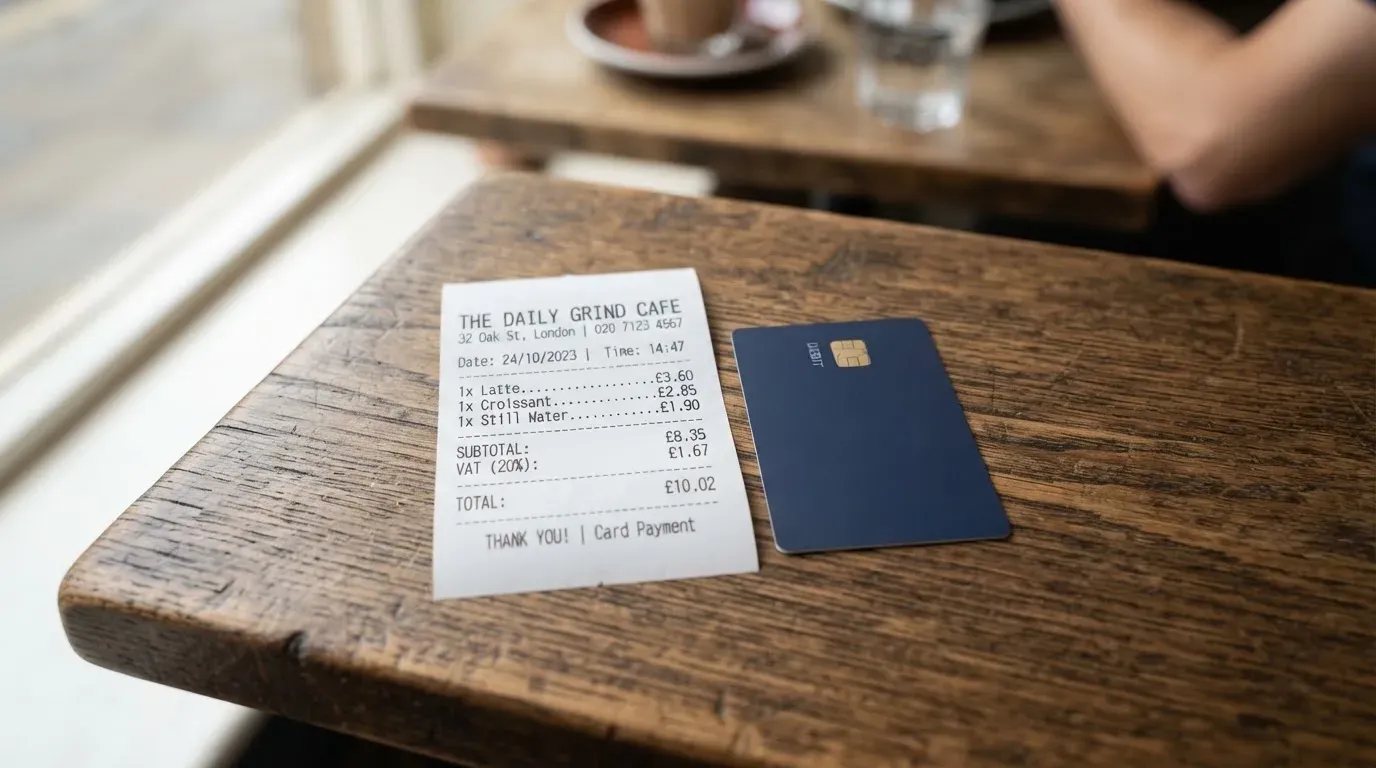
The pricing page and the FAQ are the two official sources, and where they differ I have shown both rather than picking the one that looks friendlier.
| Fee or limit | Pricing page | FAQ |
|---|---|---|
| Issuance — Exclusive | 25 USD | 25 USD |
| Issuance — Star | 40 USD | 40 USD |
| Issuance — Platinum | 168 USD | 168 USD |
| Monthly maintenance | 0 USD per month for all tiers | Exclusive 1 USD; Star none; Platinum none |
| Exchange fee | 2% | — (“Only 1% transaction fee” stated separately) |
| Crypto-to-USD conversion | 0% | 0% |
| Cross-border handling | 1.5%, minimum 0.5 USD per transaction | 1.5% for transactions in non-U.S. regions |
| Declined transaction fee | 3% | 3% |
| Small-transaction fee | 0% | 1% below 10 USD; a 0.5 USD fee below 50 USD on some cards |
| Top-up fee | 2%, minimum top-up 10 USD (Platinum 1 HKD) | 1% for deposits and withdrawals |
| Deposit fee | 2%, minimum 1 USD | — |
| Withdrawal fee | 2%, minimum 10 USD (Platinum 1 HKD) | 1% |
| Monthly limit — Exclusive | 100,000 USD | 100,000 USD |
| Monthly limit — Star | 50,000 USD | 200,000 USD |
| Monthly limit — Platinum | 1,000,000 HKD | 1,000,000 HKD |
ATM fees are not stated by the card. Unofficial sources disagree with each other too: CryptoSlate puts ATM and withdrawal fees at roughly 2%–2.5%, while cryptocards.so lists no ATM fee on Exclusive or Star and 2% on the physical Platinum. CryptoCardHub says ATM access exists on the physical card only. None of this is confirmed by Bing.
Now let me walk through three everyday payments and show you which fees bite. This is the part most reviews skip, and it is where the two official pages stop agreeing with each other.
A 4 USD coffee in your home currency. The smallest of the three, chosen because it exposes the small-transaction rules. The FAQ describes a 1% fee on transactions below 10 USD; the pricing page lists the transaction fee as 0%. If you pay 4 USD ten times a month, that gap is 0.40 USD a month — small, but it is a real disagreement between two official pages, and there is a separate 0.5 USD fee below 50 USD on some cards.
A 90 USD online subscription. Here the two sources diverge hardest. The FAQ’s headline claim is “Only 1% transaction fee”, while the pricing page lists an exchange fee of 2% and a transaction fee of 0%. If your subscription is denominated in a currency other than your card’s base currency, the 1.5% cross-border handling fee applies with a 0.5 USD minimum. Add the exchange spread — which the card does not state anywhere, though it says conversion happens instantly at the point of transaction — and your effective cost on 90 USD could plausibly sit anywhere between roughly 0.90 and 1.35 USD before the unstated spread.
A failed payment at a merchant that declines your card. This is the one that should worry you most, because it is the most likely to happen. The decline fee is 3% on both pages, and the card does not describe any threshold or grace. A declined transaction on a 300 USD purchase costs you 9 USD for buying nothing. Some merchants decline prepaid or foreign-issued cards precisely because the BIN lookup reveals the card type and issuer country, which is the same mechanism behind several of the complaints below.
The card also states that a 0.5 USD fee applies on transactions below 50 USD for some cards, while the FAQ phrases the small-transaction charge as 1% below 10 USD. Multi-currency balances are not stated. Card validity is given as three years on the FAQ and two to three years on the pricing page.
Top up: funding the card
Bing accepts BTC, ETH, USDT and USDC. That is the whole list, and it is short in a useful way — all four are mainstream assets rather than obscure tokens.
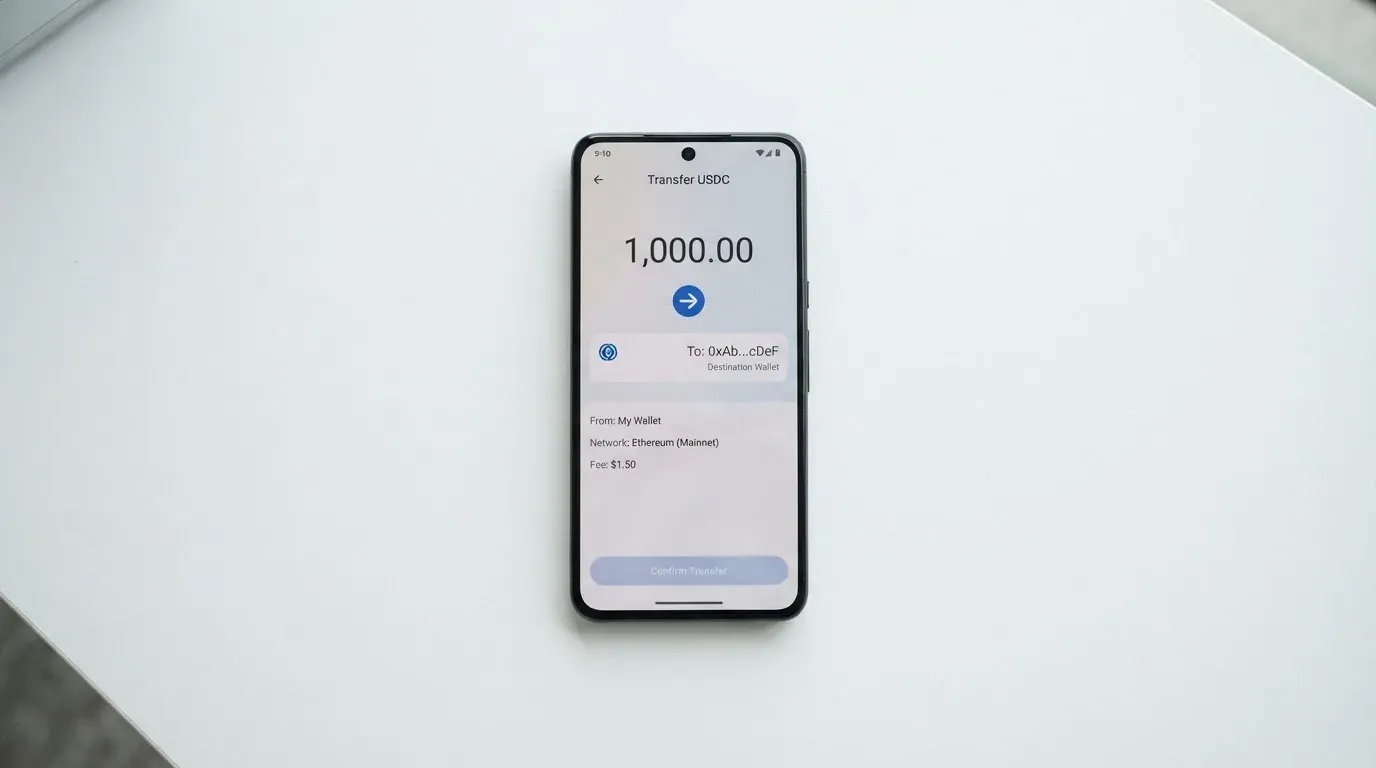
What is missing is the part that matters most: the networks are not stated. This is not a nitpick. If you send USDT on a network the provider does not support, or to an address belonging to another network, the transfer can be lost outright, and blockchain transfers are irreversible. Support may be able to help recover it, but there is no guarantee.
The fees for funding also contradict themselves, as the table above shows: 2% top-up with a 10 USD minimum and 2% deposit fee on the pricing page, against 1% for deposits and withdrawals in the FAQ, which also mentions a minimum initial balance of 21 USD. The FAQ claims 0% for converting cryptocurrency to USD. On-chain network fees are charged by the blockchain, not by the card.
| Funding fact | What Bing states |
|---|---|
| Assets accepted | BTC, ETH, USDT, USDC |
| Networks supported | Not stated |
| Can the physical card be funded with crypto? | Unclear |
| Fiat top-up options | Not stated; terms mention bank card top-ups, possibly with KYC |
| Minimum initial balance | 21 USD (FAQ) |
| Balance recharging and withdrawal | Available in the user panel for both virtual and physical cards |
Withdrawal works the same way in both directions: you can move money out of the panel, at 2% with a 10 USD minimum per the pricing page, or 1% per the FAQ. Platinum’s minimum is listed as 1 HKD.
One clause in the terms is worth reading carefully if you ever close the account: on closure, remaining funds go to payment details you supply, minus applicable fees, and you are responsible for keeping the wallet balance non-negative. That is a real mechanism for losing money — if you supply nothing, or if fees exceed the balance, the outcome is not spelled out.
Paying with it every day
The virtual cards spend a USD balance; Platinum spends an HKD balance. Conversion happens instantly at the point of transaction, and the card does not state the spread.
Apple Pay and Google Pay support is not disclosed. If adding a card to your phone’s wallet matters to you, that is a question to ask support before you deposit anything, not after. It is one of the most common reasons people pick a crypto card, and the silence here is notable.
Rewards are another blank. The card publishes nothing; an unofficial source, CryptoSlate as of 2026, reports no cashback or rewards programme. Merchant categories are described generically as “any merchant accepting credit cards” — no blocked gambling or similar categories are listed either way.
The one place the terms are clear is where they are least comforting. Transactions are described as “irreversible and not open to dispute, amendment, or cancellation”, with exceptions for fraudulent external wallet top-ups. Card top-up refunds can take up to 14 business days and become non-refundable once your identity is verified and funds are credited. You bear responsibility for chargebacks. Complaints are reviewed within thirty days.
Read that as: once the money is out, your remedy is a support ticket and patience. That is the design of prepaid cards generally, not something Bing invented — but it interacts badly with the complaints in the next section.
What can go wrong
This is where I have to be blunt, because the failure modes here are not hypothetical edge cases.
The company behind it is hard to identify. Bingcard, Inc., copyright 2025. The issuer or BIN sponsor is not named, and no licence or regulator is named. The company page says it was founded in December 2021, that its website and licences were “secured” in December 2022, that virtual cards launched in February 2023 and the physical card’s first phase in February 2024. Which regulator issued that licence is not stated. For a company asking you to hold money, that is the first thing I would want answered.
Users report money that never arrived. On Trustpilot, the Bingcard profile shows a rating “unavailable due to a breach of guidelines” across 58 reviews, 38 of them in the last twelve months, with 89% one-star. That is not a marketing problem; it is a small sample dominated by very negative experiences, and the rating being hidden means you cannot even weigh the positive against the negative.
The recurring themes, read on 2026-10-20:
- Withdrawals and conversions stuck at “Processing” — from several hours to more than a week, with reports dating from August and September 2026
- Purchases declined at multiple merchants, including a virtual card declined for an AI subscription and declines cited for services like Uber
- A 30 USD virtual card deposit that could not be withdrawn
- A Solana conversion of about 1.50 USD that returned roughly 0.06 USD
- Unresponsive support and locked accounts
- Unverified scam allegations
One positive review praises support. The company replied on 15 August 2026 with a template announcing a “complete update” of the service, and again on 29 August 2026. No Reddit threads were found.
Security features are asserted, not specified. The site mentions “advanced security measures” and real-time transaction monitoring. The custody model is not stated. The account locks after three failed login attempts. Unauthorised transactions must be reported through support. Two-factor authentication, in-app card freeze, spending controls and any deposit insurance or safeguarding scheme are all not stated — which matters, because licensed e-money providers in the EU are required to safeguard customer funds in segregated accounts or with insurance, and you cannot tell whether Bing sits inside such a regime or outside it.
Support is reachable. The site says “24/7 support”, with [email protected], website live chat, a contact form and a phone number, +1 (210) 699-7454. Whether that support is actually responsive is exactly what the reviews dispute.
I asked myself whether these complaints could be explained by the no-KYC design rather than by mismanagement — and honestly, partly. No KYC means no way to run a proper fraud filter, so declines and account locks are more likely by construction. But that explains friction; it does not explain a 1.50 USD conversion returning 0.06 USD.
What to take instead
I looked at three other crypto cards with the same general shape, so you can see how Bing compares rather than judging it alone. None of these is a recommendation; the point is contrast.
| Card | Score | Card type | Issue cost stated | Funding |
|---|---|---|---|---|
| Bing | 4.2 / 10 | Virtual Exclusive, Star; physical Platinum | 25 / 40 / 168 USD | BTC, ETH, USDT, USDC |
| Cardex | 5.6 / 10 | Debit card on VERVE, Visa, Mastercard, UnionPay; virtual and physical | Not stated | USDT, USDC, BTC wallets |
| CardFlow | 4.9 / 10 | Virtual USD Mastercard | Free to create a virtual card | Bitcoin, USDT, ETH or Naira bank transfer |
| HyperCard | 4.7 / 10 | Prepaid card, balance in USD or EUR | Not stated | USDT, BTC, ETH in the app |
Cardex scores highest of the four at 5.6 / 10 and markets itself as “One crypto card, 200+ countries”, though it publishes no country list or exclusions either. Its App Store listing is Naira-focused, which tells you more about its real market than the headline does. Conversion happens at the moment of payment, and the site describes an “AI-Powered Conversion Rate” that scans exchange rates and picks a good one — a claim I would treat as marketing until I see the spread disclosed. No fee percentage is published.
CardFlow at 4.9 / 10 is aimed at Nigeria — “Nigeria’s smartest fintech card platform” — and at “Nigerians and global users”. Its one genuine advantage is a free virtual card, created in 3 minutes. Fees beyond creation are not stated.
HyperCard at 4.7 / 10 is a prepaid card with USD or EUR balances, funded by depositing crypto. Its App Store page says the card works in “more than 176 countries”, but that is acceptance, not eligibility — a distinction worth keeping in mind, because Bing’s own marketing language invites the same confusion.
What none of the alternatives solve is Bing’s actual problem. Cardex, CardFlow and HyperCard also leave networks unstated, fees unpublished or both. If your priority is knowing exactly what a payment costs, the answer may be that this category has not earned your money yet.
Who I would recommend it to
Two groups, and only two.
The person who wants a virtual card without identity checks. If you are deliberately avoiding KYC — for reasons that are your own business — and you will spend small amounts, Bing’s virtual tier is the honest answer to that specific need. You get a card in 5 minutes, a USD balance, and no document upload. The catch is that no-KYC means no fraud protection and no chargeback route, so the size of what you load should be the size you can afford to lose.
Everyone else: I would not recommend it. The reasoning is not ideological and not about crypto. It is that the card’s two official pages give different fees for the same actions, the issuer and licences are not named, no network is named for four specific coins, Apple Pay support is undisclosed, and the public complaint record describes funds stuck in “Processing” for over a week. When I cannot tell you what a 90 USD payment will cost with confidence, the decision is already made for me.
If you do proceed, keep loaded balances small, withdraw rather than leave money sitting, and ask support three questions in writing before you deposit: which network to use for which token, who the issuing institution and regulator are, and whether Apple Pay is supported on your tier. Keep the answers.
Frequently asked questions
What is Bing card?
Bing is a crypto-linked payment card from Bingcard, Inc. It comes in three tiers: virtual Exclusive and virtual Star, both denominated in USD, and a physical Platinum card denominated in HKD. You load crypto — BTC, ETH, USDT or USDC — and spend it as ordinary card payments. Virtual cards arrive in 5 minutes, the physical card within a maximum of 25 business days.
Does Bing card require KYC?
It depends entirely on the tier, and this is the card’s main distinguishing feature. The virtual cards are described as obtainable “in just 5 minutes without KYC”. The physical Platinum card requires you to “Complete your KYC process online”, subject to AML and regulatory requirements. Bank-card top-ups may also trigger ID, mobile number and possibly a video call, generally cleared within 24 hours.
Is Bing a bank?
The card never says so, and it never names an issuing bank either. The company behind it is Bingcard, Inc., founded December 2021, which says its website and licences were “secured” in December 2022 — without naming the regulator. The issuer and BIN sponsor are not stated, and the physical cards are described as issued from Hong Kong. Treat it as a prepaid card provider until it tells you otherwise.
How much does Bing card cost?
Issuance is 25 USD for Exclusive, 40 USD for Star and 168 USD for Platinum, per both the pricing page and the FAQ. Then the fees diverge between those same two official pages: 2% exchange and 2% top-up on the pricing page, against 1% for deposits and withdrawals in the FAQ. Cross-border handling is 1.5% with a 0.5 USD minimum, and a declined transaction costs 3%.
Can I use Bing card in my country?
Honestly, you cannot tell from the public pages. The terms exclude US citizens, US permanent residents and US-incorporated entities, and otherwise limit service to residents of “countries and territories we support” — a list that is not published. Physical cards ship from Hong Kong. So the answer is: not the US, and unconfirmed everywhere else until you ask the company.
How do I top up the Bing card?
You send BTC, ETH, USDT or USDC, and the fee is either 2% with a 10 USD minimum on the pricing page or 1% per the FAQ, which also sets a 21 USD minimum initial balance. The critical gap is networks: which ones are supported is not stated, and sending on the wrong network can lose the money permanently, since blockchain transfers cannot be reversed.
Is Bing card safe?
I would not call it safe, and not because crypto cards are inherently unsafe. Two things drive my mark down. First, no issuer, BIN sponsor or licence is named, and the custody model is not stated. Second, of 58 Trustpilot reviews, 89% are one-star, with reports of withdrawals and conversions stuck at “Processing” for over a week in August and September 2026.
Does Bing card work with Apple Pay and Google Pay?
The card’s public pages say nothing either way about Apple Pay or Google Pay support. That is unusual, because mobile wallets are a common reason to choose a crypto card, and it is a question worth putting to support in writing before you load money. If you depend on paying with your phone, treat this as unconfirmed rather than as a no.
Can I withdraw money from Bing?
Yes, in principle: the balance can be recharged and withdrawn from the user panel for both virtual and physical cards. Withdrawal fees are listed as 2% with a 10 USD minimum on the pricing page, and 1% in the FAQ, with a 1 HKD minimum for Platinum. On account closure, remaining funds go to payment details you supply, minus applicable fees, and you must keep the wallet balance non-negative.
Is Bing card worth it?
For small spending on a virtual card without identity checks, possibly — it is a real capability most rivals do not offer, and the 5 USD to 40 USD issuance is not expensive. For anything larger, I do not think so: the official pages disagree on fees, the networks are not named, support is disputed by reviewers, and the terms make transactions non-disputable. Load small, withdraw often, and keep the answers to your questions in writing.
Virtual card reviews – cryptocardcheck
Content created by the «cryptocardcheck» team