
A tiered virtual Visa you load with stablecoins — useful if you cannot get an ordinary bank card, frustrating if you need cash or Android
 Available in US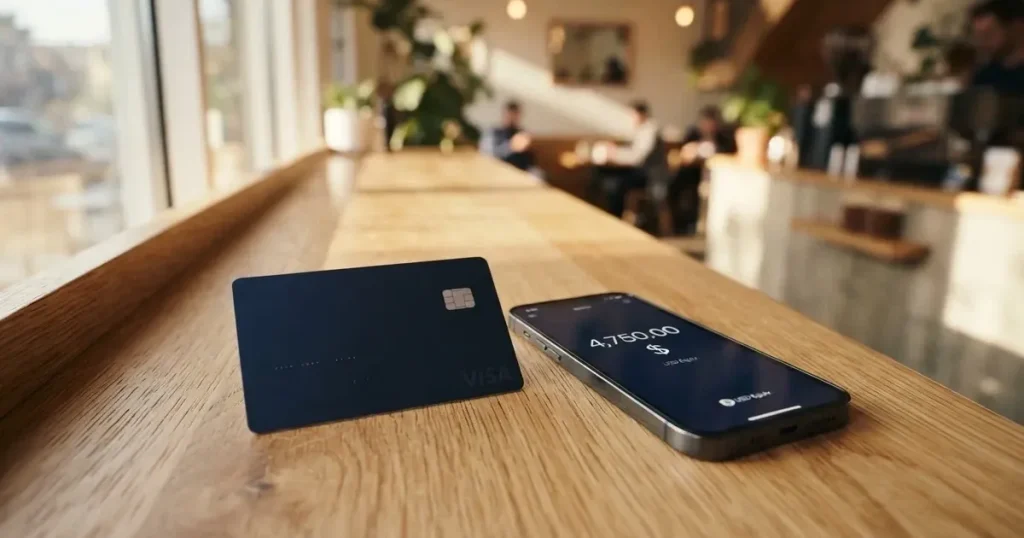
SPay is a crypto-linked Visa card you load from a stablecoin balance and then spend like an ordinary payment card. It is aimed squarely at people who cannot get an ordinary bank card — the card is explicitly built for users outside the United States, and the operator says so plainly. For that audience it is a serious, working product: three tiers, a points scheme, Apple Pay, spending limits you control, and no stated monthly fee. For anyone else — if you already have a normal debit card, if you need an ATM in the next month, or if you are on Android and want Google Pay — it is thinner than it looks, and a few of the things you would want are marked “Coming soon.”
My score for the SPay card is 5.5 out of 10. That is not a verdict of “bad.” It is a verdict of “narrowly useful, and honest about its limits.” The card does what it says for its intended user. It just is not a general-purpose replacement for a bank card, and the parts that are missing are the parts most people notice first.
Conditions on this page are current as of October 28, 2026.
Verdict: 5.5 out of 10, built for one specific person
If you are outside the US, you hold USDT or USDC, you pay mostly online, and ordinary card applications keep getting declined — SPay is worth a look. If you want to draw cash, if you rely on Google Pay, or if you need a card in your hand the same week, it will disappoint you, because the physical card and the ATM function are both “Coming soon.”
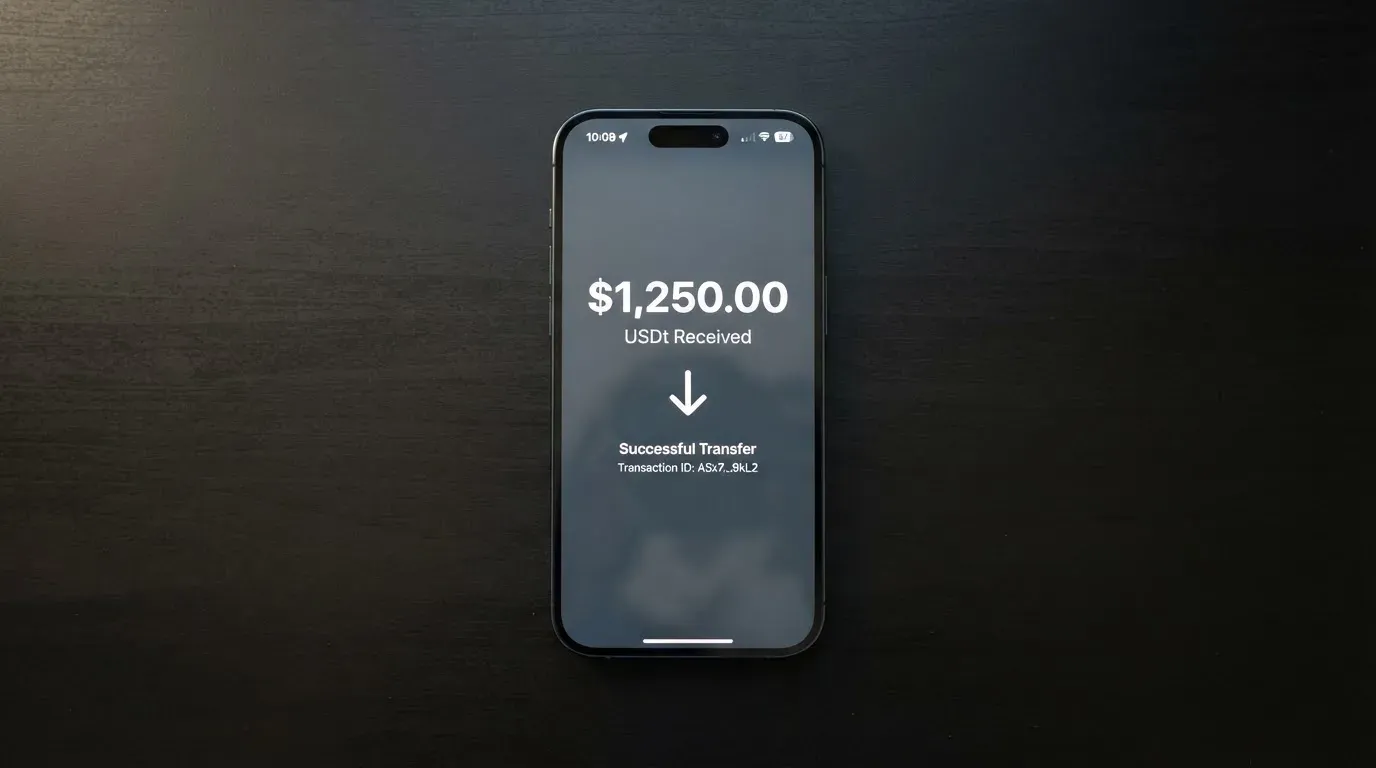
The audience this card is designed for, in the operator’s own framing, is non-US users who want a tiered virtual Visa with points. That is a real gap in the market and SPay fills part of it. The card runs on a genuine Visa licence through a named issuer, supports the two biggest dollar stablecoins, and keeps its promises about points. What it does not yet do is offer everything a normal card does.
| Criterion | Mark | Why |
|---|---|---|
| Who can get it | 5 / 10 | No country list is published; coverage is handled by request via the Contact page. Built for people outside the US, not for US citizens. |
| Cost | 3 / 10 | One-time fees of $9.99, $19.99 or $49.99 by tier, plus $99 for a physical card. Foreign-exchange and cross-border fees each up to 3%. |
| Top-up options | 8 / 10 | USDT on Tron and Ethereum, USDC on Ethereum, plus native ETH and TRX. Card loads from a USDC balance, $10 to $500. |
| Reliability and complaints | 7 / 10 | Operated by NOVARA TECH L.L.C S.O.C, card issued by Third National under licence from Visa. No complaints found. App Store 5.0 from a single rating. |
| Everyday use | 6 / 10 | Virtual Visa with working Apple Pay; Google Pay is contradictory in the operator’s own materials. Physical card and ATM are “Coming soon.” |
| Total | 5.5 / 10 | A capable virtual card for a specific audience, held back by the parts that are not live yet. |
Two things stand out when I read the operator’s own pages. First, the honesty about status: “Coming soon” is stated plainly for the physical card and ATM, which is better than discovering it yourself at an airport. Second, the inconsistency: the site says Google Pay is “in development” on one page and that both Apple Pay and Google Pay work with virtual cards on another. Where a company contradicts itself about a feature, assume the less convenient answer until you have the card in hand and have tested it.
Will they give you the card?
Short answer: probably, if you are outside the US and pass their checks — but you cannot check your country yourself, because the card publishes no country list.
There is no country list on the SPay card page. For current country coverage it points you to the Contact page, which means eligibility is decided case by case rather than by a published rule you can read. If your country matters to you, that is the first thing to settle before anything else, and settling it means asking them.
What the card terms do say is clear and important. You must not be blocked or sanctioned by the United States (OFAC), and you must attest that you are not a US citizen — the card is intended for people outside the US. The card’s public pages do not state whether they screen citizenship or residence, and that distinction matters to some applicants: if you are a citizen of one country and live in another, you are in a different position from someone who is both.
My read: treat eligibility as “ask first.” A short message to the Contact page, stating your country of residence and your citizenship, costs you nothing and saves you from setting up an account you cannot use.
How to get it
You verify your identity during onboarding, then the virtual card is created inside the app. There is no branch, no postal application, no waiting period described.
Verification is required, and the card does not describe which documents, proof of address or age evidence it wants. The public pages do not say how many verification tiers there are. What they do describe is the unlock: your app opens with Face ID or a six-digit passcode. So expect a verification step of unknown shape at sign-up, and expect your phone’s biometrics or passcode to be the thing standing between a stranger and your balance.
The card itself is virtual, created in the app, issued by Third National under licence from Visa, and it spends in US dollars. That last point has consequences we will come back to in the costs section, because a dollar card spending in a non-dollar country is exactly where the 3% fees live.
The physical card — a teal plastic card, intended for tap-to-pay and ATM withdrawals — is “Coming soon” at a one-time price of $99. When it arrives it is delivered to your address and activated on arrival. The card does not state which countries it ships to or how long delivery takes, so I cannot tell you how long you would wait, only that it is not yet available.
What it really costs: the fees
There is no monthly fee stated on any plan. There is a one-time fee to open, and there are two percentage fees that only bite when you spend outside dollars.
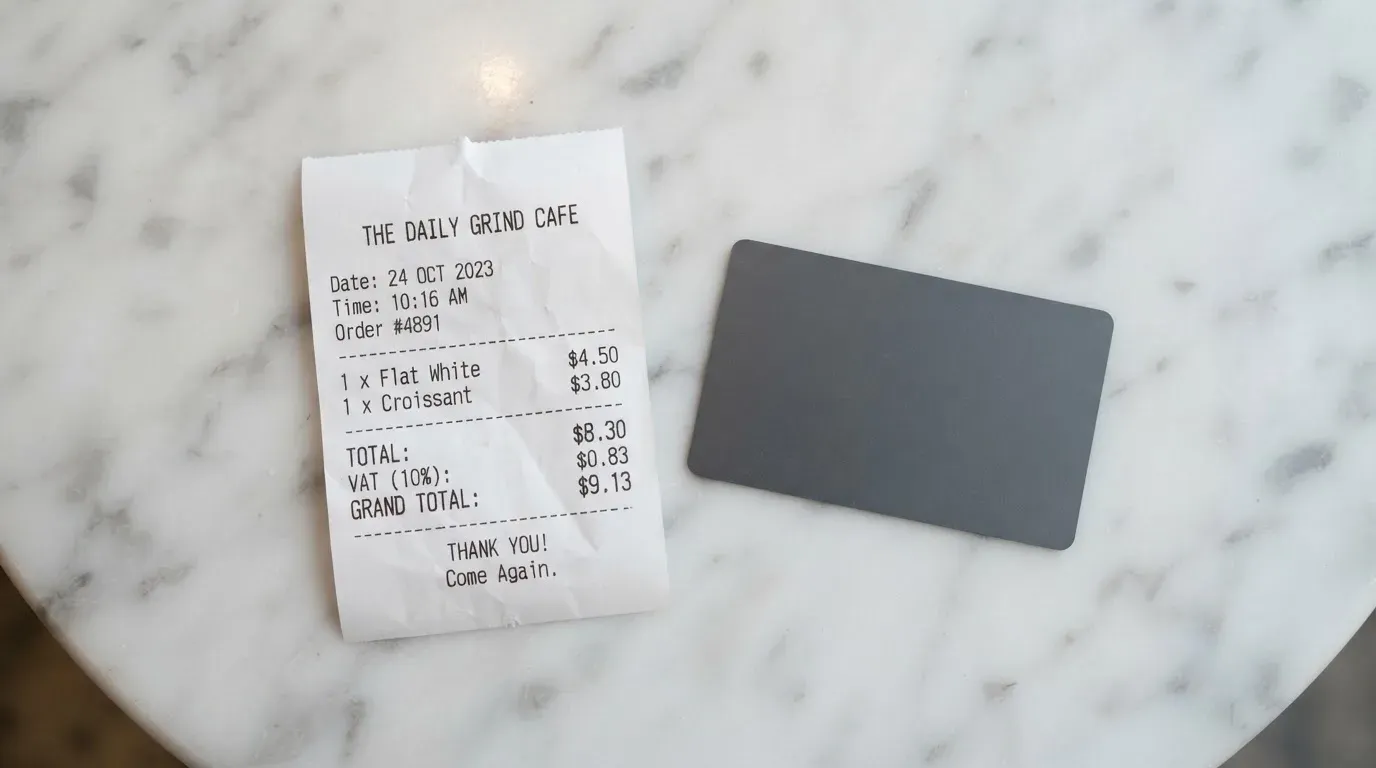
| Fee or limit | Value |
|---|---|
| One-time fee, Platinum | $9.99 |
| One-time fee, Signature | $19.99 |
| One-time fee, Infinite | $49.99 |
| Physical card | $99 one-time, “Coming soon” |
| Monthly fee | None stated |
| Foreign-exchange fee (non-USD spend) | Up to 3% |
| Cross-border fee | Up to 3% |
| Crypto conversion / deposit fee | Not listed in the terms |
| ATM fee | Not listed in the terms; ATM withdrawals “Coming soon” |
| Cash advances | Unavailable per the terms |
| Monthly cap, Platinum | $20,000 |
| Monthly cap, Signature | $50,000 |
| Monthly cap, Infinite | $100,000 |
| Your own limit | Settable from $0 up to your tier cap |
| Daily and per-transaction caps | Exist; amounts not listed |
Three everyday payments, and which fees actually apply:
A $40 subscription in US dollars. You pay the one-time tier fee once at signup, and nothing per month thereafter. No conversion fee, because the card is already in dollars. If your subscription accepts prepaid or foreign-issued Visa cards, this is the SPay use case working as intended.
A €60 dinner in Europe. This is where the fees live. The card spends in dollars, so your euros are treated as a non-USD transaction: expect a foreign-exchange fee of up to 3% and a cross-border fee of up to 3%. That is the honest number for this card: fees of up to 3% for foreign exchange and up to 3% for cross-border transactions, applied to the amount you spend in a foreign currency.
A €50 withdrawal from an ATM. You cannot do this yet. ATM withdrawals are tied to the physical card, which is “Coming soon,” and the ATM fee itself is not listed in the terms. Cash advances are unavailable outright. If your plan involves physical cash, SPay is not the tool today.
Beyond the percentages, the per-tier benefits are what separates the three plans. Platinum includes purchase protection and extended warranty up to $10,000, price protection up to $2,000, worldwide auto rental insurance and 24/7 support. Signature adds concierge, the Luxury Hotel Collection, airport lounge access and higher limits. Infinite adds travel accident insurance up to $1,500,000, baggage cover, a priority concierge, purchase protection at $20k and warranty at $25k. Those are the numbers to weigh against the $10 and $30 steps in the signup fee, and whether they matter to you depends entirely on how much you travel.
One more limit worth internalising: the card’s terms let SPay set your limit based on collateral, and reduce it to $0 at any time. Your spending limit is a request, not a right.
How to top it up
Topping up is the strongest part of this card, and the reason its top-up score is the highest in my table.
You deposit into the SPay wallet: USDT on Tron (TRC-20) or Ethereum (ERC-20), USDC on Ethereum (ERC-20), and native ETH and TRX. From your USDC balance you then move funds to the card in amounts from $10 to $500, and the credit lands in minutes. Quick amounts from $10 to $500 are offered directly.
Three things the card does not tell you, and which you should find out for yourself:
- The deposit fee is not listed. Neither is the conversion fee.
- Who pays the network fee is not stated. This matters: on-chain network fees are charged by the blockchain itself, not by the card provider, so if you send USDT on Ethereum you need ETH in the wallet to pay for the transfer. A wallet holding USDT and no ETH cannot send on Ethereum.
- Fiat top-up is not stated. On what I can see, this is a crypto-to-card route, not a bank-account-to-card route.
There is also a withdrawal path worth knowing: withdrawals are sent as USDC on Base to any self-custody wallet. The fee is not listed, and neither is what happens to a remaining balance if you close the account. And the network warning is serious — funds sent on the wrong network cannot be recovered.
Paying with it every day
Day to day, the card is a virtual Visa that works in Apple Pay and, by the operator’s own account, probably in Google Pay. Points accrue on card purchases at up to 1.5% back depending on tier, redeemable from 1,000 points at 200 points to $1 USDC, credited to your card balance. There are bonus points for referrals, for completing verification and for your first card.
The categories that will not work are the ones you would expect: cash-like transactions — crypto purchases, gambling and money transfers — “may be limited.” The wording is soft, which means the exact block list is not something the public pages enumerate.
If a charge goes wrong, the route is ordinary: try the merchant first, then report the disputed charge within 60 days of it posting to your statement. Card-network chargeback rules apply, and a chargeback you win is credited back to your SPay account.
The app is on iOS at 5.0 out of 5 — from a single rating, which is not much of a signal either way. It needs iPhone on iOS 15.1 or later. A Google Play listing exists (com.spay.wallet), but I did not read its rating.
One thing to be honest with yourself about: even a single five-star review and a clean sheet of complaints are thin evidence. Nobody has been using this long enough, or in enough numbers, for the record to mean much. Absence of complaints is not evidence of safety.
What can go wrong
Nothing has gone publicly wrong that I can find. I searched for complaints and found no SPay results and no Trustpilot page. That is a genuine finding and also a limited one: a young product with a small user base has a thin complaint record for the most encouraging reason of all — few people have had the chance to be hurt yet.
The things that could go wrong are mostly structural, and none of them are the company’s fault so much as the nature of the arrangement:
The issuer and the brand are different parties. The card is operated by NOVARA TECH L.L.C S.O.C, which says it is not a bank, and issued by Third National under licence from Visa. The card terms are governed by Puerto Rico law. So there are three sets of interests in your transaction: the app you use, the company behind it, and the bank that actually issues the card.
Your card can look foreign to a shop. A merchant can look up the card’s issuing country and apply extra scrutiny when it differs from your billing address. Some merchants decline prepaid or foreign-issued cards outright. This is normal for crypto cards, not a defect of this one, but it will happen.
Address checks fail on foreign cards. The address-verification service that compares your typed billing address with issuer records is mainly offered in the US, Canada and the UK, and is generally unavailable for foreign-issued cards. That is a common cause of declines at foreign online checkouts.
Declines leave holds. A declined authorisation can leave a hold on your funds that stays for several days, typically up to seven. Money you did not spend can be unavailable for a week.
Transfers are one-way. Crypto transfers are irreversible. Send funds on a network SPay does not support, or to an address belonging to a different network, and they can be gone or require manual recovery with no guarantee.
Custody means trust. The card’s public pages do not state its custody model. If funds sit with a provider, you are trusting that provider with the credentials. The industry’s track record here is not encouraging: custodial platforms have failed before, with losses reported in the hundreds of millions of dollars, and no private key ever has a built-in recovery.
The programme can be wound down. Card networks license issuers and can suspend a programme. Precedents are not hypothetical: one crypto card’s agreements with Visa were terminated in November 2022 and the card was wound down by its issuer; another Visa issuer was suspended in Europe in 2018, closing all its programmes. When programmes close, the pattern is a notice period, then spending stops, then you are asked to withdraw what is left.
Stablecoins are not perfectly stable. They aim to hold a steady value, but they can and have lost it. And they are not censorship-proof: one major issuer says it disables tokens in wallets on the sanctions list and has frozen funds tied to illicit activity.
The support picture is decent for a company this size: an in-app assistant that hands off to a human, 24/7 support on Platinum, a priority concierge on Infinite, a phone number (+971 55 947 6972), and an app fully localised in Arabic. The Arabic localisation and the Gulf phone number tell you something about who this card is really built for.
What to take instead
I compared SPay with three other crypto cards. None of them is dramatically better; they are differently narrow. All three sit close to SPay on score, which is the honest summary of this corner of the market.
| SPay | Cardex | CardFlow | HyperCard | |
|---|---|---|---|---|
| Score | 5.5 / 10 | 5.6 / 10 | 4.9 / 10 | 4.7 / 10 |
| Card | Virtual Visa, issued by Third National | Debit card on VERVE, Visa, Mastercard, UnionPay; virtual and physical | Virtual USD Mastercard, created in about 3 minutes | Prepaid card; network not stated |
| Cost | $9.99 / $19.99 / $49.99 one-time; no monthly fee stated | Not stated | Virtual card free to create; monthly fee not stated | Not stated; no fees on the app page |
| Fees | FX up to 3%, cross-border up to 3%; conversion fee not listed | Conversion at payment time at a rate the site says it optimises; no percentage stated | Not stated | Not stated |
| Top-up | USDT (Tron, Ethereum), USDC (Ethereum), ETH, TRX | USDT, USDC, BTC; networks not stated | Bitcoin, USDT, ETH, or Naira bank transfer | USDT, BTC, ETH in the app; networks not stated |
| Rewards | Points, up to 1.5% back by tier | Not stated | Not stated | Not stated |
| Where it is aimed | Non-US users, Arabic-speaking | Nigeria-focused listing | Nigeria | Acceptance in “more than 176 countries” |
Read that table carefully, because the interesting thing is what it lacks: SPay is the only one of the four that states a price, states a percentage fee, states a points rate and names its issuer. Cardex, CardFlow and HyperCard are more silent, not more generous. Silence about a fee is not the absence of a fee.
Where each one wins:
- Cardex edges SPay slightly (5.6 against 5.5) and has something SPay lacks: a physical card, and four networks to choose from. Its listing is Naira-focused, so it makes sense mainly if you earn and spend in Nigeria.
- CardFlow is the simplest of the four — a virtual dollar Mastercard in about 3 minutes, free to create. If you want one card, one currency, no tiers and no points, it is a short path. It is aimed at Nigeria first.
- HyperCard is the vaguest of the four. The app page describes acceptance in more than 176 countries, but that is acceptance, not eligibility, and the network is not stated. Its strength is that you can hold a balance in USD or EUR, which SPay does not offer.
The honest conclusion is that if SPay’s country list does not include you, or if you need the physical card now, one of these might serve you better — but you will be making the decision with even less published information than you have here.
Who I would recommend it to
I would recommend SPay to someone who is outside the US, whose country they will confirm by asking, who already holds USDT or USDC on Tron or Ethereum, who pays mostly online in dollars or is comfortable paying a few percent to spend in another currency, and who has found ordinary cards hard to get. For that person this is a well-built tool with sensible tiers, a real points scheme and a card network that shops accept.
I would not recommend it — yet — to someone who needs cash this month, who is fully dependent on Google Pay, who needs the card physically in hand immediately, or who wants to know exactly what a conversion will cost before they commit money. Two of those are temporary; the fee silence may not be.
My advice to anyone reading this: send one message to the Contact page before you download anything. Ask whether your country is supported and whether your citizenship affects it. That one message costs you nothing and resolves the single largest unknown in this entire review. Then test it small — load the minimum, try one payment you would have made anyway, and see whether the statement, the points and the app feel like something you trust with more.
Frequently asked questions
What is the SPay card?
SPay is a crypto-linked Visa card. You load it from a stablecoin balance — USDT or USDC, and natively ETH or TRX — and it then behaves like an ordinary payment card, spending in US dollars. It is a virtual Visa created in the app, issued by Third National under licence from Visa, and operated by NOVARA TECH L.L.C S.O.C, which says it is not a bank.
How does the SPay card work?
You deposit supported crypto into the SPay wallet, then move money from your USDC balance onto the card in amounts from $10 to $500, and the credit lands in minutes. The card spends in dollars. Anything non-dollar triggers a foreign-exchange fee of up to 3%, and cross-border spending can add another 3% on top.
Is SPay a bank, and who owns it?
SPay is not a bank — the operator says so itself. It is operated by NOVARA TECH L.L.C S.O.C, with the card issued by Third National under licence from Visa. The card’s terms are governed by Puerto Rico law. So the app, the operator and the issuing bank are three separate parties in your transaction.
Who can get the SPay card?
There is no published country list; the card page points to its Contact page for current coverage. The terms say you must not be blocked or sanctioned by the US (OFAC) and must attest you are not a US citizen, because the card is for people outside the US. Whether citizenship or residence is screened is not stated.
Does the SPay card require KYC?
Yes, verification is required during onboarding, but the card does not say which documents, proof of address or age evidence it needs, and it does not say how many verification tiers there are. What it does say is that the app unlocks with Face ID or a six-digit passcode.
What does the SPay card cost?
One-time fees of $9.99 for Platinum, $19.99 for Signature and $49.99 for Infinite, plus $99 for the physical card when it arrives. No monthly fee is stated. On spending, the foreign-exchange fee is up to 3% on non-USD and the cross-border fee up to 3%. Conversion and deposit fees are not listed.
Is SPay safe?
I found no complaints, no Trustpilot page and no reported incidents, and the card runs on a genuine Visa licence with a named issuer. But the app has a single five-star rating, the custody model is not stated, and a low complaint count on a young product mostly means few users so far. Treat it as new, not as proven.
Can I use SPay with Apple Pay and Google Pay?
Apple Pay works. Google Pay is contradictory in the operator’s own materials: one page says it is “in development” and another says both wallets work with virtual cards on creation. Assume it may not, and check once you have the card. The physical card for tap-to-pay and ATMs is marked “Coming soon.”
How do I top up the SPay card, and can I get cash out?
Top up by depositing USDT on Tron or Ethereum, USDC on Ethereum, or native ETH and TRX into the wallet, then moving $10 to $500 from your USDC balance to the card, which credits in minutes. Fiat top-up is not stated. For cash out, withdrawals go as USDC on Base to your own wallet — but ATM withdrawals are tied to the “Coming soon” physical card, and cash advances are unavailable.
Is SPay worth it?
Worth it if you are outside the US, cannot get an ordinary card, hold USDT or USDC and pay mostly online. Not worth it yet if you need cash, depend on Google Pay, need the physical card now, or want to know the conversion fee in advance — it is not published. Ask the Contact page whether your country is supported before you commit any time.
Virtual card reviews – cryptocardcheck
Content created by the «cryptocardcheck» team