
A crypto Visa card with a 7.5% top-up charge and no named bank behind it
 Available in US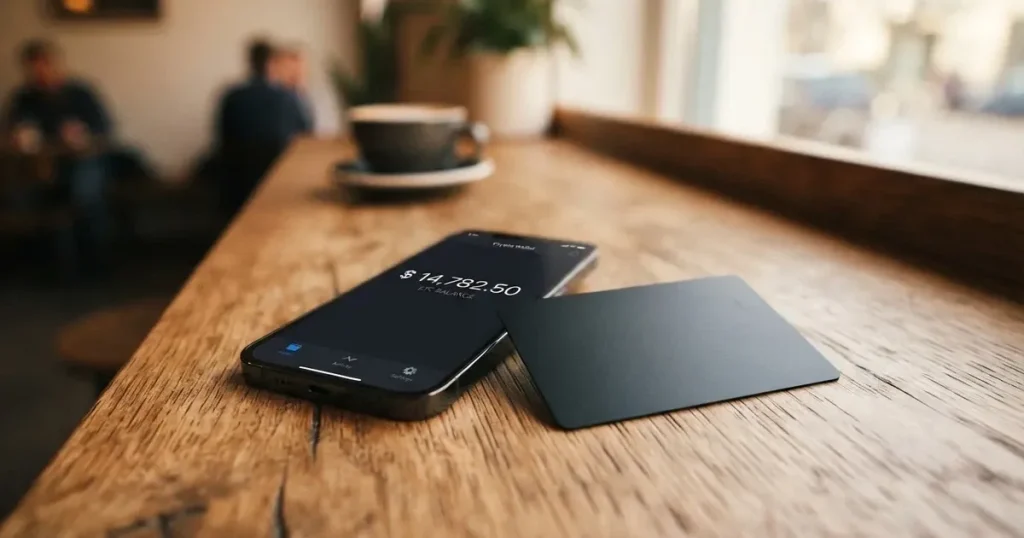
CasperCard is a crypto Visa card that turns a balance of tokens into ordinary card payments. The idea is simple and, on paper, useful: you hold USDT, USDC, BTC, ETH, XRP, SOL or XMR, you load them into the card, and you spend real currency in shops, online and through Apple Pay and Google Pay. On that level it does what it says.
What gives me pause is everything around that idea. The top-up fee starts at 7.5% on the cheapest tier, conversion adds 1.75%–2.00% on top, the card is virtual only, the issuing bank is not named, the registration country is not named, and the official pages contradict each other about whether you need to verify your identity. I could not find a single review of this card anywhere — not on Trustpilot, not on Reddit. For a financial product, that silence is itself information.
My score is 5.0 out of 10. That is not a rejection. It is a card that works on the mechanics and fails on the transparency, and those are very different kinds of problem. If you have decided you want a crypto card and you know what you are paying, you will get what you expect. If you are choosing a card for the first time, you are choosing the least documented one I have looked at.
The conditions described here are current as of October 28, 2026.
Verdict: 5.0 out of 10
| Criterion | Score | Why |
|---|---|---|
| Who can get it | 6 / 10 | Issuance is “subject to eligibility”; no list of countries |
| Cost | 2 / 10 | Whisper costs 0 EUR a month, but top-up is 7.5% (Phantom 6%, Wraith 4.5%) plus 1.75%–2.00% conversion |
| Top-up options | 8 / 10 | USDT, USDC, BTC, ETH, XRP, SOL, XMR; networks not named |
| Reliability and complaints | 5 / 10 | Issuer described only as a “licensed issuing partner”; country of registration not named; no reviews or complaints found |
| Everyday use | 5 / 10 | Virtual Visa only; Apple Pay and Google Pay available; cash machine details undisclosed |
| Total | 5.0 / 10 | The mechanics work; the disclosure does not |
The strongest mark is top-up options: seven coins is a genuinely wide list, and it includes Monero, XRP and Solana, which many competing cards leave out. That matters if you hold those assets and want to spend them without converting them somewhere else first. The weakest mark is cost, and the weakness is structural rather than a single number. A card that is free to hold but charges 7.5% to load is not a free card. On the entry tier you pay the 7.5% top-up fee plus the 1.75%–2.00% conversion fee before a single euro is spent, and the monthly spend limit is 25,000 EUR.
Who does this suit? Someone who already holds crypto, already understands networks and stablecoins, and wants a spending tool for Monero, XRP or similar assets. Someone for whom an ordinary bank card has not been an option. Someone who is comfortable with a provider whose own pages disagree on identity verification and who names no bank behind the card.
Who does it not suit? Almost everyone else. If you spend 500 EUR a month, 7.5% is 37.50 EUR plus conversion every time you load. If you need a physical card, there is no answer on this — the FAQ does not address it and the marketing only says there is no waiting for plastic. If you want to know which institution holds your money when things go wrong, the site does not say. And if you are picking a card on the strength of other people’s experience, there are no other people’s experiences to read.
Will they give you the card?
They will probably let you start, and that is precisely the catch. The official framing is that card products are “subject to eligibility, identity verification and availability”. That sentence does three things at once: it reserves the right to say no, it promises a check, and it warns that even an existing product may not be available where you are.
Then the FAQ asks which countries can apply and answers without listing any. There is no list of eligible countries, and no list of excluded ones. The site is published in English, Spanish, German, Italian and Albanian, which tells you something about the audience it was built for, but that is a marketing signal, not an eligibility rule.
Here is the honest position: I cannot tell you whether you qualify, because CasperCard does not say. Nor can I tell you what happens if you are turned down. What I can tell you is that eligibility is not a formality here — it is written into the product description as a condition. Treat the sign-up as something that may end in a refusal, and do not build a plan that assumes the card in your wallet.
There is one general point worth having, because it applies to every card in this category rather than to this one specifically. Nationality and residence are not the same thing in these checks. Sanctions screening and issuer risk policy are usually applied to citizenship and country of birth as well as to your address, so being resident in a supported country does not automatically settle the question. Nobody should read this as advice on how to get around a check. It is only a reason to ask the provider directly, in writing, before you move money.
How to get it
The short version: sign up with an email address. The virtual card details appear right after sign-up. There is no waiting for plastic — and there is no plastic, because the card is virtual only as far as the official pages go.
That is where the story gets uncomfortable, and the problem is not the card, it is the identity question.
The home page says you do not need to verify your identity to access the services, and that verification may be requested later for specific card features, higher limits, or to meet a provider’s requirements. The blog says identity verification is a one-time step at sign-up that takes minutes, and that seeing the full card number and CVV requires a verified identity.
Those are two different products. In one, you get a card immediately and verify later if you want more. In the other, verification comes first and it gates the card details themselves. I cannot reconcile them, and neither can you from the outside. If the card number and CVV only appear after verification, then “no verification needed” is marketing copy rather than a description of the flow.
What this means for you, practically: expect to be asked for documents, and expect the timing to be unpredictable. The level of verification required is not stated. What is stated is that once you are verified, the full card number and CVV are shown to you only.
| What you sign up with | What you get | What is unstated |
|---|---|---|
| Email address | Virtual Visa, details shown after sign-up | Whether a physical card exists |
| — | Apple Pay and Google Pay | Which country issues the card |
| — | — | What identity verification level is required |
If you are trying to work out whether this card is available where you are, the honest answer is that you have to ask them. There is a support email and a Telegram channel; both are listed further down.
Fees: what it really costs
This is the section that decides the review for me. The monthly price looks generous — the cheapest tier is free — and then the loading fee lands on top of it.
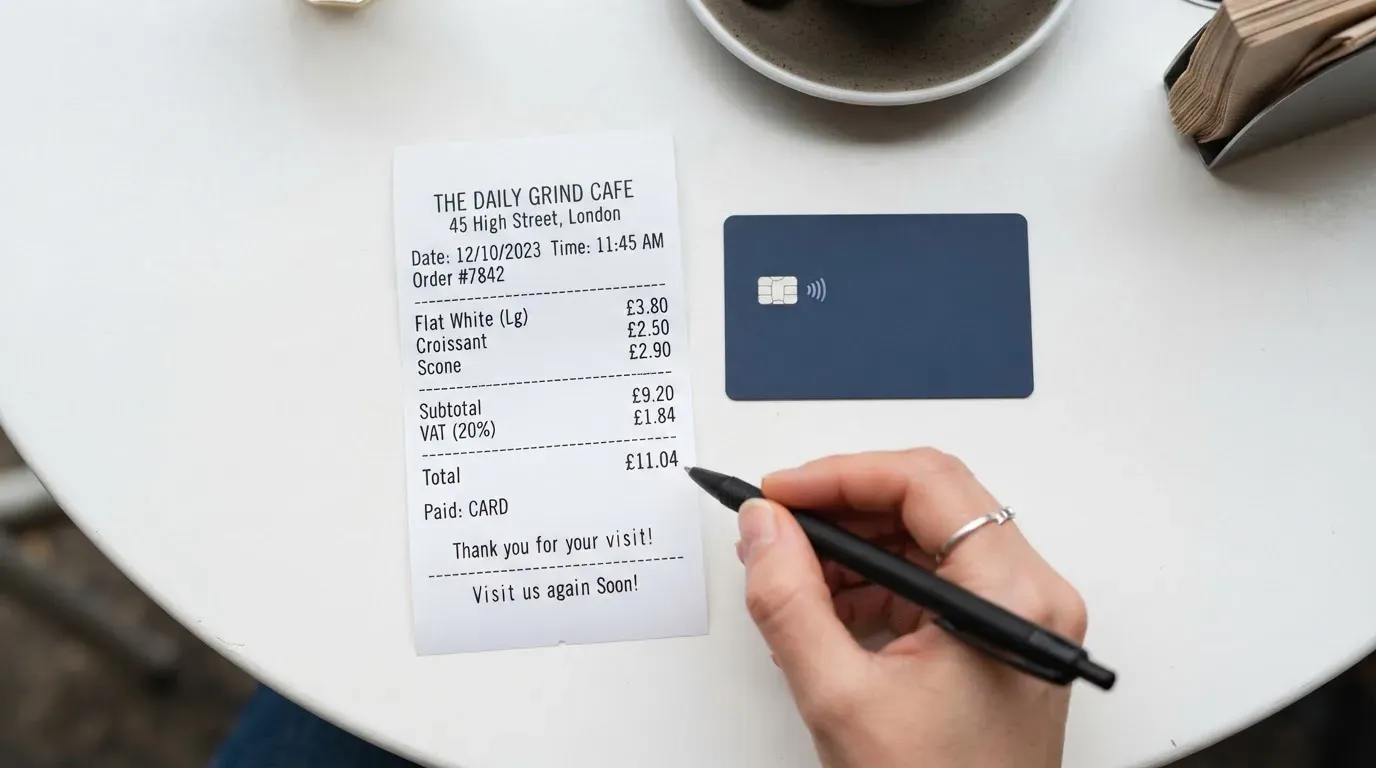
The card runs on three tiers. Whisper costs 0 EUR per month, Phantom 50 EUR, Wraith 500 EUR. No separate issuance fee is listed. What differs between the tiers is not only the monthly price but the loading fee and the limits, and both move in the direction you would guess: you pay more per month to load more cheaply and to be allowed to spend more.
| Fee or limit | Whisper | Phantom | Wraith |
|---|---|---|---|
| Monthly fee | 0 EUR | 50 EUR | 500 EUR |
| Issuance fee | not listed | not listed | not listed |
| Stablecoin top-up fee | 7.5% | 6% | 4.5% |
| Conversion (FX) fee | 1.75%–2.00% | 1.75%–2.00% | 1.75%–2.00% |
| Monthly spend limit | 25,000 EUR | 70,000 EUR | 100,000 EUR–500,000 EUR custom on request |
| Daily limit | not stated | not stated | not stated |
| Cash machine fee | not stated | not stated | not stated |
| Virtual cards per month | up to 1 | up to 3 | up to 20 |
Two things to notice before you do any arithmetic. The conversion fee is charged on all three tiers and it is set by the issuing bank, not by CasperCard — so it is not something a higher tier buys off. And crypto is converted at the moment of payment, which means the conversion fee is applied to your spend as well.
Let me walk through three ordinary payments on the free tier, because that is where the numbers become real. Take a 40 EUR coffee shop bill, a 120 EUR supermarket shop and a 60 EUR online purchase. In each case you first have to get money onto the card, and that is where the loading fee hits.
Loading is what makes this expensive. If you load 100 EUR worth of crypto into Whisper, the 7.5% top-up fee takes 7.50 EUR before you have spent anything. Add the 1.75%–2.00% conversion and you have already paid the combined top-up and conversion fees. On the 40 EUR coffee bill, the conversion and top-up overhead is significant; on the 120 EUR shop, the overhead is significant; on the 60 EUR online purchase, the conversion and top-up overhead is significant. Those are my arithmetic on their published percentages, not figures the card publishes, and your real cost depends on how often you load rather than how much you spend — because every load pays the fee again.
That is the structural point, and it is worth being blunt about. On a free tier that charges 7.5% to load, frequent small top-ups are the worst possible way to use this card. Someone who loads twice a week pays 7.5% twice a week. Someone who loads once a month with a planned budget pays it once.
The monthly limits are generous for a retail card — 25,000 EUR on the free tier is far above what most people spend — which makes the price the real constraint. And the daily limit is not stated, so I cannot tell you whether a large single purchase will clear or get declined. If that matters to you, it is a question to ask before you rely on the card for something expensive.
Top up: how money gets onto the card
You load from your own wallet. The supported coins are USDT, USDC, BTC, ETH, XRP, SOL and XMR — seven assets, which is the strongest thing about this card. That list is unusual: Monero and XRP in particular are absent from most cards in this category, so if your holdings sit in those coins, this is the feature that would justify the rest.
What the site does not say is which networks to use. That omission matters more than it might look. A stablecoin deposit sent on a network the provider does not support, or to an address belonging to a different network, can be lost or need manual recovery with no guarantee — blockchain transfers are irreversible by design. The same applies to the coins themselves: if you hold USDT and no ETH, a transfer on Ethereum cannot complete, because fees on that network are paid only in ETH.
So the practical sequence is: sign up, open the app, look for the deposit address, and confirm the network for that exact coin before you send anything. Take a screenshot. If the app does not tell you the network clearly, ask support first, and consider a small test transfer before committing an amount you would miss. I am not describing a trick; I am describing the ordinary care that irreversibility demands.
One clarification about the fee, because the numbers can be misread. The top-up fee is per tier and it is the 7.5%, 6% or 4.5% figure. Separately, network fees for your deposit go to the blockchain network, not to CasperCard — you pay those to whichever chain you use, on top of everything above. The minimum top-up is not stated, and top-up by fiat is not stated either; what is described is a crypto transfer from your wallet.
Withdrawal is not addressed. The public pages do not say how, or whether, you can move money back out. If you load 300 EUR of crypto intending to hold it as a float, and you later find you cannot withdraw it, you will discover that after the 7.5% is already gone. Ask.
Paying with it every day
The card is a Visa, virtual, and it works with the two mobile wallets you would expect: Apple Pay on iPhone, Apple Watch and Mac, and Google Pay on Android and in web checkout. On a card that never becomes physical, that is the entire point of the product — the wallet is the card.
How a payment works: your crypto is converted to local currency at the moment of payment, and the merchant sees ordinary currency. Nobody in the shop knows what you are holding. That part is clean and it works.
Apple Pay is the safer of the two routes in principle, and not for marketing reasons. When you add a card to Apple Pay the number is replaced by a device-specific Device Account Number held in the Secure Element on your device, never on Apple’s servers, and each payment carries a one-time dynamic code. Google Pay uses the same tokenised principle. Either way, the issuer can also restrict the tokenised number — blocking it on magnetic stripe, phone or web use — which is a lever you do not control.
Two everyday frictions are worth knowing in advance. First, declined authorisations can leave a hold on funds for several days, typically up to seven, so a card that is refused at a till can tie up money in the balance. Second, some shops decline prepaid or foreign cards outright. The reason is visible to them: the first six or eight digits of a card number identify the issuing institution and country, and merchants can look that up. If your card is issued in a country different from the store’s, it can look foreign and attract extra scrutiny or a decline. This is the normal experience of crypto cards issued from one jurisdiction and used in another, and no marketing page will warn you about it.
The controls in the app are sensible. You can freeze the card in one tap, and you can review transactions as they happen. The platforms the app runs on and its store ratings are not stated, which is not the same as saying they are bad — it means you go in without that information.
| What works | Detail |
|---|---|
| Apple Pay | iPhone, Apple Watch, Mac |
| Google Pay | Android, web checkout |
| Freeze | One tap, from the app |
| Transaction review | As they happen |
| Blocked merchant categories | not stated |
| Cash machine withdrawals | not stated |
What I could not find is any statement about blocked categories. In this category that usually means gambling: merchant category 7995 covers casinos, betting and lotteries, and many issuers block it by policy rather than by law, with the list differing by issuer. If gambling is something you spend on, you need an answer before you assume it works.
What can go wrong
The reliability score is 5 out of 10, and the reasons are not about service quality. They are about what the public record does not contain.
The first gap is the institution behind the card. The site says cards are issued by a licensed issuing partner. That partner is not named. The country of registration is not named. Licences are not named. So there is no way, from the official material, to check whether the entity holding your balance appears in a regulator’s register. In the EU, ESMA maintains an interim register of authorised crypto-asset service providers, white papers and non-compliant entities, and that is a register you can actually look things up in — but only once you know the legal name to search for.
The second gap is feedback. I found no official incidents and no reports of problems, which sounds like a clean record until you notice the same search turned up no CasperCard reviews on Trustpilot or Reddit either, and no Trustpilot page at all. A young card has few reviews; a card with zero reviews and zero complaints usually means nobody has written anything yet, not that nothing has happened. Read the absence carefully.
The third gap is disputes. What happens when a payment is wrong, a shop refuses a charge, or fraud happens — none of this is stated. That matters because in the US, debit card reversal rights come from Regulation E and credit card rights from Regulation Z, and prepaid-card coverage varies and should not be assumed. Whether your CasperCard sits under either regime depends on how it was issued, and the site does not tell you.
The fourth gap is that programmes like this do close. The category has a history: Visa terminated its global agreements with FTX on 13 November 2022 and the FTX US debit card was wound down; WaveCrest, a Visa issuer that supplied crypto card brands, was suspended by Visa in Europe in 2018 and all its Visa programmes closed. Closures tend to follow a pattern — a notice period, then spending and loading stop, then users are asked to withdraw what is left. That is exactly the scenario in which an unnamed issuer and an unstated withdrawal policy are worst.
On top of all this sits the crypto risk, which is separate from the card risk. If the provider holds your funds, you are exposed to them. Custodial platforms have a documented record: Mt. Gox, about US$350 million reported stolen between 2011 and 2014; Coincheck, about US$400 million in 2018; Ronin Network, US$625 million in 2022. If you keep funds in your own wallet until the moment of payment, that counterparty risk drops, but the transfer risk rises — crypto transfers are irreversible, a seed phrase of 12 to 24 words is the private key in plain form, and anyone who obtains it can restore the wallet and spend everything.
Two further points on crypto that bear directly on this card. Stablecoins are not guaranteed stable despite the name: TerraUSD collapsed in May 2022 and USDC briefly lost its peg in March 2023 during the US banking crisis. And they are not censorship-proof — Tether says it disables tokens in wallets on the OFAC sanctions list and has frozen funds tied to illicit activity. So a card that accepts seven coins, including a privacy coin, inherits every one of those properties.
Support and news, for what they are worth
Support is an email at [email protected] and a Telegram channel at t.me/caspercardapp. Hours are not stated, which for a card that converts crypto at the moment of payment is the gap that hurts — if a payment fails at midnight, there is no published answer about who picks up.
The blog is published in English, Spanish, German, Italian and Albanian, and the most recent posts are dated 24 September, 27 September and 2 October 2026: guides on crypto Visa cards, on KYC and on fees. That is a young site publishing explainers. There is no licence news and no issuer news in that stream, which is consistent with a company that has not announced either.
What to take instead
None of the three alternatives below is a clear winner — their scores sit on either side of CasperCard’s 5.0 — and all three have the same transparency gaps. I am including them because comparison is the only way to see which gap matters to you.
| Alternative | Score | Card | Top-up assets | Cost and fees |
|---|---|---|---|---|
| CasperCard | 5.0 / 10 | Virtual Visa | USDT, USDC, BTC, ETH, XRP, SOL, XMR | 0/50/500 EUR monthly; 7.5%/6%/4.5% top-up; 1.75%–2.00% conversion |
| Cardex | 5.6 / 10 | Debit card on VERVE, VISA, Mastercard and UnionPay; virtual and physical | USDT, USDC, BTC | Fees not stated |
| CardFlow | 4.9 / 10 | Virtual USD Mastercard, about 3 minutes to create | Bitcoin, USDT, ETH or Naira bank transfer | Virtual card free; other fees not stated |
| HyperCard | 4.7 / 10 | Prepaid card, network not stated; USD or EUR balance | USDT, BTC, ETH | Not stated |
Cardex scores slightly higher, at 5.6. It advertises one card working in 200+ countries and offers both virtual and physical cards — which answers the physical-card question CasperCard leaves open. Its conversion happens in real time at the moment of payment, and the site describes an AI-powered conversion rate that scans global exchange rates and picks the best one at the point of spend. Two cautions: no fee percentage is stated anywhere I could read, so the cost of spending is genuinely unknown, and its app store listing is Naira-focused, with the card in Naira, which tells you where its centre of gravity is.
CardFlow, at 4.9, calls itself Nigeria’s smartest fintech card platform, aimed at Nigerians and global users. It is a virtual USD Mastercard, created in about 3 minutes, and creating a virtual card is free. You can fund it with Bitcoin, USDT, ETH or a Naira bank transfer. The fee structure is not stated.
HyperCard is the lowest of the four at 4.7. It is a prepaid card with the balance in USD or EUR, you deposit crypto such as USDT, BTC or ETH in the app, and the official pages state no country list — the app store says it works in more than 176 countries, which is a statement about acceptance, not about who can sign up. No fees are stated on the pages I could read.
The honest comparison is this: CasperCard has the widest asset list and the clearest published prices. Its competitors have vaguer prices and, in two cases, more established physical card options. What none of them give you, on the pages I could read, is a named issuer.
Who I would recommend it to
To three kinds of person, and honestly to nobody else.
Someone whose holdings are mostly Monero, XRP or Solana. That is the real differentiator. Seven supported coins including a privacy coin is more than the other cards here offer, and if converting those assets elsewhere costs you a swap and a spread, the 7.5% may be the cheapest route available.
Someone who has no ordinary card route and treats this as a fallback rather than a choice. If bank cards have been refused to you, a virtual Visa that works with Apple Pay and Google Pay, costs nothing to hold, and converts at the moment of payment solves a real problem. The combined loading and conversion costs are worth paying when the alternative is nothing.
Someone who will load once a month and spend from a float. The fee is per load, not per payment, so batching your loads is the single most effective thing you can do. If you take my advice from the cost section, take that one.
And here is who I would not recommend it to, plainly. Anyone who wants a physical card. Anyone who needs to know which bank holds their money. Anyone who spends lightly — the fees punish small frequent loads, so a modest spender is the worst fit. Anyone whose country of citizenship might complicate a sanctions screen, and who has been told by a support agent that it is fine without that in writing. And anyone who is comparing cards by reading reviews: there are none, so you would be making the decision from marketing alone.
The general lesson from this category is worth more than the verdict. Crypto cards are usually not issued by the crypto brand at all. A card number’s first six or eight digits identify the issuing institution, and the brand is often only a programme manager sitting on top. That means the three questions that matter most are not about crypto: who issues the card, in which country, under which licence. CasperCard answers none of them on its public pages, and that — more than the 7.5% — is what holds it at 5.
Frequently asked questions
What is CasperCard?
CasperCard is a crypto Visa card. You hold tokens such as USDT, USDC, BTC, ETH, XRP, SOL or XMR, you load them from your own wallet, and the card converts them to local currency when you pay. It is a virtual card, usable through Apple Pay and Google Pay. Cards are described as issued by a licensed issuing partner, though the partner is not named. The site carries a 2026 copyright.
Is CasperCard a bank?
No — not as far as its public pages show. It describes its cards as issued by a licensed issuing partner, and it never names that partner, its country of registration or any licence it holds. That distinction matters: the brand may be a programme manager rather than the institution actually holding your balance. You cannot verify the entity in a regulator’s register without its legal name, and the site does not give one.
Is CasperCard safe to use?
I would not call it unsafe, but I cannot vouch for it either. The safeguards it does advertise are real: freeze the card in one tap, review transactions as they happen, and see the card number and CVV only once your identity is verified. Against that, no reviews exist on Trustpilot or Reddit, the issuer is unnamed, and dispute handling is not described. Judge it on that balance.
Does CasperCard require KYC?
The official pages disagree. The home page says you do not need to verify your identity to access the services, with verification possibly requested later for specific features, higher limits or a provider’s requirements. The blog says verification is a one-time sign-up step taking minutes, and that full card number and CVV access requires it. The level required is not stated. Expect to be asked for documents at some point.
How much does CasperCard cost?
Three tiers: Whisper at 0 EUR a month, Phantom at 50 EUR, Wraith at 500 EUR, with no separate issuance fee listed. Loading costs 7.5%, 6% and 4.5% respectively, and a conversion fee of 1.75%–2.00% applies on all three, set by the issuing bank. So the free tier costs nothing to hold but is the most expensive to load. Network fees on your deposit go to the blockchain, not to CasperCard.
How do I top up CasperCard?
You send crypto from your own wallet. Supported coins are USDT, USDC, BTC, ETH, XRP, SOL and XMR. The site does not name which networks are supported, which matters: a transfer on an unsupported network, or to another network’s address, can be lost, because blockchain transfers are irreversible. Make a small test transfer first. Minimum top-up and any fiat top-up option are not stated.
Does CasperCard have a physical card?
No physical card is offered as far as the official pages go. The marketing speaks only of a virtual card with no waiting for plastic, and the FAQ does not answer the physical card question at all. If you need something you can put in a terminal or hand over in person, this is not it.
Which countries can use CasperCard?
Nobody can tell you from the public pages. The FAQ asks which countries can apply and gives no list, and there is no list of exclusions either. Issuance is stated as subject to eligibility, identity verification and availability. Note that nationality and residence are screened separately in this industry, so an address in a supported country does not settle the question. Ask support in writing before transferring money.
Can I use CasperCard in Apple Pay and Google Pay?
Yes. Apple Pay is supported on iPhone, Apple Watch and Mac, and Google Pay on Android and in web checkout. Because the card is virtual only, the mobile wallet is effectively the card. Adding it to Apple Pay replaces the number with a device-specific token in the Secure Element on your device, and each payment uses a one-time code.
Can I withdraw money from CasperCard?
Withdrawal is not addressed on the public pages. Nothing states whether you can withdraw, to which wallets, at what cost, or how long it takes. Given a 7.5% loading fee on the free tier, this is the question I would ask before putting any money in — if you cannot get funds back out, the fee is already spent and the balance is stranded.
Virtual card reviews – cryptocardcheck
Content created by the «cryptocardcheck» team