
KNGPay card review
 Available in US
KNGPay is a virtual Visa that you fund with crypto. There is no application, no identity check and no physical card: you order a balance in USD, send cryptocurrency to a one-time address the system generates, and the card is issued for a one-time fee of $15. It works in the country of your choice — the website advertises a “Worldwide Visa” with no published list of excluded jurisdictions — and it can be added to Apple Pay, Google Pay or PayPal for everyday spending.
That simplicity is the product, and it is also where the trouble starts. KNGPay charges a 5% fee on every deposit, takes $10 off any balance you ask back as a refund, does not publish a foreign-exchange fee, a monthly fee, a withdrawal fee or a maximum monthly spend limit, and identifies neither its card-issuing bank nor any payment-services licence. Trustpilot lists 13 reviews, all one star, with users reporting funds sent and no card delivered, support that does not reply, and refunds that have been refused. I am writing this review to walk you through what is on offer, what it costs in practice, and what the open questions mean for anyone thinking about putting money in.
Conditions in this review are current as of October 28, 2026.
Verdict
KNGPay scores 5.2 out of 10 in my evaluation. That number is not a deal-breaker by itself, but the spread underneath it is. The card is easy to get, accepts several cryptocurrencies and works as a virtual Visa in mobile wallets, which is what some readers specifically need. At the same time, the fee structure is heavy on the user, the issuer is unnamed, the support reputation is poor, and the everyday-use story is limited because there is no physical card and no ATM access.
If you have a normal bank account and a mainstream crypto card such as one of the well-known licensed options will accept you, this is not the right product. KNGPay only makes sense if you cannot or will not pass an identity check, you need a card in minutes, and you accept that the price of that convenience is a 5% deposit fee, a $10 refund fee, no published FX or monthly fees, and very limited recourse if something goes wrong.
The table below sets out the score by criterion.
| Criterion | Mark | Why |
|---|---|---|
| Who can get it | 9 / 10 | “Worldwide Visa” with no country list or restrictions published |
| Cost | 3 / 10 | $15 to issue, 5% to top up, $10 to refund; monthly and FX fees not stated |
| Top-up options | 8 / 10 | USDT on ERC20 and TRC20, USDC on ERC20, native BTC, XMR; minimum $50 per load |
| Reliability and complaints | 1 / 10 | Issuer and licences not named, “not a bank”; Trustpilot 1.9 out of 13 reviews, all one star |
| Everyday use | 5 / 10 | Virtual Visa only; Apple Pay, Google Pay and PayPal supported; no physical card, no ATM |
| Total | 5.2 / 10 |
The audience that fits the product, in plain terms: people who want a no-KYC virtual Visa for online spending, are willing to pay for the privilege, and are not relying on the card for any amount of money they cannot afford to lose.
Will they give you the card
KNGPay is unusually open about who it will and will not serve, in the sense that it does not name anyone. The site describes a “Worldwide Visa” with no country list and no published restrictions. Terms ask you to follow the laws of your own jurisdiction, but they do not say which jurisdictions those are or how the company checks.
There is no KYC. You do not upload a passport, you do not provide a proof of address, and there is no age verification step in the flow I read. The card is delivered as a digital number once the system has matched your crypto deposit. That is a notable feature compared to mainstream crypto cards, where you usually upload documents and wait days for a review.
The trade-off, as the next sections show, is that an unnamed issuer and no published licence mean very little consumer protection if anything goes wrong. “Worldwide Visa” describes where the card is accepted, not where you live or what your rights are as a customer.
How to get it
The signup flow is short. You go to kngpay.com/app or message the company through Telegram, order a balance in US dollars, and the system gives you a unique deposit address. You send the supported cryptocurrency to that address in the exact amount requested — the unique amount is how KNGPay matches the payment to your order on-chain — and the virtual Visa is issued.
Because the card is virtual only, there is nothing to ship and no delivery time. You receive the card details and can add them to a wallet or to a merchant straight away. There is no separate activation step, no app store download, and no mobile-app onboarding: KNGPay runs as a web app at kngpay.com/app and I could not find an App Store or Google Play listing for it.
A practical note on this flow. The “unique amount” is important. If you send $100 of USDT to an address that the system asked to receive a different amount, the on-chain match may fail. Send the exact number, on the exact network, from a wallet you control. Once the deposit is matched, the card is issued.
What it really costs: Fees
The cost section is where KNGPay becomes hard to evaluate fairly, because several of the most common fees on a payment card are simply not published. The costs I can quote are the ones the company has put in writing.
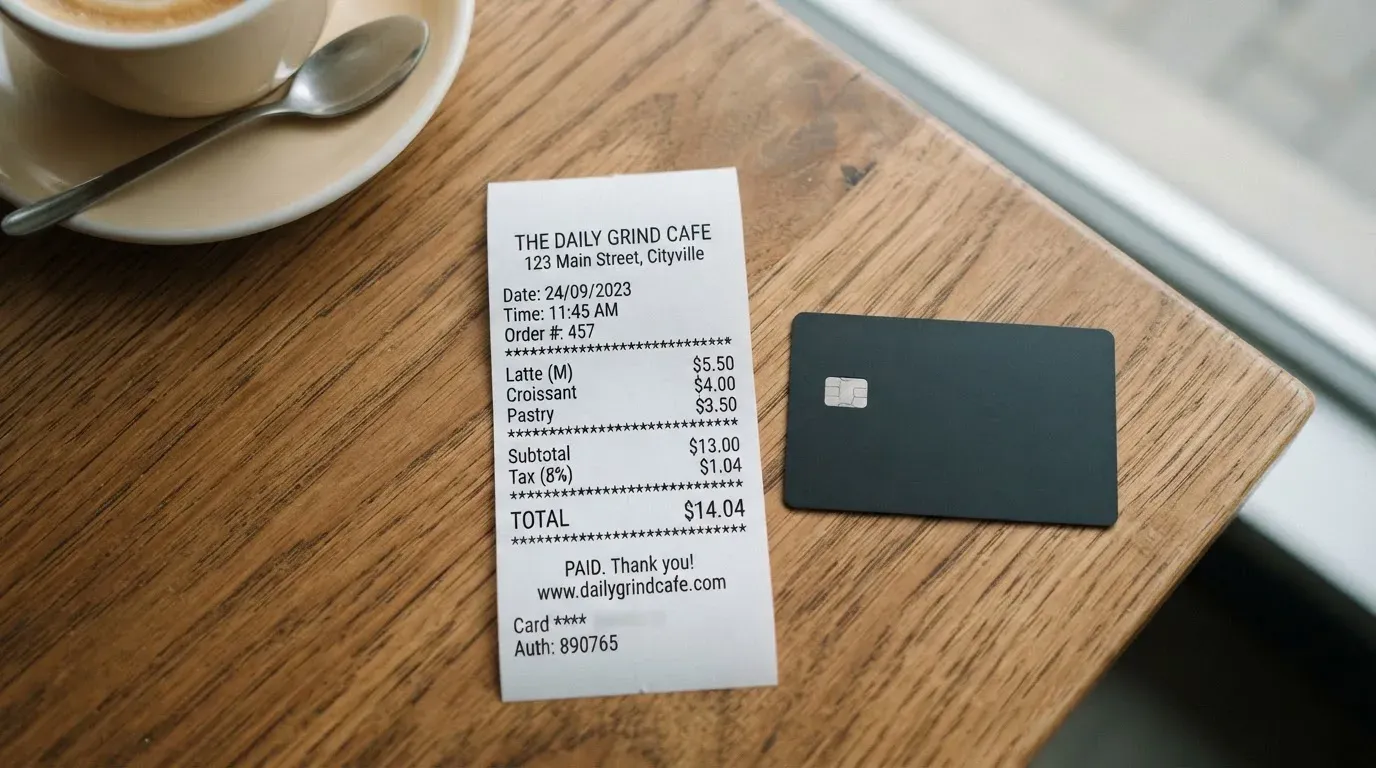
| Fee or limit | Amount |
|---|---|
| Card issue (one-time) | $15 |
| Monthly fee | not stated |
| Conversion fee | not stated |
| Foreign exchange fee | not stated |
| ATM withdrawal | not stated (no physical card) |
| Deposit fee | 5% |
| Refund processing fee | $10 |
| Minimum load | $50 |
| Maximum load | $100,000 per load |
| Daily spend limit | not stated |
| Monthly spend limit | not stated |
| Card balance currency | USD |
To translate that into everyday use, three worked examples.
A $100 online subscription paid with the card. The deposit of $100 first loses 5% to the deposit fee, so the card is issued with a balance of about $95. The card is in USD, so if the merchant charges in another currency, the FX fee and conversion fee are added on top — and neither is published. The issue fee of $15 is a separate one-off the first time you order a card.
A $500 top-up. Five percent is $25, so the card receives about $475. The $15 issue fee is not charged again for the same card. The remaining balance is the working figure for what the card can actually spend.
Closing the card and asking for your remaining balance back. KNGPay says only the card and account balances are refundable, and the refund processing fee is $10. The processing time is typically three business days through support, and the terms say refunds are handled case by case. On a $20 remaining balance, the $10 fee is half of what you get back; on a $5 balance, the refund is not worth requesting.
A “Black tier” with lower fees is mentioned on the reviews page; it is not described in detail. Until those details are public, the cost story above is the only one that holds.
How to top it up: Top up options
KNGPay accepts four cryptocurrencies, on a specific set of networks.
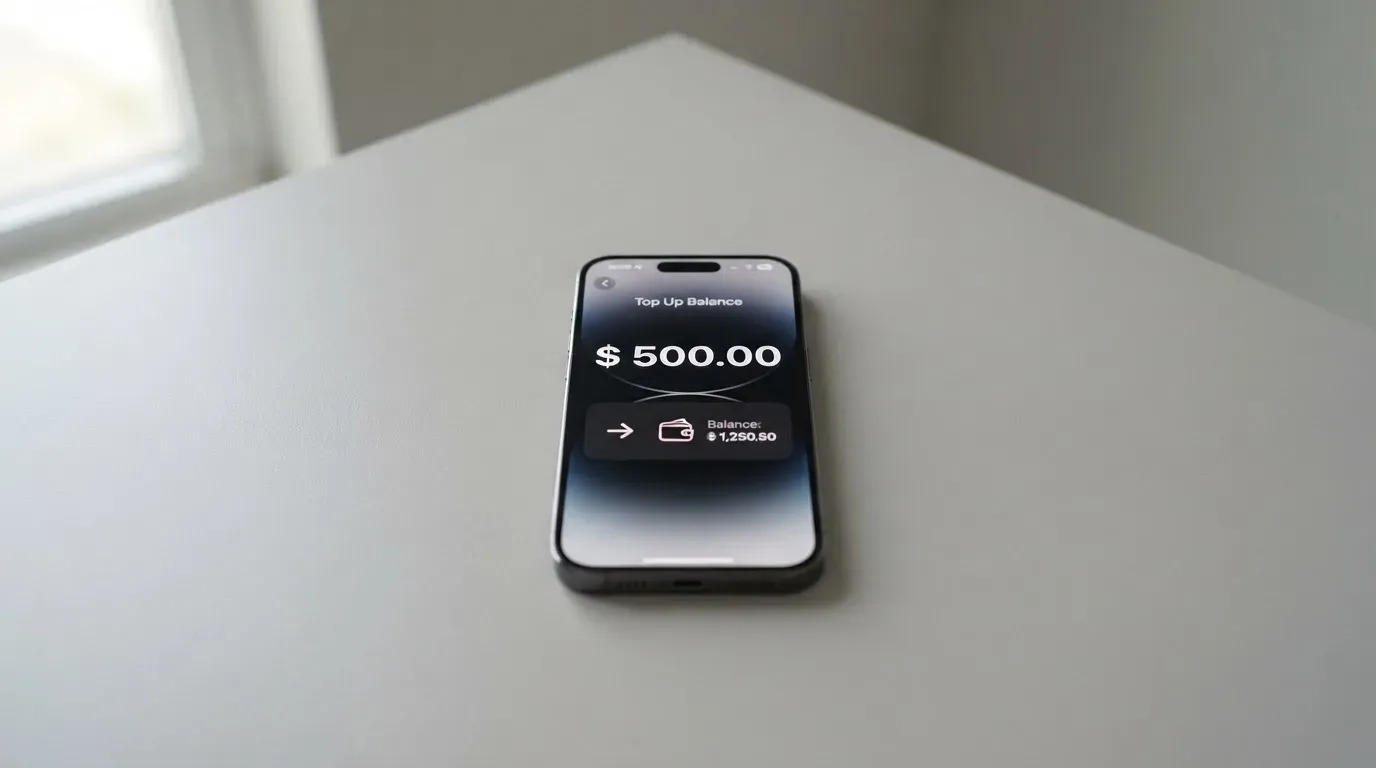
- USDT on Ethereum (ERC20)
- USDT on Tron (TRC20)
- USDC on Ethereum (ERC20)
- Native BTC
- XMR (Monero)
The minimum top-up is $50 and the maximum is $100,000 per load, with a 5% fee on every deposit. Each deposit request generates a unique address and a unique amount. The system uses those two numbers to match your on-chain transfer to your order, which is the standard way custodial cards attribute deposits without manual review.
A few details worth being explicit about.
- USDC on Tron is not an option. Circle stopped supporting USDC on Tron in February 2024, so any “USDC over TRC20” you see advertised elsewhere for crypto cards is not a native USDC route.
- The card balance is in USD, not in crypto. Once your deposit is matched, it sits as a prepaid USD balance on the card. This is the standard prepaid model, in which the card cannot overdraw and there is no second conversion step at the point of sale.
- Network fees (gas on Ethereum, bandwidth and energy on Tron) are charged by the blockchain, not by KNGPay. The wallet you send from must hold the native gas token — ETH on Ethereum, TRX on Tron — for the transfer to confirm.
- Fiat top-up is not stated. The only funding path in the published flow is crypto.
Two practical cautions. Crypto transfers are irreversible, and a deposit sent on a network the provider does not support, or to an address of another network, can be lost or require manual recovery with no guarantee. And, because the matching is on-chain, a deposit that does not arrive in the exact amount requested within the right window is at risk of being misattributed.
Paying with it every day
In day-to-day use, KNGPay behaves like a fairly ordinary prepaid Visa. You can add it to Apple Pay or Google Pay and use it at any contactless terminal that takes a Visa tokenised through a mobile wallet, and you can enter the card details into PayPal, an online store or a subscription service. Online checkouts that use Visa Secure (Visa’s brand of 3-D Secure) should pass through normally if your device can handle the challenge step.
What is not on offer is the rest of the typical crypto-card package. There is no physical card, so there is no contactless tap of a plastic card, no chip-and-PIN at a shop that does not take mobile wallets, and no ATM. There is no cashback or rewards programme described, and the terms do not list a set of blocked merchant categories. Spend limits (per day, per month, per transaction) are not stated.
For a virtual-only card that you will mostly use online, that is workable. For someone who wants a backup debit card in a wallet with a real piece of plastic in it, KNGPay is not the right product.
What can go wrong
The product is small, the issuer is unnamed, and the published safety story is thin. That combination is what the risks section is about.
The card is custodial. Your money sits as a prepaid USD balance on KNGPay’s side until you spend it. You do not hold the private key to that balance, and the terms do not describe how the funds are safeguarded, segregated or insured. KNGPay says it is “not a bank or financial institution” and that prepaid card services are “funded by crypto deposits”, which is an unusual disclaimer to print in a card product’s marketing.
The issuer and the licences are not named. The site is operated by the brand KNGPay, and “KNG Group LTD” appears in some of the starting data but not in the pages I could read. There is no published payment-services licence, e-money licence or banking licence. A payment card in this kind of setup is normally issued by a bank or an electronic money institution; KNGPay does not say which one. That is the most important thing to check before you put money in, because it is the entity that handles disputes, sanctions screening and fund safeguarding.
The complaint record is poor. Trustpilot lists 13 reviews for KNGPay, with an average of 1.9 out of 5, all of them one star. The recurring themes, in the period February to July 2026, are:
- USDT sent and no card issued, with the balance not credited to an account either
- Support that does not reply
- Refund requests that are denied or blocked
- Allegations that the operation is a scam
I cannot independently verify those reports, and 13 reviews is a small sample. I would treat them as a serious warning sign, not as a final verdict, and combine them with the absence of a named issuer and the absence of a published licence.
Support is run through Telegram and a contact page or email, with no published hours and no published languages. The dispute path is described in the terms as “case by case” and is not anchored to a card-issuer process you can hold anyone to.
A small set of operational risks to be aware of, which apply to any custodial prepaid card and not just this one.
- A card programme can be closed by the network or the issuer. Visa has suspended programmes in the past, and the FTX US debit card was wound down by its issuer in November 2022. The pattern is a notice period, then a stop on loading and spending, then a request to withdraw remaining balances.
- Custodial platforms have a long history of large losses. Mt. Gox, Coincheck and Ronin Network are the named examples in the category background; the lesson is that holding funds with a custodian carries counterparty and hack risk.
- A blocked authorisation can leave a temporary hold on funds for up to about a week, which is a small annoyance but a real one on a prepaid balance.
What to take instead
If you are reading this because a no-KYC virtual Visa is what you need, the honest answer is that the published product space is small and the comparison points are sparse. Three cards appear in the same general territory in the materials I have read. None of them is a perfect substitute, and the table is meant to show the shape of the trade-off, not to recommend one over another.
| Card | Score | Country and KYC | Card type | Funding | Notable fee |
|---|---|---|---|---|---|
| KNGPay | 5.2 / 10 | Worldwide, no KYC | Virtual Visa in USD | USDT (ERC20/TRC20), USDC (ERC20), BTC, XMR | 5% deposit, $10 refund, $15 issue |
| Cardex | 5.6 / 10 | 200+ countries, no published exclusions | Debit crypto card on VERVE, Visa, Mastercard, UnionPay; virtual and physical; Naira in App Store listing | USDT, USDC, BTC | Real-time conversion at the moment of payment, “AI-powered rate”; fee percentage not stated |
| CardFlow | 4.9 / 10 | Aimed at Nigeria and “global users”; no exclusions stated | Virtual USD Mastercard created in minutes | BTC, USDT, ETH, Naira bank transfer | “Free to create” virtual card; other fees not stated |
| HyperCard | 4.7 / 10 | No country list on official pages; App Store says accepted in “more than 176 countries” | Prepaid “HyperCard”, network not stated; USD or EUR balance | USDT, BTC, ETH in the app | Not stated on the pages I could read |
A note on how to read this table. All three alternatives sit in the same general product area as KNGPay — crypto-funded prepaid or debit cards, with light or no KYC. Each is more open about some things than KNGPay and less open about others. Cardex publishes no fee percentage but does describe a real-time conversion engine; CardFlow publishes free card creation but no other fees; HyperCard publishes neither fees nor a card network. None of the three is a clean step up; all of them are a different combination of the same trade-offs.
If the priority is a card that is licensed, with a named issuer and an ordinary KYC process, the mainstream crypto cards from regulated e-money institutions and banks are a different category and a different review.
Who I would recommend it to
I would recommend KNGPay to a narrow set of readers, and I would steer everyone else away from it.
The narrow set is the audience the verdict identified: a person who needs a no-KYC virtual Visa for online spending, is comfortable with the 5% deposit fee and the $10 refund fee as the price of that, has checked that the card can be added to the wallet or merchant they want to use, and is putting in only what they can afford to lose if the issuer, the support or the programme does not behave as expected. The fact that the card is virtual-only and has no ATM access is a feature for that reader, not a limitation: there is no plastic to ship and no address to give.
For everyone else, this is not the right card. If a mainstream regulated card will accept you, you get clearer fee disclosure, a named issuer, a real complaint path and the protection of an e-money or banking licence. If you are in a country with sanctions or local rules that block those cards, you have a different set of decisions to make, and KNGPay is one tool among several rather than a default.
The two checks I would do before sending any money, regardless of which side of that line you sit on:
- Search the public card-issuer register in your jurisdiction (for example ESMA’s interim register of crypto-asset service providers in the EU) to see whether the company behind KNGPay appears.
- Send a small test load first, well above the $50 minimum but well below what you cannot afford to lose, and confirm the card is issued, the balance matches your deposit minus the 5% fee, and the support channel replies within a reasonable time before sending more.
If either check fails, do not scale up.
Frequently asked questions
What is the KNGPay card?
The KNGPay card is a virtual Visa with a balance in US dollars that you fund by sending cryptocurrency. The product is positioned as a “Worldwide Visa” with no KYC and no published country list. The card is digital only: there is no physical card, and the card details are delivered once your crypto deposit has been matched on-chain.
How does the KNGPay card work?
You go to kngpay.com/app or contact the company through Telegram, order a balance in USD, and the system generates a one-time deposit address and a unique amount. You send a supported cryptocurrency to that address, the system matches the on-chain transfer to your order, and the virtual Visa is issued. From that point on the card behaves like a standard prepaid Visa and can be added to Apple Pay, Google Pay or PayPal for spending.
Is KNGPay a bank?
No. KNGPay’s own pages say the company is “not a bank or financial institution” and that the prepaid card services are “funded by crypto deposits”. The card-issuing bank or electronic money institution is not named on the public pages I could read, and no payment-services or e-money licence is published.
Who owns KNGPay?
The brand is KNGPay. The legal entity “KNG Group LTD” appears in some of the starting data but is not named on the pages I could read. There is no published company registry entry, no licence and no named issuer. If ownership matters for your decision, the absence of that information is itself the answer.
Is the KNGPay card available in my country?
KNGPay advertises a “Worldwide Visa” and does not publish a list of excluded countries. The terms ask you to follow the laws of your own jurisdiction, but they do not say which jurisdictions those are or how the company checks. If your country has specific rules on prepaid cards, crypto funding or sanctions, it is your responsibility to confirm that this product is lawful for you to use.
Does the KNGPay card require KYC?
No. The published flow does not include a “know your customer” step. You do not upload identification, you do not provide a proof of address, and there is no age verification in the order path I read. This is the main feature that sets KNGPay apart from mainstream regulated cards, and the main reason a licence is harder to identify.
How do I top up the KNGPay card?
You top up the card by sending one of the supported cryptocurrencies to a unique address the system generates for each deposit: USDT on Ethereum (ERC20) or Tron (TRC20), USDC on Ethereum (ERC20), native BTC or XMR. The minimum is $50 and the maximum is $100,000 per load, with a 5% fee on every deposit. The exact amount requested matters, because on-chain matching is done by amount and address.
How do I withdraw money from KNGPay?
There is no withdrawal in the usual sense. The only path to cash out is to request a refund of the card balance or the account balance through support, which costs $10 and is “handled case by case” under the terms. Refunds typically take three business days. There is no ATM, no bank transfer and no third-party transfer feature described.
Is the KNGPay card free?
No. The one-time card issue fee is $15, the deposit fee is 5% on every load and the refund processing fee is $10. The monthly fee, the foreign-exchange fee and the conversion fee are not stated, which means a real cost exists but is not published. A “Black tier” with lower fees is mentioned; its details are not public.
How do I add the KNGPay card to Apple Wallet?
You add the card to Apple Wallet the same way you would add any Visa: open the Wallet app, tap to add a card, and either scan the card details with the camera or enter them manually. The same flow works for Google Pay. The card can also be added to PayPal as a funding source. Because the card is virtual only, there is no plastic to scan from.
Is the KNGPay card safe?
The card uses standard prepaid Visa rails and supports tokenisation through Apple Pay and Google Pay, which is the normal way to keep a card number off a merchant’s system. The published safety story stops there. The issuer and its licence are not named, the safeguarding of customer funds is not described, the dispute path is “case by case”, and the complaint record on Trustpilot is poor: 13 reviews, an average of 1.9 out of 5, all one star, with reports of funds sent and no card issued and refunds denied. Treat those as warnings, not as a verdict, and size any deposit accordingly.
Is the KNGPay card worth it?
For the narrow audience the card is built for — a person who needs a no-KYC virtual Visa for online spending and is willing to pay 5% on every top-up and $10 on every refund — the card does what it says it does. For anyone with a normal bank account and a mainstream regulated card available, the cost, the missing FX and monthly fees, the unnamed issuer and the complaint record make this card a poor choice. The honest answer depends on which side of that line you sit on.
Virtual card reviews – cryptocardcheck
Content created by the «cryptocardcheck» team