
ZARUB card, reviewed: a quiet Telegram Visa that still asks more questions than it answers
 Available in US
ZARUB is one of several crypto-funded payment cards that live inside Telegram, aimed at users who would rather not open a bank account to spend. The pitch is simple: a Visa in USD, top it up with USDT or rubles, and pay anywhere Visa is taken. The reality, as I found going through what’s publicly available, is more uneven. There is no proper website to read, no issuer name on the front of the card, and a long list of fees that are not stated in one place. This review walks through what the card does, what it costs, who it actually suits, and where I’d point you instead.
The conditions in this review are current as of October 28, 2026.
Verdict: 5.0 out of 10
ZARUB is interesting mostly for what it doesn’t say. The card itself works, and the cost of spending with it is in the same range as other Telegram-based crypto cards, but the lack of a published fee schedule, a disclosed issuer and a country list makes it hard to recommend without a long list of caveats. If you live in a country where your usual banking options are limited and you already hold USDT or rubles you want to spend, the card can do a job. If you can use a normal bank card, a regulated EMI, or a crypto card with a clear fee page, you’ll find safer ground elsewhere.
The score sits at 5.0 out of 10. That breaks down into five marks across the categories the card is judged on. None of them is a knockout number: the top-up story is the strongest part, the cost of running the card is the weakest, and the rest are somewhere in the middle.
| Criterion | Mark (out of 10) | Why it lands there |
|---|---|---|
| Who can get it | 5 | No country list, no KYC policy on the official pages; only unofficial travel notes that cards work abroad without currency restrictions. |
| Cost | 2 | Unofficial sources put issuance at 19–30 USD, operation fees at 0.35 USD, and top-up markups for ruble SBP loads. |
| Top-up options | 9 | USDT on TRC-20 and other networks, TRX, BTC, TON, plus rubles from Russian bank cards or SBP — the widest funding set of any Telegram card I looked at. |
| Reliability and complaints | 4 | No disclosed issuer, company or country on the card; no complaints found for the brand; typical Telegram-card risks (BIN declines, declined-operation fees, sudden tariff changes) apply. |
| Everyday use | 7 | Virtual Visa in USD, an Apple Pay card on the side, and a 149 USD plastic card; sources differ on Google Pay; ATM support not stated. |
If you came here wondering whether to bother: the card is real, the fees are real, and the missing paperwork is the part to think twice about. The rest of this review goes through the details one section at a time.
Who can get the ZARUB card
The official site doesn’t show a country selector or a residency field. Coverage describes ZARUB as a travel-friendly card, with a travel section noting that the cards work abroad without currency restrictions. If you need a card that explicitly states your country is supported, this isn’t the product page that will tell you so.
There is also no KYC step mentioned in the official flow. Third-party sources say identity checks aren’t required at the start, but they don’t say whether checks appear later, when withdrawals happen, or when a transaction trips a fraud rule. If you can stay inside the limits without uploading documents, the card stays quick to set up; if you can’t, there’s no public page that tells you what comes next.
A practical point worth making: the card is denominated in USD, and ZARUB is run out of Telegram. That combination tells you something about who the card is really designed for. It’s built for a person who already has USDT or rubles in a wallet and a Telegram account at hand, and who wants a Visa number to plug into a payment form. If that isn’t your situation, the rest of the review will help you see whether another product fits better.
How to sign up for ZARUB
Sign-up happens through a Telegram bot. The bot handle is @zarub_robot. The process is: open the bot, request a card, choose between a virtual Visa in USD and a separate Apple Pay card, and top it up to activate. There is no dedicated mobile app; everything runs through Telegram.
Three card shapes are mentioned, with unofficial pricing:
- a virtual Visa in USD, which is the basic card you spend from;
- a separate Apple Pay card, which links to Apple Wallet on supported devices;
- a physical plastic card, listed at 149 USD.
The card currency is USD. The issuing bank, the country of the issuer, and the BIN behind the card number are not disclosed. For a card that you plan to use at foreign merchants or to receive salary-style payments, that gap matters; the merchant’s bank will see a Visa issued from somewhere unnamed, and that alone can trigger extra checks.
The activation step is the first top-up. Unofficial sources give a minimum of 10 USD for the first top-up in one place, and 100 ₽ for a ruble top-up in another. With no official page, both numbers are worth treating as approximate.
Fees: what ZARUB really costs
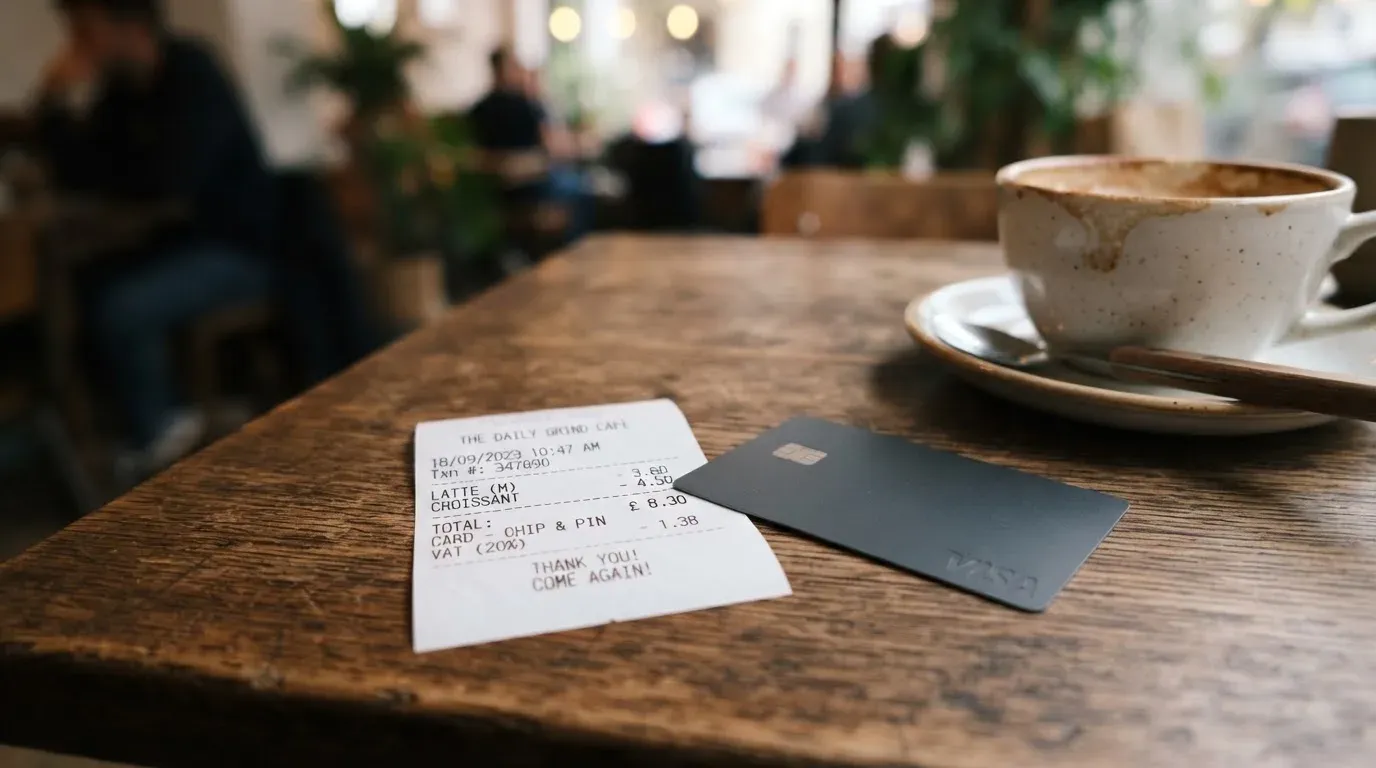
This is the section where ZARUB gives you the least to work with. The official pages do not publish a fee schedule; what follows comes from third-party reviewers and is worth treating as unofficial. Numbers in the table below are what those sources report, in USD or as stated.
| Fee or limit | Amount (unofficial) |
|---|---|
| Issuance, virtual card | 19 USD |
| Issuance, Apple Pay card | 30 USD |
| Issuance, physical card | 149 USD |
| Per-operation fee | 0.35 USD (charged even on declined operations when balance is sufficient) |
| Non-USD payment conversion | interbank rate plus 0.3–0.35 USD |
| SBP / Card2Card top-up | 7% plus 1.5% crediting fee |
| Crypto top-up | 3% plus network fees plus 1.5% |
| Minimum first top-up | 10 USD (or 100 ₽ for ruble top-up, per a different source) |
| Daily and monthly limits | up to 50,000 USD and 1,000,000 USD |
| Maintenance and closure | reported as free |
The two everyday scenarios below are the ones I’d run through your head before you load the card.
Paying 100 USD at a café in a country that uses the local currency. Your card is in USD, so the payment is converted. The interbank rate is applied, then the 0.3–0.35 USD conversion charge is added on top, plus the 0.35 USD per-operation fee. The result is a markup on the purchase. That’s competitive with most prepaid cards.
Loading 10,000 ₽ from a Russian bank card via SBP to spend later. The top-up is charged 7% plus 1.5%, so 850 ₽ of that load goes to fees before the funds are even on the card. If you then spend the remainder in USD (or convert it at payment), the per-operation and conversion fees apply on top. A 10,000 ₽ load that ends up as 9,150 ₽ on the card is not a card you want to use for small everyday purchases.
The fees the card itself charges are not extreme. What hurts is the top-up markup, particularly through SBP. If you fund with USDT on a cheap network instead, the markup drops, which is a different story.
Top up: how to fund the card
Top-up is the part of ZARUB I find the most useful, and the part that lifts its score more than anything else. Unofficial sources describe four crypto routes and two fiat routes.
- USDT on TRC-20 and other networks (TRC-20, ERC-20 and others are mentioned in reviews).
- TRX, BTC and TON as alternative crypto options.
- Rubles from Russian bank cards, by direct card transfer.
- Rubles via SBP, the Russian fast-payment system that links most Russian bank accounts.
The flow is the same shape as other Telegram cards: you send crypto to a deposit address the bot gives you, wait for confirmations on the blockchain, and the card balance updates. For rubles, the path goes through a Card2Card or SBP transfer, with a 7% plus 1.5% fee that turns small loads into a poor deal.
A practical note on networks: the network you choose for a USDT transfer decides both the speed and the fee. TRC-20 on Tron is usually the cheapest; ERC-20 on Ethereum is the most expensive. If the bot gives you a deposit address, check that the address is for the network you intend to use. Sending USDT on the wrong network, or to a wrong-chain address, is the single most common way people lose funds in this category, and the blockchain won’t reverse it for you.
A second practical note on stablecoins: USDT is the most common top-up for this kind of card, but it isn’t risk-free. Stablecoins have lost their peg before, and the issuer behind the token can freeze addresses tied to sanctioned activity. If you fund with USDT, treat it as a payment token for the card, not as a long-term store of value on the card itself.
Paying with ZARUB day to day
Once the card is loaded, using it is the same as using any other Visa: a number, an expiry, a CVC, and (where the merchant turns it on) a 3-D Secure check. Sources differ on a few points, and the differences are worth knowing before you commit to the card as your everyday spend.
- Apple Pay support is described as working on the separate Apple Pay card. The virtual Visa is the spend-anywhere card; the Apple Pay card is the one you tap with your phone.
- Google Pay is described as working by one source and not by another. If you live on Android, I’d treat Google Pay as uncertain until you confirm it on your own device.
- ATM withdrawals are not described in the public sources I read. The card acts like a prepaid Visa, so ATM cash-out may work, may not, or may be silently disabled; the official pages don’t say.
- 3-D Secure is declared by reviewers, which means online payments should be challenged with a one-time code or biometric when the merchant asks for it.
Two things follow from that, and they matter for everyday use. First, the card is best treated as an online and contactless card, not a cash card. Second, the plastic card at 149 USD is a serious spend; you’d want to be sure the merchant list you’ll use it at is real before you pay that much for the piece of plastic.
The other side of “everyday” is reliability. The BIN behind the card number is not disclosed, which means a foreign merchant looking at your transaction may see an unknown issuing country and decline you. That’s a known issue with prepaid and BIN-light cards in general, and it’s worth keeping a backup card in your wallet for the moments when ZARUB is the wrong answer.
What can go wrong with ZARUB
I went looking for complaints, reviews and news, and what I found was limited. There is no Trustpilot page for ZARUB, and no specific complaints are publicly associated with the brand. That’s not the same as a clean record; it usually means the card is small and the user base is limited.
The risks that do come up are the ones that apply to most Telegram-issued cards.
- The issuer is not named. The bank that actually issues the Visa, the country it sits in, and the licence it operates under are not stated. That means there’s no clear regulator to point to if something goes wrong.
- BIN and region declines. A merchant that doesn’t recognise the issuing country can decline the payment, particularly online. The card will sometimes be marked as foreign or prepaid, both of which raise flags at some merchants.
- Fee on declined operations. Unofficial sources say the 0.35 USD per-operation fee is charged even when a transaction is declined, provided the balance is sufficient. A card with a flaky network and a fee-per-decline is a card that adds up.
- Sudden tariff changes. Telegram cards have changed fees and limits before, sometimes with little notice. With no published schedule, the only signal you’ll get is a message in the bot.
- No balance insurance. Prepaid card balances are not the same as bank deposits. If the issuer or programme manager disappears, the funds on the card are not protected by a deposit guarantee scheme.
A practical safeguard: keep the balance low. Top up what you plan to spend in the next few days, not what you might want to spend over the next month. The card is a payment tool, not a place to keep savings, and that habit is the cheapest insurance you can buy.
A second safeguard: assume the card will be declined sometimes. Carry a backup, and don’t plan around the card being the only way to pay.
What to take instead of ZARUB
I read the cards most often compared to ZARUB and wrote the notes below from the same brief. If ZARUB’s missing paperwork is the sticking point for you, these are the alternatives to weigh.
Azul Card (5.3/10). The big difference is transparency: Azul publishes a country list, a fee schedule, and a single, fixed price for the card (20 USD, refunded after 2,000 USD of spending, with a 5 USD monthly fee). The catch is that the country list excludes Russia, Belarus, North Korea, Iran, Syria, Cuba, Sudan, Venezuela, Ukraine and the Crimea, Donetsk, Luhansk, Zaporizhzhia and Kherson regions, regardless of the user’s nationality. The card is virtual only, balance is in USD, and the top-up path is crypto sent to the card in Telegram at a 4% fee, with a 0.25 USD per-transaction charge. FX fees aren’t published.
Telecard (6.1/10). A virtual Mastercard issued under OFAC-compliant terms, usable in over 150 countries wherever Mastercard is accepted, with a free basic plan and a VIP plan at 49 USD setup plus 19 USD per month. The deposit minimum is 99 USD (held in the wallet, not a fee). Funding is USDT on TRC-20 or ERC-20, USDC on Ethereum, and reportedly ETH and TRX as well. Fees are 1.5% on non-USD payments, a 0.5 USDT gas fee per successful card transaction, and “up to 3%” on FX and cross-border charges. The referral programme pays in a token called Fiorini.
OnCards (4.6/10). The most minimal of the three: a virtual Mastercard or Visa inside Telegram, funded by USDT on BEP-20. Bank transfers aren’t accepted, fees aren’t published, and the country list isn’t stated. The card does less and charges less, but it also tells you less.
The pattern across the alternatives is the same: a more transparent fee page comes with a more limited country list or a higher monthly cost. If ZARUB’s main appeal is that it serves you in a country other cards don’t, that is a real point in its favour. If the main appeal would be a transparent fee schedule, none of the Telegram cards in this comparison deliver it; you’d need to step up to a regulated EMI in your own jurisdiction for that.
Who I would recommend ZARUB to
ZARUB is a niche card, and my honest recommendation is to treat it that way. It is a reasonable choice for the person who already uses Telegram as a wallet, who holds USDT or rubles, and who has weighed the missing paperwork and decided it’s a fair trade. It is not a reasonable choice for someone who can use a bank card, who needs cash from an ATM every week, or who wants a regulated European EMI behind their spend.
If you do try it, the habits that make it work are simple: fund with USDT on a cheap network, keep the balance low, and treat the card as a payment tool rather than a place to hold money. The card is real, the fees are real, and the missing information is the only part I’d push back on.
Frequently asked questions
What is the ZARUB card?
ZARUB is a Telegram-based payment card. Unofficial sources describe a virtual Visa in USD, an Apple Pay card and a physical plastic card at 149 USD. The bot used to access the service is @zarub_robot. The card is funded by crypto or by rubles, and the funds are spent through a Visa number.
How does the ZARUB card work?
You top up a balance in USD by sending USDT, TRX, BTC or TON to a deposit address the bot provides, or by transferring rubles from a Russian bank card or SBP. The card then spends that balance through the Visa network. Payments in currencies other than USD are converted at the interbank rate plus a small fee, plus a 0.35 USD per-operation fee (the 0.35 USD figure is from unofficial sources).
Is ZARUB a bank?
The card is a Visa prepaid card, but the issuing bank, the issuer’s country and the licence it operates under are not stated in public sources. ZARUB itself is a Telegram bot, not a bank. Funds on the card are not protected by a bank deposit guarantee scheme.
Who owns ZARUB?
The company behind the card, the issuing bank and the country of the issuer are not publicly disclosed. This is one of the points to be aware of before relying on the card for anything other than small, daily spending.
Is the ZARUB card available in my country?
There is no published country list. Coverage notes that the cards work abroad without currency restrictions. If you need a card that explicitly states your country is supported, this card does not provide that statement.
How do I get the ZARUB card?
Sign-up is through the Telegram bot @zarub_robot. The unofficial flow is: open the bot, request a card, pick between the virtual Visa and the Apple Pay card, top it up to activate. The minimum first top-up is reported as 10 USD in one source and 100 ₽ in another. No KYC step is mentioned in the unofficial flow.
Does the ZARUB card require KYC?
Unofficial sources say no KYC is required at the start. The card’s own pages do not state a KYC policy, so it isn’t clear whether checks are introduced later, for higher limits, or for specific transactions. Treat the no-KYC claim as a starting condition rather than a guarantee.
How do I top up the ZARUB card?
The card accepts USDT on TRC-20 and other networks, plus TRX, BTC and TON. Rubles can be loaded by Russian bank card or SBP, with a 7% plus 1.5% top-up fee. The cheapest funding path is USDT on TRC-20, which carries a 3% fee plus the network fee plus 1.5%. Always check the deposit address matches the network you intend to use before sending.
Is the ZARUB card safe?
There’s no public information on the company, the issuer or the country of issuance, and the official pages don’t publish a fee schedule or a security policy. The card is a prepaid Visa, so balances are not insured as bank deposits. Treat the card as a small-balance payment tool, not as a place to hold savings.
Is the ZARUB card worth it?
The card is worth it for the narrow user it is built for: someone who already holds USDT or rubles in a Telegram wallet and wants a Visa number to spend from, and who is comfortable with the missing paperwork. If you can use a regular bank card, an EMI in your jurisdiction, or a Telegram card with a published fee page, you’ll get more for less risk.
Virtual card reviews – cryptocardcheck
Content created by the «cryptocardcheck» team