
Coinspot card review
 Available in US
The Coinspot card is a prepaid Mastercard that lets you spend cryptocurrency directly from your CoinSpot exchange account at any retailer that accepts card payments. It is an Australian product, issued by EML Payment Solutions Limited, and it works in a straightforward way: at the moment you tap or insert the card, crypto in your linked CoinSpot wallet is converted to Australian dollars, and that AUD is what the merchant receives. If you already keep funds on CoinSpot and want a simple way to spend them without first selling to a bank account, this is the card the exchange gives you. If you are outside Australia, or if you want a card with a broader feature set (rewards, multi-currency balances, a physical card), the picture is narrower and that is the main thing to know going in.
Conditions are current as of October 28, 2026.
Verdict
The Coinspot card earns 6.2 out of 10, which places it in the middle of the crypto card market. It is a competent, no-frills way to spend crypto held on CoinSpot, particularly for Australian residents who already use the exchange. The cost picture is clean: no startup, no annual, no lock-in, and the conversion fee is modest. What keeps the score down is geography and everyday flexibility. The card is built around an Australian customer, the card balance is denominated in AUD, and the card page does not mention a physical card, only mobile wallet use.
| Criterion | Mark | Short reason |
|---|---|---|
| Who can get it | 3/10 | Fully verified CoinSpot account with 2FA, AUD-based, no country list on the card page |
| Cost | 8/10 | No startup, annual, or lock-in fees; unofficial 1% crypto conversion fee |
| Top-up options | 7/10 | Any CoinSpot-listed coin (470+), up to five linked wallets in chosen order |
| Reliability and complaints | 8/10 | Issuer EML Payment Solutions Limited (AFSL 404131); CoinSpot Trustpilot 4.3/5 over 2,823 reviews |
| Everyday use | 5/10 | Prepaid Mastercard, Apple Pay and Google Pay, no physical card on the page |
| Total | 6.2/10 | — |
The audience that fits this card is fairly specific: Australian residents who already hold crypto on CoinSpot and want to spend it directly at merchants without a separate sale step. If that is you, the card does what it says with minimal friction. If you live outside Australia, want a card denominated in USD or EUR, want cashback, want a physical card for ATM use, or want a programme that operates across many countries, the Coinspot card is not the right fit, and the alternatives section below describes options that may suit you better.
Who will they give you the card
The Coinspot card is tied to a fully verified CoinSpot exchange account. The card page does not publish a country list, but the references to AUD and Australian licensing make the geography clear: this is built for Australian customers. Unofficial reporting (Finder, September 2024) confirms the card is available to Australian customers with a verified CoinSpot account. The page does not state the documents you need to upload, your minimum age, or how long verification takes, so you will need to check the CoinSpot verification flow itself for those details.
What the card page does say is that you must have a fully verified individual CoinSpot account and two-factor authentication enabled. Two-factor authentication is the extra step where you confirm a login or a withdrawal with a one-time code from an app or SMS, and turning it on is a hard requirement before the card activates. If you already use CoinSpot and have completed individual verification, the card is one or two extra taps in the app. If you are a brand-new user, you go through the exchange’s KYC first, and only then can you request the card.
A practical point: because the card balance is in AUD, you will see your spending in Australian dollars regardless of which crypto you are converting from. The card itself is a prepaid Mastercard, which means the funds come from a stored balance on the card, not from a linked bank account; the card cannot overdraw, and at the moment of payment the chosen crypto is sold at CoinSpot’s exchange rate to top that balance up.
How to get it
The signup path is the same as for any other CoinSpot product: you create an account, complete individual verification (full KYC with documents and a selfie), enable 2FA, and then apply for the card from inside the app or web interface. The card page does not list a separate approval step, processing time, or any specific reason a card application could be rejected; the only stated gate is the verified account and 2FA combination.
The card you get is a prepaid, reloadable Mastercard denominated in AUD. The card page describes Apple Pay and Google Pay use; it does not mention a physical plastic card, and Finder (September 2024) reports that physical cards are not available. If that is correct, the card lives entirely in your phone’s wallet, which is fine for in-store contactless and online checkout but rules out ATM use and any situation where a physical card must be inserted or swiped. Treat the physical-card question as one you should confirm with CoinSpot support before relying on the card for travel, since the official page is silent on it.
Card delivery: not stated on the card page. If the card is digital-only, the question of delivery does not arise; you add the tokenised card to Apple Pay or Google Pay directly. If you find a physical card is offered later, the shipping time and any fee will need to be confirmed with support.
Fees
The cost structure is one of the Coinspot card’s strengths. The card page says there are no startup or annual fees and no lock-in periods, and the only fee the page itself names is the spread embedded in CoinSpot’s exchange rate at the moment of conversion. Unofficial coverage (savings.com.au, Accountants Daily, Finder September 2024) puts that conversion fee at 1% on buys, sells, and swaps. Treat that 1% as a working figure that third-party sources report; the card page itself does not state a percentage.
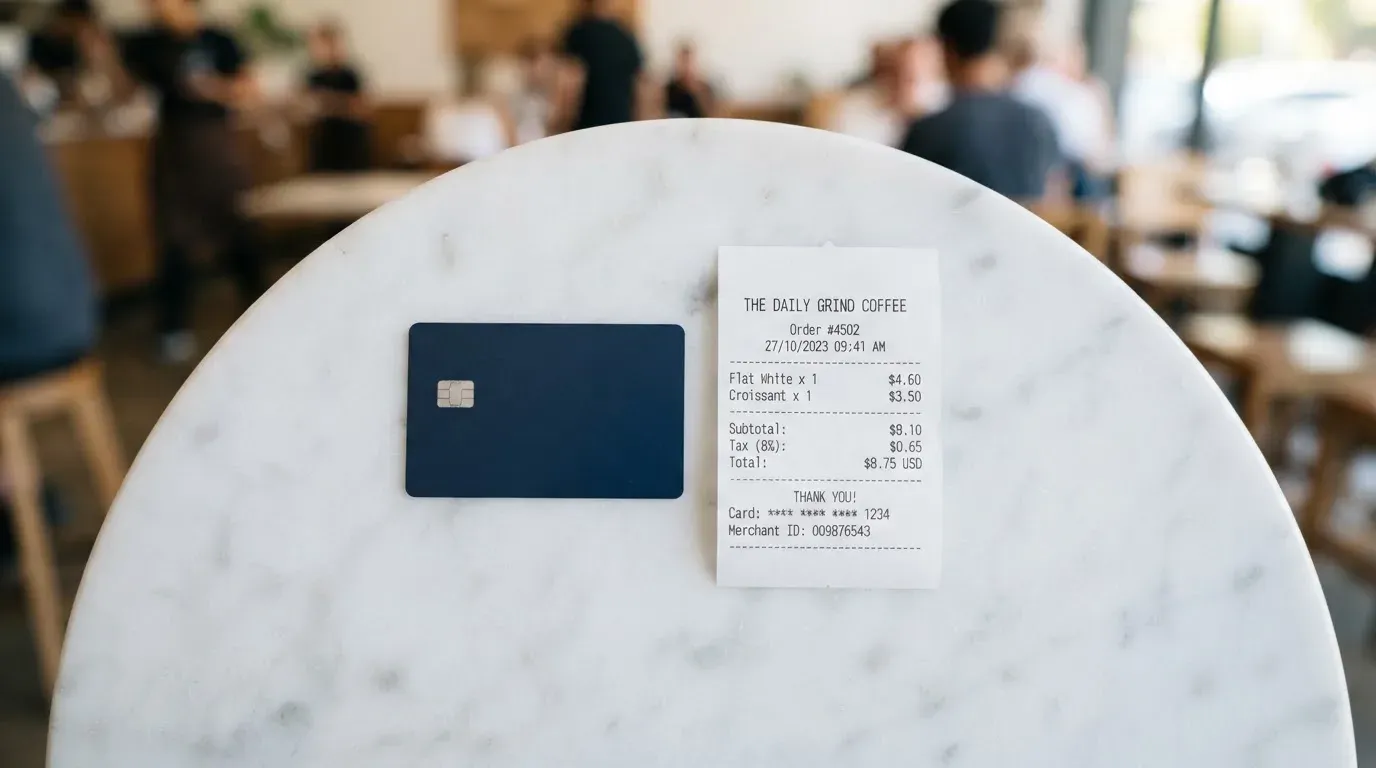
| Fee or limit | Value |
|---|---|
| Issuance | None stated |
| Monthly or annual fee | None |
| Conversion (crypto to AUD) | Unofficial 1% (Finder Sep 2024) |
| Foreign-currency fee | Not stated |
| ATM withdrawal fee | Not stated; ATM use not described on card page |
| Daily spending limit | Unofficial $4,999 (Finder Sep 2024) |
| Monthly spending limit | Not stated |
To make the costs concrete, here is how three everyday payments play out. These are illustrative examples only: the official page does not state specific fee amounts for every scenario.
A $50 AUD coffee in Sydney. The card is denominated in AUD, the merchant is Australian, and there is no FX layer. The 1% conversion is taken from the crypto you spend (the unofficial figure), and that is the only charge you see. No foreign-transaction fee is added because the transaction is in AUD.
A $30 USD online subscription, billed by a US merchant. CoinSpot converts the crypto in your linked wallet to AUD; the card pays the merchant in AUD, and the merchant’s bank converts AUD to USD. The card page does not state a foreign-currency fee, so the only cost is the 1% conversion. If your wallet holds USDT or USDC, the conversion to AUD still happens at the moment of payment, so the cost is the same.
A 100 AUD purchase at an overseas retailer that prices in EUR. The card pays in AUD, the merchant’s bank converts to EUR. Same picture: 1% conversion only, on the assumption that the foreign-currency fee remains “not stated” and therefore is not applied. If CoinSpot does add an FX margin, you will see it as a slightly worse exchange rate at the moment of conversion, not as a separate line item.
The limits matter too. Finder’s September 2024 report mentions a $4,999 daily spending cap, though this is unofficial and not confirmed by the card’s official terms. There is no published monthly limit.
One more thing worth knowing: the card is a single tier. There is no metal version, no premium tier, no upgraded cashback. If you want a richer card from the same exchange, the Coinspot card does not offer one.
Top up
Topping up the Coinspot card is not a separate step the way it is on a prepaid travel card. There is no “add money” button. The card is funded by spending: at the moment of each transaction, the card pulls crypto from up to five linked CoinSpot wallets in the order you choose, converts it to AUD, and uses that AUD to pay the merchant. Because the balance is replenished transaction by transaction, the card cannot run out in the way a fixed-balance prepaid card can; it can, however, run short if your linked wallets are empty or the chosen crypto drops sharply in the seconds between authorisation and settlement.
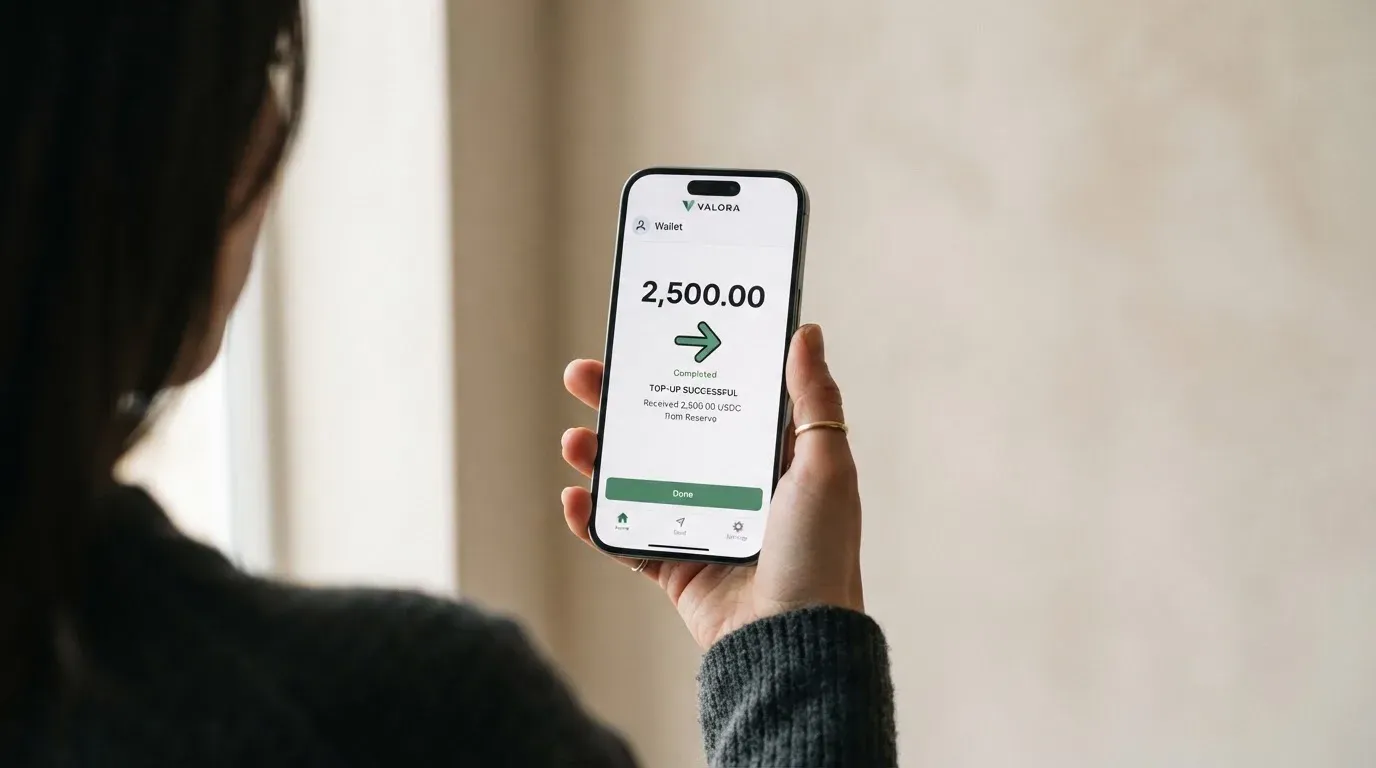
The list of supported coins is long: the card page says 470-plus cryptocurrencies, which is the full CoinSpot listing. Networks are not stated. This is the single most important practical gap. If you are topping up from an external wallet, you need to know which network to send on; if you are spending from a CoinSpot balance, the exchange handles the network for you. Treat network choice as a question for CoinSpot support before you attempt a manual transfer, because sending on the wrong network is one of the most common ways users lose funds in this category.
Refunds behave a specific way: a refund returns the AUD value to your CoinSpot account at the rate of the refund, and the original coins are not returned. If you spent Bitcoin, you do not get Bitcoin back; you get the AUD equivalent, and your original Bitcoin position is unchanged. If the price of Bitcoin has moved up between the original purchase and the refund, the AUD you receive buys you fewer Bitcoin than you started with.
CoinSpot’s own exchange fees page lists card (AUD) deposits to the exchange as free. That is the exchange deposit side, not the card-top-up side, but it tells you there is no charge to move AUD onto CoinSpot from an Australian card. Withdrawals from the card itself are not described, which is consistent with a digital-only card: there is no ATM function and no cash-out flow.
Paying with it every day
In day-to-day use, the Coinspot card behaves like any other prepaid Mastercard in a mobile wallet. You add the card to Apple Pay or Google Pay from the CoinSpot app, then tap to pay at contactless terminals or use it for online checkout. The CoinSpot app, where you manage the card, is rated 4.8 out of 5 on the App Store from 46,000 ratings (version 3.11.14, read 2026-10-20). The Google Play rating could not be read at the time of writing.
Three things you should know about everyday use.
First, blocked merchant categories. The card page does not list which merchant category codes (MCCs) are blocked, so you do not know in advance whether gambling, adult content, or crypto purchases will be declined. If a category matters to you, check with support before relying on the card there.
Second, rewards and cashback. There is no cashback, no points programme, and no signup bonus described on the card page. Unofficial coverage (Finder, September 2024) confirms no rewards or cashback. If earning on your spend matters, the Coinspot card offers nothing; the alternatives below do.
Third, disputes and chargebacks. The card page references a Product Disclosure Statement and a Target Market Determination but does not link to them, and the dispute process is not described in plain language. If something goes wrong with a transaction, you will need to read the PDS or contact support to find out the route.
A practical note on online checkout: 3-D Secure is the industry-standard identity check that asks you to confirm a payment with a one-time code or biometric. Most modern crypto cards handle 3-D Secure in the app, and you can assume the Coinspot card does too, but the card page does not say so explicitly. If a merchant challenges your payment, look for the prompt in the CoinSpot app rather than in your bank’s app, since this is a prepaid card, not a bank-issued debit card.
What can go wrong
The Coinspot card carries the same three risks as any other crypto card, plus a few specific to this product.
The exchange risk. Your crypto sits on CoinSpot until the moment you spend it. CoinSpot is a custodial exchange, which means the exchange holds the credentials, not you. History shows that custodial platforms have failed, sometimes taking customer funds with them. If CoinSpot is hacked, enters administration, or freezes withdrawals for a security review, the card stops working because there is no crypto left to convert. The same risk exists in pure form on the exchange itself, but the card concentrates the impact on your daily spending.
The user reports on CoinSpot’s exchange (not the card) cluster around accounts frozen for “security review” when a withdrawal starts, with funds held until the review completes, and slow, repetitive support replies. CoinSpot’s Trustpilot score is 4.3 out of 5 from 2,823 reviews, with 7% one-star; CoinSpot replies to 89% of negative reviews (read 2026-10-20). There are no card-specific complaints or Reddit threads available, so the picture is dominated by exchange-level rather than card-level issues.
The card and regulatory risk. The card is issued by EML Payment Solutions Limited under AFSL 404131, distributed by Casey Block Services Pty Ltd trading as CoinSpot. If the issuer changes the programme, suspends card issuance, or winds down the card, the card stops working. This is the same risk that hit FTX’s US debit card in November 2022 when Visa terminated its global agreements and the issuer wound the programme down. Programme closures are rare but not theoretical, and they typically come with a notice period before spending stops.
The price risk. Crypto prices move between the moment you tap the card and the moment the transaction settles. If the price falls sharply, you get the same goods for more crypto than you expected. If the price rises, you have effectively sold low. The Coinspot card does not offer any hedge against this.
The security controls. The card page lists 2FA as a requirement, and unofficial coverage (infochoice.com.au) reports the app can freeze the card, set spending limits, and switch the card on or off. Insurance on the balance is not stated, and freeze or controls are not described in detail on the card page, so the depth of those controls is worth confirming with support.
The support. Live chat is available 24/7 with a local team, and the help centre is at coinspot.zendesk.com. Email is [email protected]. If you need to escalate, the complaints policy is referenced but not linked.
What to take instead
The Coinspot card is one of a small set of options aimed at crypto exchange users. Three alternatives illustrate the range.
The Bybit Card is a broader, more feature-rich programme. It offers virtual and physical cards in multiple regions, including Australia, with tiers that pay up to 10% cashback in USDT on crypto-funded spending (the Base tier pays 2% with a $5 monthly cap). The card draws on a Bybit Funding Account rather than a fixed crypto balance, with fiat-first spending and a default priority of USDT, USDC, GRAM, BTC, ETH, XRP. Crypto conversion is 0.9% over the One-Click Sell rate, with FX fees of 2% on top of the network rate in Australia. The trade-off is geography: supported regions are Argentina, AIFC (Kazakhstan), Georgia, Kazakhstan, Australia, Mexico, Brazil, Peru, and Asia Pacific, and the cards page is explicit that the product is not meant for European Economic Area customers, with all EEA participation prohibited. Its overall score is 6.4 out of 10.
The Young Card scores 5.7 out of 10. Cashback is paid in YNG tokens, with rates that vary by Club tier: Essential 0.1%, Gold 1.8%, Platinum 3.6% (Bronze and Silver not stated). It is a token-rewards card, which means the value of your cashback depends on the price of YNG, and that is a meaningful risk if YNG falls.
The MSX card scores 6.4 out of 10. The official details are sparse, which makes it harder to compare directly, so you should verify all features before signing up.
| Card | Score | Rewards | Card form | Geography |
|---|---|---|---|---|
| Coinspot | 6.2/10 | None | Digital only (Apple/Google Pay) | Australia |
| Bybit | 6.4/10 | Up to 10% USDT cashback (Base 2%) | Virtual and physical | Selected regions, not EEA |
| Young | 5.7/10 | Up to 3.6% in YNG tokens | Not stated officially | Not stated officially |
| MSX | 6.4/10 | Not stated | Not stated officially | Not stated officially |
If you are an Australian CoinSpot user who values simplicity over rewards, the Coinspot card is a sensible pick. If you want cashback, are willing to move funds to another exchange, and live in a Bybit-supported region, the Bybit card is the stronger programme. If you want a token-rewards structure, the Young Card is the option to look at, with the YNG-price caveat. The MSX card needs more public detail before it can be ranked on its merits.
Who I would recommend it to
I would recommend the Coinspot card to a fairly narrow group: Australian residents who already hold crypto on CoinSpot, who want a no-frills way to spend that crypto at Australian merchants and online, and who do not need a physical card, ATM access, cashback, or multi-currency balances. The fee structure is clean, the signup path is short if you are already verified, and the day-to-day experience through Apple Pay or Google Pay is straightforward.
I would not recommend it to anyone outside Australia who has found this review by search. The card is built around an AUD balance and an Australian customer base, and the card page does not describe a path for international users. I would also not recommend it to anyone whose primary interest is earning on their spend: there is no cashback, no signup bonus, and no tiered rewards programme. The Bybit card is the better fit in that case, provided you live in one of its supported regions.
A few practical checks before you sign up: confirm with CoinSpot support whether a physical card is available (the page is silent), confirm the foreign-currency fee for non-AUD spending (also not stated), and confirm the daily and monthly limits that apply to your account. The unofficial numbers in this review are useful as a starting point, but the official page is the source of truth, and the page leaves several routine questions unanswered.
Frequently asked questions
What is the Coinspot card?
The Coinspot card is a prepaid, reloadable Mastercard issued by EML Payment Solutions Limited and distributed by CoinSpot. It converts cryptocurrency in your linked CoinSpot wallets to Australian dollars at the moment of each transaction, and the merchant receives AUD. The card is managed in the CoinSpot app and supports Apple Pay and Google Pay.
How does the Coinspot card work?
At the moment of payment, the card pulls crypto from up to five linked CoinSpot wallets in the order you choose, converts it to AUD at CoinSpot’s exchange rate, and uses that AUD to pay the merchant. The card cannot overdraw because it is a prepaid card, and the balance is replenished transaction by transaction rather than loaded in advance.
Is CoinSpot a bank?
No. CoinSpot is a cryptocurrency exchange, and the card it distributes is issued by EML Payment Solutions Limited under Australian Financial Services Licence 404131. The card is a prepaid product, not a bank-issued debit or credit card, and funds on the card are not deposit-guaranteed the way bank deposits can be.
Who owns CoinSpot?
The card is distributed by Casey Block Services Pty Ltd, trading as CoinSpot. The card itself is issued by EML Payment Solutions Limited. Public information does not break out the ownership of Casey Block Services Pty Ltd or its parent companies.
Is the Coinspot card available in my country?
The card page does not publish a country list, but it refers to AUD and Australian licensing throughout, and unofficial coverage describes it as available to Australian customers with a verified CoinSpot account. If you are outside Australia, treat the card as unavailable unless CoinSpot support confirms otherwise for your specific country.
How do I apply for the Coinspot card?
You create or sign in to a CoinSpot account, complete full individual verification with documents and a selfie, enable two-factor authentication, and then request the card from inside the app. The card page lists the verified account and 2FA as the only requirements; processing time and rejection reasons are not stated.
Does the Coinspot card require KYC?
Yes. You need a fully verified individual CoinSpot account, which means the standard KYC checks: identity documents, a selfie, and a verified address. Two-factor authentication must be enabled as well. KYC is part of anti-money-laundering and counter-terrorism-financing law, and accounts can be frozen or closed if it cannot be completed.
Is the Coinspot card free?
The card page says there are no startup or annual fees and no lock-in periods. Unofficial coverage reports a 1% conversion fee on buys, sells, and swaps, and Finder (September 2024) reports a daily spending limit of $4,999. Foreign-currency fees, ATM fees, and monthly limits are not stated on the card page, so confirm those with support.
How do I add the Coinspot card to Apple Wallet or Google Pay?
Open the CoinSpot app, find the card section, and follow the prompt to add the card to Apple Pay or Google Pay. The card page describes Apple Pay and Google Pay use but does not provide a step-by-step walkthrough, so the exact path may change as the app updates. If the option does not appear, check that your account is fully verified and that 2FA is on.
Is the Coinspot card safe?
The card uses standard safeguards: 2FA must be enabled, the card is managed in the CoinSpot app, and unofficial coverage reports that the app can freeze the card, set spending limits, and switch it on or off. The underlying risk is that your crypto sits on a custodial exchange (CoinSpot) until the moment of payment, and custodial exchanges have failed in the past. Insurance on the balance is not stated on the card page.
Exchange card reviews – cryptocardcheck
Content created by the «cryptocardcheck» team