
What the KAST Visa actually costs, who can get one, and where the real risks sit
 Available in US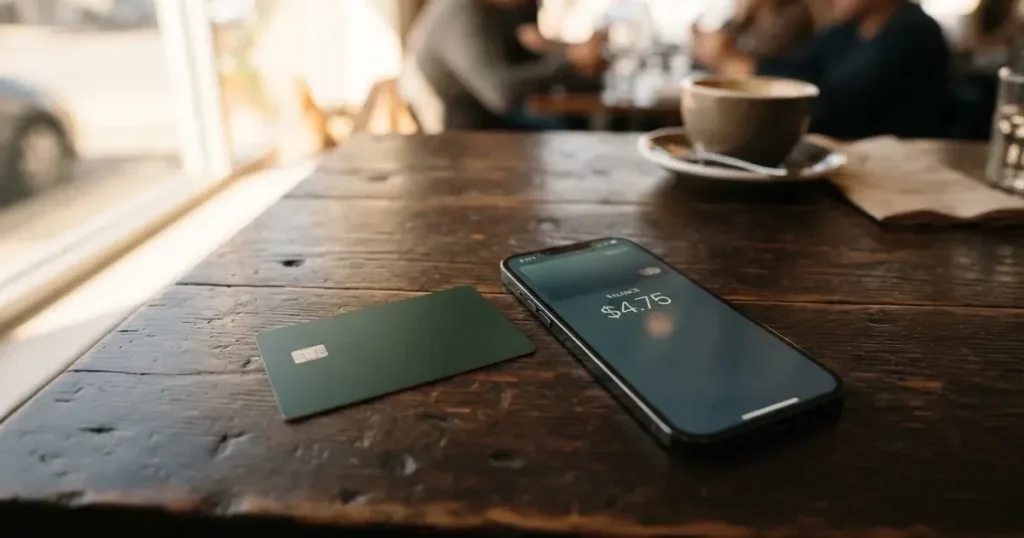
The KAST card is a Visa debit card that spends directly from a USD stablecoin balance, accepts Apple Pay and Google Pay, and ships as both a virtual and a physical card across a Visa Platinum, Visa Infinite metal, or gold-plated Visa Infinite tier. It is not a bank, and the issuer behind the card is not named on the pages you actually read. That single gap, who actually issues and holds the money, shapes everything that follows in this KAST card review.
I spent time with the membership pages, the help center, the app store listing, and the user reports. The fee schedule is competitive for spending USD from stablecoins, and the top-up options are unusually generous across networks. The trust signals are weak: no licence numbers on the pages I read, the operating entity is incorporated in Anjouan, governing law is Seychelles, and Trustpilot hovers between 2.5 and 2.7 with recurring complaints about frozen accounts. The result is a score of 6.1 out of 10, with a strong 9 for everyday use and a weak 3 for reliability.
Conditions on this page are current as of October 28, 2026.
Verdict
The KAST card suits people who already hold USDT or USDC across several networks and want to spend a USD balance through Visa with low conversion costs. If that is you, the fee structure, the multi-chain top-up support, and the mobile wallet integration are genuinely strong. If you do not already manage stablecoins across chains, the 0% top-up and 0% USD-spend advantage does not apply to you, and you are left evaluating a card with a weak trust profile and an unnamed issuer.
I would not put a large lifetime balance onto a KAST account. The score of 3/10 for reliability is not theoretical: a meaningful share of the user reports I read describe funds placed on hold shortly after deposit, with the company replying that its security and compliance systems triggered the restriction. The reverse side, frozen funds on a prepaid-style product, is the worst kind of payment surprise, and KAST’s pages do not give you a published reason list or a clear escalation path beyond a 24/7 concierge.
The card is a good fit for you if: you already self-custody or hold stablecoins, you spend mostly in USD, you are comfortable using Apple Pay or Google Pay, and you keep balances small enough that a freeze is an inconvenience, not a loss. The card is a bad fit if: you need a known bank-grade issuer, you live in a country where KAST does not support KYC, or you want large long-term balances and clear chargeback rights.
Score breakdown
| Criterion | Mark | Reason in one line |
|---|---|---|
| Who can get it | 5 / 10 | Country list only shown at KYC, not published; Visa itself is accepted in 170+ countries per the service |
| Cost | 6 / 10 | Standard plan is $0/year; spending USD from stablecoins costs 0%, but FX runs 0.5%–1.75% and ATMs charge $3 + 2% |
| Top-up options | 9 / 10 | USDT, USDC, PYUSD and RLUSD; USDT and USDC across Ethereum, Solana, Polygon, Arbitrum and TRON, 0% on the card side |
| Reliability and complaints | 3 / 10 | Issuer is not named, no licence numbers published, KAST Tech sits in Anjouan, and Trustpilot is in the 2.5–2.7 range with frozen-account themes |
| Everyday use | 9 / 10 | Virtual and physical card, Apple Pay and Google Pay, accepted across the Visa network including ATMs |
| Total | 6.1 / 10 | A strong card for a small, defined use case, held back by an unnamed issuer and visible user complaints |
The rest of this review goes through who can get one, what it really costs, how to top it up, what daily spending looks like, and where the risks sit. There is a comparison with TokenPocket, MetaMask Card, and Zeal, and a short FAQ at the end for the questions people actually type into search.
Will they give you the card
KAST does not publish a list of supported countries. The membership pages say the list is shown when you reach KYC, and add that “if your country isn’t listed, it means KAST is not available there.” That is the rule: until you start the verification flow, you do not know whether you are eligible. You can create an account from an unsupported country, but KYC stays locked and the card is not available.
A second rule sits on top of residence. The Terms refer to a “Restricted Locations” list, and the membership pages warn that “if you currently live in a supported country but only hold an ID from a restricted region, you may still be ineligible to pass KYC.” In other words, your ID document matters as much as your address. If you hold dual citizenship and one of your IDs is from a supported country, you can pass with that document. The rule is verified against your ID, not against your IP, and a VPN does not change the outcome.
Only the account holder’s own ID is accepted, which means no one can stand in for you at KYC. US residents are asked for an SSN as part of the higher KYC tier. The minimum age is the legal age in your country, which is 18 in most places.
In practical terms, this is a card you can only assess for eligibility by starting the sign-up. If you live somewhere with a poor banking alternative, that uncertainty is itself a cost. If you live somewhere with a normal bank, the closed country list, the unnamed issuer, and the Anjouan entity mean you may be better served elsewhere.
How to get it
The sign-up is a three-level KYC ladder. Each level unlocks more, and the card unlocks only once you have cleared the second level.
Level 1 is the account itself: phone number with an OTP, a PIN, an email, and your country of residence. You get app access but no card. Level 2 is where the card unlocks. You submit a government ID (passport, national ID card, or driver’s licence) that has to be valid, plus a selfie and a liveness check. From this point you can send and receive funds and order a card. Level 3 unlocks the USD and EUR account features and global payouts; it requires a proof of address and enhanced checks, with citizenship requested as part of that step. KAST may also ask for source-of-funds documents at any point.
Processing time and the official list of rejection reasons are not stated, beyond expired IDs being rejected and unsupported or restricted countries disqualifying you. What is on the page is procedural: app, KYC, order the card. What is not on the page is how long a review normally takes, which is the kind of detail that matters when you are planning a trip or an online purchase.
When the card is issued, you can have up to 10 cards on the account. The three core tiers are Visa Platinum on the Standard plan, Visa Infinite metal on Premium, and a gold-plated Visa Infinite on Private. There are also themed designs: Pengu, Solana, and Bitcoin. Your balance is denominated in USD, and stablecoin deposits convert 1:1 with no spread. If you want EUR as well, you need Level 3.
The physical card takes 7 to 10 business days to arrive. Standard pays $40 for delivery; Premium and Private include shipping. The countries KAST ships to and the cost of a replacement card are not stated.
What it really costs
The headline number is that the Standard plan is $0 a year and the card is free at issuance, with $40 for delivery of the physical card. After that, what you pay depends almost entirely on how you use the card and which currency you spend in. The fees section is the part of any KAST card review where it pays to slow down, because the cheap stuff and the expensive stuff sit next to each other on the same page.
The table below pulls together the published fees, with the source page in research so you can check the figure against your own use case.
Fees and limits
| Fee or limit | Amount |
|---|---|
| Standard annual membership | $0 |
| Premium annual membership | $1,000 |
| Private annual membership | $10,000 |
| Extra virtual card | $2 (in some regions, also $2 on included Standard virtuals) |
| Standard physical card | $0 card fee + $40 delivery |
| Premium/Private physical card | Included |
| Inactivity fee | $1/month after 12 months |
| Stablecoin top-up | 0% |
| Card spend in USD | 0% |
| Transaction fee | 0% |
| Apple Pay / Google Pay | 0% |
| Non-USD FX fee | 0.5%–1.75% (depends on residence, transaction country, and card programme) |
| Non-USD transactions under $25 | $0.10 |
| Declined transaction (insufficient balance) | $0.50 |
| ATM fee | $3 flat + 2% of amount, plus FX for non-USD |
| ATM withdrawal limit (concierge page) | Up to $500 per withdrawal; up to 3 withdrawals or $1,500 per 24 hours |
| ATM withdrawal limit (card marketing page) | $250 per withdrawal including fees; 3 withdrawals per rolling 24 hours ($750/day) |
| Card transaction limit | “Unlimited” (large transactions may be flagged for compliance) |
| Account deposit and balance limit | “Unlimited” (user can set lower limits in app) |
| KAST Tag transfers | Free, max $10,000/day, 5 transfers/day |
The two official pages disagree on the ATM limit, which I will come back to below. Renewal and reactivation fees exist; the amounts are not stated. For non-stablecoin tokens, the app may auto-convert on deposit at a fee shown in the app at the time, which is the part of the fee schedule you cannot pin down without actually opening the app on a real account.
Three everyday payments, walked through
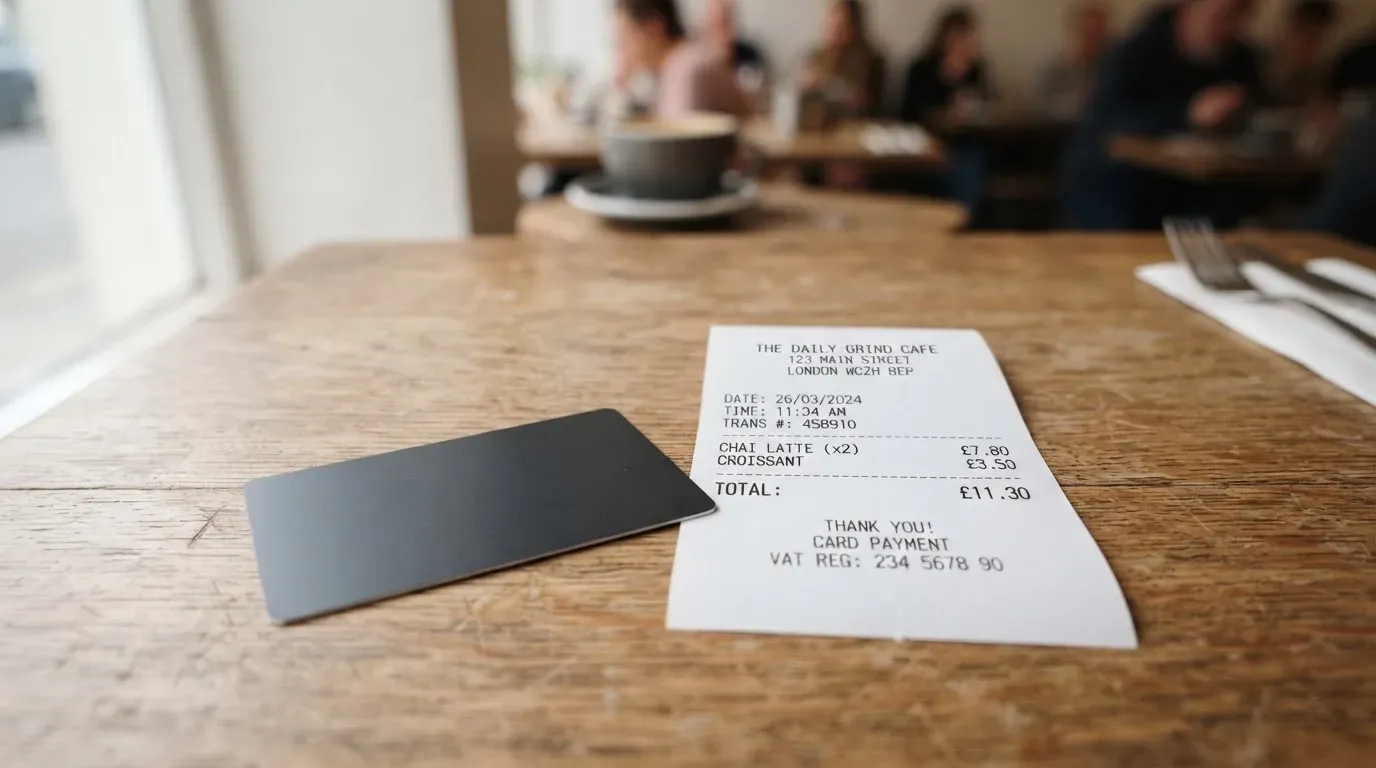
Paying $80 at a US supermarket with Apple Pay. The card is in USD, the merchant settles in USD, you top up with USDC on Solana. The relevant fees are the 0% top-up, the 0% transaction fee, and the 0% Apple Pay fee. The total cost on top of the supermarket bill is zero. This is the case the card is built for, and it is genuinely cheap.
Paying €60 for dinner in Berlin. The card is in USD, the merchant settles in EUR, you are spending a USDC balance. The relevant fee is the non-USD FX fee, which the membership pages put in the 0.5% to 1.75% range depending on your residence country, the transaction country, and the card programme. On a Standard plan from outside Europe, €60 could attract roughly €0.30 to €1.05 in FX. On a Premium or Private plan, the upper end of that range is less likely but still possible. There is no separate platform fee on top, so the only drag is the FX mark-up itself.
Taking out $200 from an ATM in Mexico City. This is the most expensive case in everyday use. The fee is $3 flat plus 2% of the amount, so $3 + $4 = $7 on top of what the ATM itself may charge, and if the ATM dispenses pesos you also pay the non-USD FX fee. A $200 withdrawal effectively becomes about $207 before any local ATM surcharge. If you only need cash occasionally, this is workable. If you rely on ATM cash, it is not.
The pattern across these three is what the membership pages already hint at: in USD, the card is hard to beat; in non-USD, the FX band is the whole story; at an ATM, the flat fee plus percentage is a meaningful drag on small withdrawals.
One practical note on the inactivity fee. After 12 months without activity, KAST charges $1 a month. If you keep a card as a backup, that $12 a year is worth budgeting for. The fee is small, but it is the kind of small print that erodes the headline “free” framing.
How to top up
Top-up is the strongest part of the KAST proposition, and it is the second reason the score sits where it does. You do not need a bank account. You send stablecoins to the wallet address KAST gives you, and they land in your USD balance at a 1:1 conversion with no spread and no fee on the KAST side.
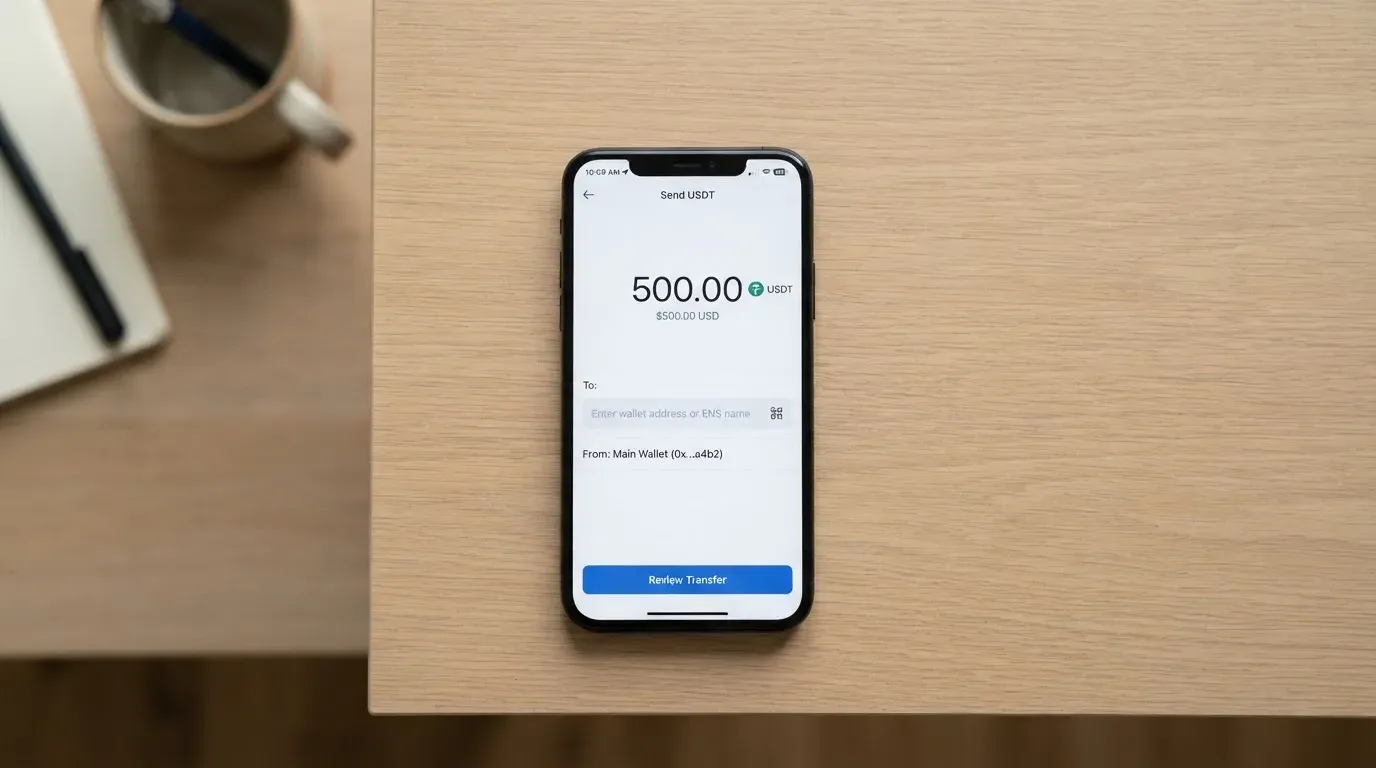
The supported stablecoins are USDT, USDC, PYUSD and RLUSD. USDT and USDC can be sent on five networks: Ethereum, Solana, Polygon, Arbitrum, and TRON. The app shows the current set of supported networks; the Terms of Service phrase the supported set as “currently USDT and USDC,” which conflicts with the marketing listing PYUSD and RLUSD as well, and is the kind of mismatch that matters when you are choosing a network to send on. Treat the in-app list as authoritative and assume the Terms are out of date.
Bank deposits are a separate path with a different cost shape. USD ACH is $2, FedWire is $15, and SWIFT is $30, with EUR SEPA at 0.5%. There is no published minimum top-up. Card transaction, account deposit, and account balance limits are listed as “Unlimited,” with the standard caveat that large transactions may be flagged for compliance and you can set lower limits yourself in the app.
On-chain network fees are charged by the blockchain, not by KAST, and they are not part of the 0% top-up. If you are sending USDT on Ethereum during a busy block, the gas alone can run into tens of dollars. Sending USDC on Solana, Arbitrum, or Polygon is materially cheaper, and is the path most users will pick for routine top-ups.
The card spends from your own balance, and each purchase is deducted straight away, not on a credit cycle. There is no overdraft, because the balance does not exist until you load it.
For withdrawals, stablecoin withdrawal fees are listed in research: Solana (USDT, USDC) is $1 + 0.1%, Arbitrum (USDC) is $0.20 + 0.1%, Ethereum (USDT, USDC) is $6 + 0.1%, Tron (USDT) is $5 + 0.1%, with a $5 minimum. What happens to your balance when the account is closed is not stated on the pages I read.
Paying with it every day
The card works wherever Visa is taken, and KAST’s pages put that at 150 million merchants across 170-plus countries, which is a marketing claim and a useful one to take at face value as the upper bound. The actual experience comes down to three things: how the card is presented, where you can tap it, and what happens at an ATM.
Apple Pay and Google Pay are supported on both the virtual and physical cards at no extra fee. Samsung Pay is not mentioned on the pages I read. Adding a card to a mobile wallet is the most common way people use a card like this, because the card number is replaced by a device-specific token and the merchant only sees that token, which means the underlying card number is not exposed if the merchant is breached.
The card behaves like a prepaid card: the balance is pre-loaded, each purchase is deducted immediately, and the card cannot overdraw. That has a few downstream effects. Some merchants apply a pre-authorisation hold, and a hold can briefly reduce your available balance even if the final charge is smaller. The hold can sit for several days, and if you budget tightly, that is the kind of friction worth knowing about. Authorisation holds, declines, and small balances are also where the $0.50 declined-transaction fee shows up; a handful of declined attempts in a row can rack up, and one Trustpilot complaint I read described a small balance pushed negative by repeated $0.50 fees.
On rewards, the published rates are 1.5% cashback on Standard for the first $2,000 a month, 2% on Premium for the first $10,000, and 3% on Private for the first $40,000. KAST Points add an extra 1% on Premium and 2% on Private. The Reserve programme pays rewards on balances, with rates that depend on the asset held, and the offer currently ends on 1 July 2027. Cashback is paid in USD when the transaction is authorised, which is the right time to credit it. SOL staking pays points at a rate of 0.25 per 1 SOL every two days on Standard and 0.5 on Premium and Private.
The app is listed on the App Store as “KAST: Global USD Account” by Troia Limited, with a rating of 3.97 from 276 ratings and an update on 8 October 2026. The Google Play rating was not read for this review. The Terms prohibit a list of merchant categories including weapons, controlled substances, Ponzi/pyramid/MLM, counterfeit goods, darknet and Tor purchases, adult content, and pseudo-pharmaceuticals. Gambling is not explicitly called out, which is unusual for a card that targets a global user base, and the absence is worth flagging: whether you can use the card at a betting site depends on the issuer’s policy at the time, not on KAST’s marketing.
The dispute process is governed by the Terms, which give you 90 days from the transaction to raise an issue, and the company’s liability is capped at $500. That cap is well below typical card network chargeback protections, and it is a clause to read carefully before relying on the card for high-value purchases. The full chargeback process is not described on the pages I read.
What can go wrong
The first risk is the one the score is built on. KAST says it is “a financial technology company, not a bank,” and that the cards, custody and on-ramp are “provided by licensed partners.” The Terms name the operating entity as KAST Tech (Reg No. 16223), incorporated in Anjouan, Comoros, with governing law in Seychelles and arbitration in Singapore at SIAC. The partners named in the Terms are Tazapay and BitGo, and the homepage logos include Stripe, Privy, Fireblocks, Visa, Sardine and Elliptic. The actual card issuer and BIN sponsor are not named; the Terms describe them as “one of our Partner.” On the membership pages there are no licence numbers, no regulator name, and no link to a public register. That is the trust gap, and it is the reason reliability scores 3/10.
The second risk is user reports. Trustpilot scores sit in the 2.5 to 2.7 range across regional pages, with a rough 170 reviews at the time of reading. The recurring themes are: accounts frozen or restricted shortly after deposit, with funds placed on hold; repeated $0.50 declined-transaction fees pushing small balances negative; ATM transactions that did not dispense but did debit; and repeated document requests on routine self-transfers. Positive reviews praise low fees and stablecoin spending, which is the same feature that makes the card attractive and is not in tension with the negative themes. KAST replies to most negative reviews saying accounts can be restricted by its security and compliance systems.
The third risk is a category risk that any crypto card carries. Prepaid-style cards depend on the underlying issuer, and Visa has historically suspended programmes: WaveCrest was suspended in Europe in 2018, which closed every WaveCrest-issued Visa card; FTX’s US debit card was wound down after Visa terminated its global agreements in November 2022. A programme closure typically gives a notice window, then stops new loads, then stops spending, and asks users to withdraw their balance. KAST’s pages do not describe what would happen to balances in such a scenario, and the lack of a published process is the part you would most want to read first.
The fourth risk is operational. The two official pages disagree on the ATM limit: the concierge help page says up to $500 per withdrawal and $1,500 per 24 hours; the card marketing page says $250 per withdrawal including fees, and $750 per 24 hours. If you plan to use the card for cash, the practical answer is to assume the lower number until you have read the in-app confirmation screen for your own account. Smaller risks worth a mention: Samsung Pay support is not stated, so do not assume it works; 2FA, card freeze, and insurance are not described on the pages I read; only Premium and Private pick up the Visa Infinite benefits, and those benefits need registration on the Visa Benefits portal.
Finally, an FX and a network note. The non-USD FX fee of 0.5% to 1.75% is set per residence, per transaction country, and per card programme, so you cannot generalise across users. And on the network side, USDC is no longer natively supported on TRON after Circle stopped supporting it in February 2024, which means “USDC over TRC20” is not a KAST option even if you see the address advertised elsewhere.
What to take instead
Three alternatives cover most of the ground KAST covers, and each trades off something different.
TokenPocket
TokenPocket’s TP Card is a Visa or Mastercard debit that runs on Arbitrum, with balances in EUR24 and USD24, and is virtual only. The card is available in a list of European countries for Visa and in a separate list that includes Australia, Canada, Hong Kong, Japan, Taiwan, New Zealand, Singapore, South Korea and the UK for Mastercard, with the Americas listed as planned. TokenPocket charges a 1% fee on crypto deposits, which the project says is refunded later through rewards or reduced transaction fees, and an “Apart from these, TP Card does not charge any additional fees” line on the same page. FX fees are not stated, and extra fees can come from inter-institution settlement. There is no published cashback rate, and the main advantage over KAST is the explicit list of supported countries. The main disadvantage is the 1% deposit fee and the lack of a published FX schedule.
MetaMask Card
The MetaMask Card is a Mastercard issued by Monovate, with Crypto Life as card provider, and one card per user. The virtual card is free, and the Metal tier costs $199 a year. Sign-up is open in 45 listed countries and territories, including Andorra, Argentina, Brazil, Canada, Mexico, Germany, France, Spain and Uruguay, with other regions on a waitlist; US and UK sign-ups are temporarily closed per the FAQ. Proof of residency is required, and “ineligible regions limit sign-ups, not spending.” The card spends directly from the connected wallet across Linea, Base, Monad and Solana, and the named tokens include mUSD, wETH, EURe, GBPe, USDC and USDT. Fees are described as a “minimal fee for each transaction” with a linked fee table, no MetaMask fees on top, no foreign transaction fee, and the Mastercard rate for FX. Cashback is paid in mUSD into the Money Account: 1% on Virtual, headline 3% on Metal with a footnote that limits the 3% to the first $10,000 spent and then drops to 1%. There is also a $FLY bonus via the Blackbird dining app. Compared with KAST, MetaMask Card is more transparent about who issues it and offers self-custody spending; the cost of Metal is high, and the eligible-country list, while published, is not exhaustive.
Zeal
Zeal is the consumer app on top of the Gnosis Pay programme: a Visa card with a virtual card for online use that adds to Apple Pay, accounts in EUR, USD and GBP, and a published “up to 4% cashback paid in GNO.” The card is live in the EU, UK, Brazil, Colombia, Mexico, Japan, Singapore, the Philippines, Indonesia and Thailand, with Zeal’s update notes adding Mexico, Colombia and Bolivia. Zeal itself does not charge an extra FX fee, and conversion is at the Visa wholesale rate; Gnosis Pay programme fees (including ATM) still apply. To qualify for the 4% cashback, GNO has to be held in the card Safe, and the rate can change. The App Store also advertises up to 5% variable APY on EUR and USD balances. Compared with KAST, Zeal offers a clearer payments stack (Gnosis Pay is the card programme), published country coverage, and a self-custody Safe behind the card; the cashback rate depends on holding a token that is not stable.
KAST versus the alternatives
| Card | Score | Issuer named | Top-up | Card fees | Cashback | Country list |
|---|---|---|---|---|---|---|
| KAST | 6.1 / 10 | Not named on the pages read | USDT, USDC, PYUSD, RLUSD across 5 chains, 0% | 0% USD spend; FX 0.5%–1.75%; ATM $3 + 2% | 1.5% / 2% / 3% on Standard / Premium / Private | Not published |
| TokenPocket | 5.8 / 10 | Fiat24 (implicit) | Crypto via TokenPocket on Arbitrum, 1% deposit fee | “No additional fees” beyond deposit; FX not stated | None stated | EU for Visa; AU, CA, HK, JP, TW, NZ, SG, KR, UK for Mastercard |
| MetaMask Card | 7.1 / 10 | Monovate (Crypto Life as provider) | Linea, Base, Monad, Solana, direct from wallet | “Minimal fee per transaction”; no MetaMask fees; no FX fee | 1% Virtual; 3% Metal up to $10,000 | 45 listed countries; US/UK temporarily closed |
| Zeal | 6.1 / 10 | Gnosis Pay programme | EUR, USD, GBP stablecoin balances | No Zeal FX fee; Gnosis Pay ATM fees apply | Up to 4% in GNO | EU, UK, BR, CO, MX, JP, SG, PH, ID, TH |
If your priority is multi-chain top-up with the cheapest USD spending, KAST has the edge. If your priority is a named issuer and self-custody, MetaMask Card or Zeal are the closer fit. TokenPocket is the right call if you are already in the TokenPocket wallet and live in a listed country.
Who I would recommend it to
I would recommend KAST to a specific reader, and I would actively steer a different reader away. The first reader holds USDT and USDC across Ethereum, Solana, Polygon, Arbitrum and TRON, already has a self-custody or exchange wallet, and wants to spend a USD balance through Apple Pay or Google Pay without paying a spread on conversion. That reader will find the 0% top-up, the 0% USD spend, the network coverage, and the Standard plan’s 1.5% cashback on the first $2,000 a month genuinely useful, and the 9/10 top-up and 9/10 everyday use marks reflect that. The risks still apply, so I would cap the balance at an amount the reader could afford to lose or have frozen for a compliance review without real harm, and I would not use KAST as a primary bank.
The second reader is anyone who needs a known, licensed issuer with published chargeback rights, a clear closure process, and large or long-term balances. KAST’s pages do not name the card issuer, do not list licence numbers, and cap the company’s dispute liability at $500, which is below what a typical Visa chargeback provides. The Anjouan incorporation and the SIAC arbitration clause in the Terms tell you where the legal exposure sits, and the Trustpilot themes tell you what the operational experience has looked like for a meaningful share of users. For that reader, MetaMask Card, Zeal, or any of the EMIs that publish an EU or UK licence number, is a more honest fit.
There is also a middle group: people who can live with a small, defined balance on KAST, and use MetaMask Card or a regular bank-issued card as their primary payment method. That combination is the most defensible way to use KAST at the time of writing, because it keeps the cost advantage of KAST’s stablecoin-to-USD path on a small recurring spend, and limits the downside if a programme event or a compliance review hits the account.
Frequently asked questions
What is the KAST card?
The KAST card is a Visa debit card, available as virtual or physical, that spends from a USD balance funded by stablecoin deposits. It comes in three tiers: Visa Platinum on Standard, Visa Infinite metal on Premium, and a gold-plated Visa Infinite on Private, with themed designs also available.
How does the KAST card work?
You create an account, complete KYC to Level 2, order a card, and top it up by sending USDT, USDC, PYUSD or RLUSD to a wallet address. The stablecoins convert 1:1 to USD with no spread, and each card purchase deducts straight from that balance. There is no credit line, and the card cannot overdraw.
Is KAST a bank?
No. KAST describes itself as “a financial technology company, not a bank,” with cards, custody and on-ramp “provided by licensed partners.” The Terms name KAST Tech (Reg No. 16223), incorporated in Anjouan, Comoros. The card issuer and BIN sponsor are not named on the pages I read.
Is the KAST card available in my country?
The country list is shown at KYC, not published. If your country is not listed, KAST is not available there. Your ID document matters as well as your residence: holding an ID from a restricted region can disqualify you even if you live in a supported country.
How do I get a KAST card?
Install the app, create an account with phone, PIN and email, complete Level 2 KYC with a government ID and a selfie, and order a virtual or physical card. The physical card takes 7 to 10 business days to arrive and costs $40 for delivery on Standard; Premium and Private include shipping.
Does the KAST card require KYC?
Yes. Level 1 unlocks the app, Level 2 unlocks the card and requires an ID plus a liveness check, and Level 3 unlocks USD and EUR accounts and global payouts with a proof of address and enhanced checks. US residents provide an SSN at the higher level.
How do I add the KAST card to Apple Wallet or Google Pay?
Apple Pay and Google Pay are supported on both virtual and physical cards at 0% fee. The exact add-card flow is in the app once the card is issued. Samsung Pay support is not stated on the pages I read.
How do I top up the KAST card?
Send USDT or USDC on Ethereum, Solana, Polygon, Arbitrum or TRON, or PYUSD or RLUSD where supported, to the wallet address shown in the app. Stablecoin top-up is 0% on the KAST side; you still pay the network’s own gas. Bank deposits are also supported: USD ACH $2, FedWire $15, SWIFT $30, EUR SEPA 0.5%.
Is the KAST card safe?
The card uses standard mobile-wallet tokenisation, and you can set your own spend limits in the app. The published safety story has gaps: the issuer is not named, no licence numbers are on the pages I read, and recurring user reports describe frozen accounts, repeated declined-transaction fees, and slow support. The company’s dispute liability is capped at $500 in the Terms.
How do I delete my KAST account?
The exact account-deletion flow is not described on the pages I read; in practice you would close the card, withdraw any remaining stablecoin balance (network fees apply, minimum $5), and request account closure through the app or [email protected]. The handling of any residual balance on closure is not stated.
Wallet card reviews – cryptocardcheck
Content created by the «cryptocardcheck» team